
 CX Genie
Support Ticket System Pricing, The All-In Cost Worksheet and Scenario Calculator
Estimate support ticket system pricing in minutes with an all-in worksheet, scenario math, and a vendor questions checklist to avoid hidden costs.
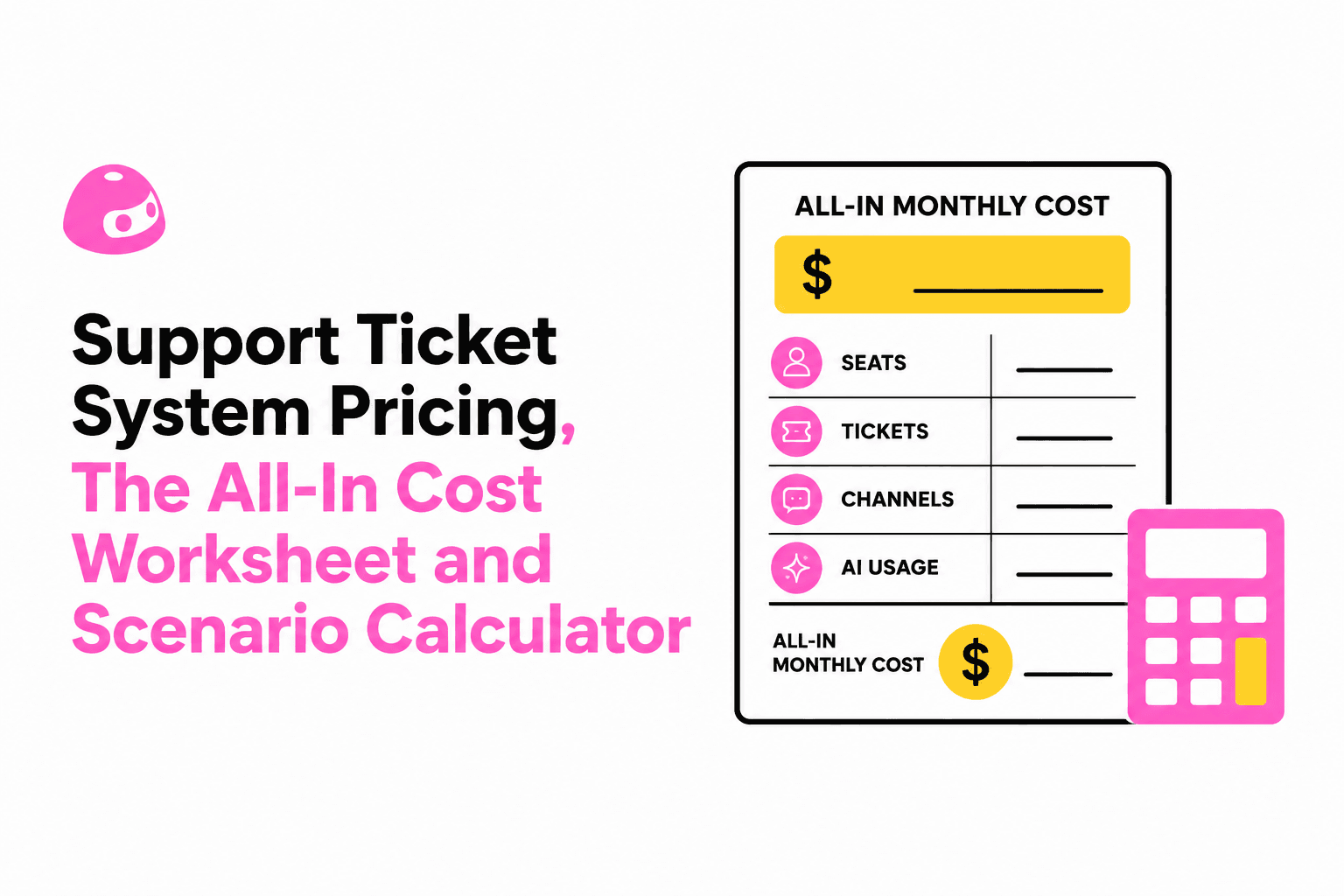
Support ticket system pricing is predictable when you normalize seats, tickets, channels, and AI usage into a single worksheet that outputs an all-in monthly number you can validate in a demo and vendor quote.
- Normalize pricing language first: define seat types, ticket volume, channels, and AI units so quotes become comparable.
- Use an all-in worksheet: base plan + channels + add-ons + mandatory onboarding + overages, then convert to an effective monthly cost.
- Stress-test scenarios for 3, 10, and 25 agents: run ticket spikes and AI deflection sensitivity so the contract matches reality.
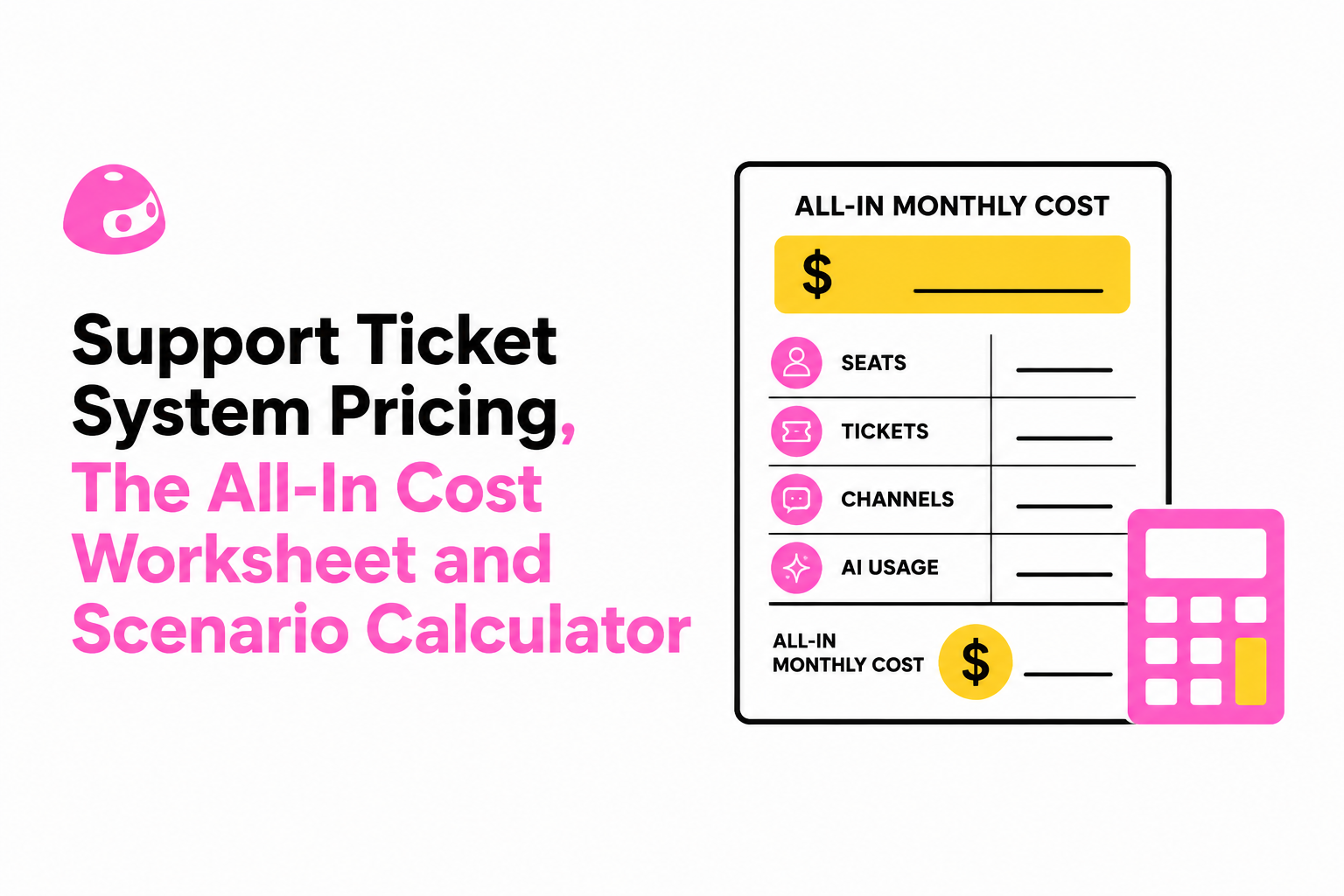
Start With a Single Pricing Language, Seats, Tickets, and AI Usage
Support ticket system pricing becomes comparable only after you translate every vendor quote into the same four variables: seats, ticket volume, channels, and AI usage.
1) Normalize “seat” vs “agent” vs “user” in writing
In contracts, “agent” often means a paid license that can work tickets, while “user” can mean an end customer (free) or an internal requester (sometimes paid). To avoid apples-to-oranges comparisons, write your own definitions at the top of your worksheet and force every vendor into them:
- Agent seat (paid): anyone who can view, reply, assign, merge, close, or edit tickets.
- Lite seat (sometimes paid): can comment or view but not respond externally.
- Requester/end user (usually free): customers submitting tickets.
- Admin (sometimes paid, sometimes bundled): user management, security, routing rules.
Procurement pitfall: a quote that looks cheaper because it prices “agents” but requires a higher minimum number of “seats,” or counts supervisors as paid seats even if they do not answer tickets.
2) Define ticket volume the same way vendors bill it
Ticket volume can be measured as created tickets, solved tickets, active conversations, or contacts. Make the vendor state which one drives limits or overages, and document it in the quote. Use a simple operational definition for planning:
- Monthly tickets created: count every new case, including auto-created email threads and form submissions.
- Reopens: clarify whether reopening counts as a new ticket or a continuation.
- Merges: confirm whether merged child tickets still count toward volume.
What surprised our team was how often “ticket” meant “conversation thread,” which inflated counts for email-heavy support where customers reply multiple times.
3) List channels as cost drivers, not feature checkboxes
Channels are commonly priced three different ways, and the billing model changes the all-in number more than most teams expect:
- Included: email + web form included, chat/social add-ons optional.
- Per-channel add-on: WhatsApp, Facebook/Instagram, SMS, voice, and sometimes live chat priced separately.
- Bundled tiers: “omnichannel” only at higher tiers.
Write down the channels you actually need for the next 12 months (not the wish list) and count how many will be staffed. A channel that is technically enabled but not staffed still creates ticket volume and SLA risk.
4) Translate “AI” into a measurable unit you can forecast
AI is usually priced as one or more of the following: resolution actions, assistant messages, automation runs, or knowledge base suggestions. Instead of debating labels, model two numbers:
- AI handled interactions per month: the subset of tickets or chats where AI drafts or resolves.
- AI deflection rate: the percentage of inbound that never becomes an agent ticket because self-service or AI answers it.
Forecasting rule that keeps estimates sane: start with a conservative deflection assumption (for example, “only repetitive FAQs”) and treat anything higher as upside, not as a requirement to make the budget work.
The All-In Cost Worksheet, Base Plan Plus Channels Plus Add-Ons Plus Overages
Support ticket system pricing should be approved using an all-in worksheet that converts every fee into an effective monthly cost and flags mandatory extras before you sign.
Step A: Fill the worksheet inputs (10 fields)
Copy this into a spreadsheet and fill in your best-known numbers:
- Paid agent seats: ___
- Lite seats (if any): ___
- Monthly tickets created: ___
- Ticket spike factor: ___% (use 20% if unsure)
- Channels needed: email, form, chat, social, WhatsApp, SMS, voice (check)
- Business hours coverage: 5x8 / 5x12 / 24x7
- AI interactions per month: ___
- Expected AI deflection: ___%
- Implementation requirement: self-serve / paid onboarding / partner
- Contract term: monthly / annual / multi-year
If you have not mapped your workflow yet, do not guess in a vacuum. Use the routing, fields, and SLA blueprint from support ticket system setup to make volume and staffing assumptions defensible.
Step B: Convert vendor pricing into four buckets
Most quotes can be decomposed into this structure:
- Base plan cost (often per seat, sometimes flat)
- Channel costs (bundled or add-on)
- Add-ons (reporting packs, audit logs, sandbox, advanced roles)
- Overages and mandatory fees (AI overages, ticket caps, onboarding)
To keep this procurement-friendly, require each line item to be labeled as one of: optional, required for your use case, or required by vendor. The third category is where surprises hide.
Step C: Compute effective monthly cost (including annual discounts)
Use this formula so annual plans compare fairly to month-to-month:
- Effective monthly cost = (Annual subscription + mandatory annual fees) / 12 + monthly add-ons + expected monthly overages
Include onboarding and migration as amortized cost if it is a one-time fee. Example structure:
- Onboarding fee amortized = one-time fee / 12 (for first-year budget) or / 36 (if you treat it as a 3-year investment)
Step D: Add an overage guardrail line, even if the vendor says “unlimited”
Overages are usually triggered by one of three things: extra seats, AI usage beyond included units, or ticket volume beyond caps. In our experience working with SaaS support teams, the cleanest guardrail is to budget one spike month per quarter at your spike factor, then ask the vendor to quote what that month costs under your contract.
When a vendor claims “unlimited tickets,” confirm whether that excludes specific channels (for example, chat sessions) or excludes high-volume API ingestion.
Scenario Calculator Table for 3, 10, and 25 Agents With Realistic Workloads
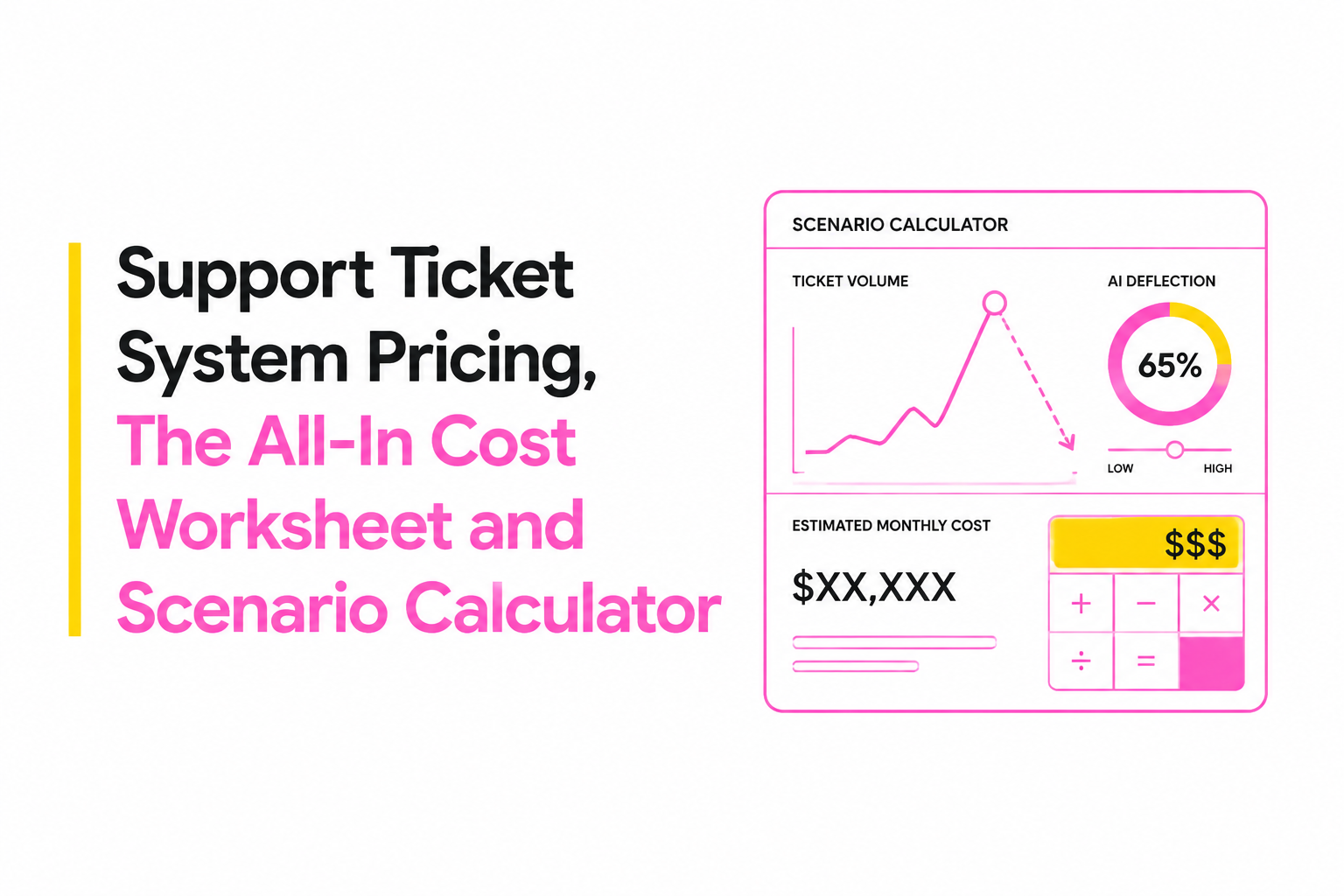
Support ticket system pricing decisions get safer when you run three staffing scenarios and two sensitivity tests: ticket spikes and AI deflection variance.
Assumptions you can safely reuse across vendors
- Tickets per agent per month (baseline): small teams often run 250 to 600 depending on complexity; use your historical data if available.
- Spike month: +20% tickets created.
- AI deflection sensitivity: compare 0%, 10%, 25% deflection on inbound.
Do not treat these as industry averages you must match. Treat them as placeholders that force the vendor to price your reality.
Fill-in scenario table (use it as a calculator, not as “the answer”)
Enter your vendor’s per-seat price, channel add-ons, and included AI units. The outputs are your effective monthly costs and your “spike month” costs.
| Scenario | Agent seats | Baseline tickets/month | Spike tickets/month (+20%) | AI deflection tested | Worksheet outputs to capture |
|---|---|---|---|---|---|
| Small | 3 | ___ (ex: 900) | ___ (ex: 1,080) | 0%, 10%, 25% | Effective monthly, spike-month total, overage trigger |
| Growth | 10 | ___ (ex: 3,000) | ___ (ex: 3,600) | 0%, 10%, 25% | Effective monthly, spike-month total, channel costs |
| Mid-market | 25 | ___ (ex: 7,500) | ___ (ex: 9,000) | 0%, 10%, 25% | Effective monthly, onboarding, security add-ons |
How to interpret the sensitivity results
- If the spike month increases cost materially: negotiate a higher included ticket or AI unit buffer, or a capped overage.
- If AI deflection reduces cost only slightly: your plan is seat-dominated, so focus on seat types, minimums, and role-based access needs.
- If AI deflection reduces cost a lot: your plan is usage-dominated, so confirm metering, rounding, and how “AI interactions” are counted.
We initially assumed AI savings would always show up directly in the invoice, but usage-based pricing can shift the spend from seats to AI units, so the contract language matters as much as the tooling.
What Teams Complain About in the Real World and How to Avoid Surprise Costs
Support ticket system pricing surprises usually come from five contract mechanics: add-on creep, seat minimums, channel exclusions, usage overages, and onboarding scope changes.
Five surprise-cost traps and the exact confirmation question
- Add-on creep: features you assumed were standard are priced as packs.
Ask: “List every required add-on for roles, analytics, audit logs, and knowledge base for our use case, in writing.” - Seat minimums: you pay for 10 even if you have 6, or must buy admin seats.
Ask: “What is the minimum billable seat count by plan, and do supervisors count as paid seats?” - Channel exclusions: omnichannel is marketed but only one channel is included.
Ask: “Which channels are included in our plan, and which require add-ons or higher tiers?” - AI overages and metering: billed per message, per action, per resolution, or per automation run.
Ask: “Provide the unit definition, rounding rules, and overage rates, plus a sample invoice calculation for our scenario.” - Onboarding scope drift: “standard onboarding” does not include data migration, SLAs, or integrations.
Ask: “What is included in onboarding, what is out of scope, and what is the hourly rate for extras?”
Vendor quote checklist you can paste into email
- Confirm billing units: agent seats, lite seats, requesters, tickets, AI interactions.
- Confirm caps: ticket volume caps, AI included units, API rate limits if relevant.
- Confirm pricing term: monthly vs annual, renewal increases, and price protection.
- Confirm security needs: SSO, audit logs, data residency, role-based access and whether they are add-ons.
- Confirm support: SLA for vendor support, escalation path, and included support channels.
If you need a structured way to evaluate vendors beyond price lines, use the framework in support ticket management software to align pricing to workflow fit.
Support Help Desk vs IT Service Desk Pricing, Don’t Pay for the Wrong Category
Support ticket system pricing differs dramatically between a customer support help desk and an IT service desk, so choosing the wrong category forces you to pay for features you will not use.
A decision tree to classify what you actually need
- If you support external customers and care about omnichannel, CSAT, and a knowledge base: you are in help desk territory.
- If you support internal employees and need asset management, change control, and ITIL workflows: you are in service desk territory.
- If you do both: decide whether you need two workflows in one tool or separation by department, then price both options.
For a quick diagnostic, compare definitions and workflow implications in service desk vs helpdesk.
What typically raises price in each category
- Help desk price risers: more paid agents, more channels, advanced analytics, and automation volume.
- Service desk price risers: asset and configuration management, change management workflows, approvals, and enterprise security controls.
Practical check: if your requirements doc includes “CMDB,” “problem management,” and “change advisory,” you are likely paying service desk pricing; if it includes “inbox,” “SLAs,” “macros,” “CSAT,” and “omnichannel,” you are likely paying help desk pricing.
Keep your scope consistent with your definition of “ticket”
Customer support tickets often come from email, chat, and social; internal IT tickets often come from a portal with structured request types. That difference affects how vendors meter tickets, which loops back into your support ticket system pricing worksheet.
How CX Genie Pricing Should Be Evaluated Using the Same Worksheet
Support ticket system pricing for CX Genie should be evaluated by mapping your seat counts, required channels, and AI usage into the same all-in worksheet so you can validate assumptions in a demo and receive a confirmable quote.
Map CX Genie to the worksheet cost drivers (so the quote is decision-ready)
CX Genie positions itself as a unified customer engagement flow from marketing automation through after-sale customer support, so two cost drivers matter in your worksheet beyond basic seat counts:
- Channel footprint: document which customer touchpoints you will staff (for example, web chat plus email) and which should remain self-service.
- Automation and AI usage: identify where AI drafts replies, suggests knowledge base content, or deflects repetitive questions, then forecast usage using the same “AI interactions” line you used for other vendors.
Use the worksheet to turn “features” into measurable ROI inputs
To keep evaluation procurement-friendly, translate the platform story into numbers you can defend:
- Deflection impact: if AI and self-service prevent tickets from reaching agents, the measurable output is reduced agent workload or delayed hiring, not just “AI enabled.”
- Lifecycle tracking: if ticket lifecycle visibility reduces reopened tickets, measure it as fewer repeat contacts and lower time-to-resolution.
- Analytics value: if reporting helps you find top ticket drivers, track it as fewer incoming tickets after product fixes, not as a dashboard count.
If your team is still aligning on the basics, point stakeholders to what is ticketing system so the pricing discussion does not derail into terminology.
Contract confirmation points to request from CX Genie (and any vendor)
- Exact definition of a paid seat and whether role-based access affects seat types.
- Which channels are included vs priced separately, and what “omnichannel” means in the plan you are quoting.
- AI unit definition, included amounts, and overage rates with an example invoice calculation.
- Onboarding scope: ticket field mapping, SLA setup, routing rules, knowledge base import, and any migration support.
For teams that also evaluate event-style tools, avoid confusion between event ticketing and support workflows by separating requirements using online ticketing system criteria before you finalize vendor comparisons.
| Worksheet line item | What to request in the quote | What to validate in the demo |
|---|---|---|
| Seats | Seat types, minimums, admin access rules | Role permissions, supervisor access, reassignment workflow |
| Channels | Included channels vs add-ons, any per-channel fees | How each channel creates tickets, SLA behavior by channel |
| AI usage | AI unit definition, included units, overages | AI draft quality, deflection paths, knowledge base integration |
| Onboarding | Scope, timeline, fixed fees vs hourly | Migration plan for fields, macros, and reporting continuity |
FAQ on estimating all-in pricing
How many times should support ticket system pricing be modeled before choosing a plan?
Model at least three scenarios: your current staffing and volume, a spike month (+20% tickets is a practical default), and a 12-month growth case. If the all-in cost changes materially between scenarios, negotiate caps or buffers before signing.
What is the fastest way to compare two vendors with different “AI” pricing models?
Force both vendors into one unit: estimated AI interactions per month plus an explicit deflection assumption. Ask for a sample invoice calculation that shows included units, overage rates, and rounding rules.
Should onboarding be included in support ticket system pricing approval?
Yes. Treat onboarding as mandatory if you need field mapping, SLA setup, routing rules, or data migration. Amortize one-time onboarding over 12 months for first-year budgeting so your effective monthly cost reflects real cash outlay.
What contract terms most often create surprise costs?
Seat minimums, channel exclusions, and usage overages are the most common. Require the vendor to list required add-ons, define the billing unit for tickets and AI, and quote a spike-month cost under your projected peak volume.
Bring your completed worksheet to a CX Genie demo to confirm seat counts, required channels, AI usage assumptions, and onboarding scope, then request a written quote that matches your scenario table so you can approve support ticket system pricing with cost certainty.
Read Next
View all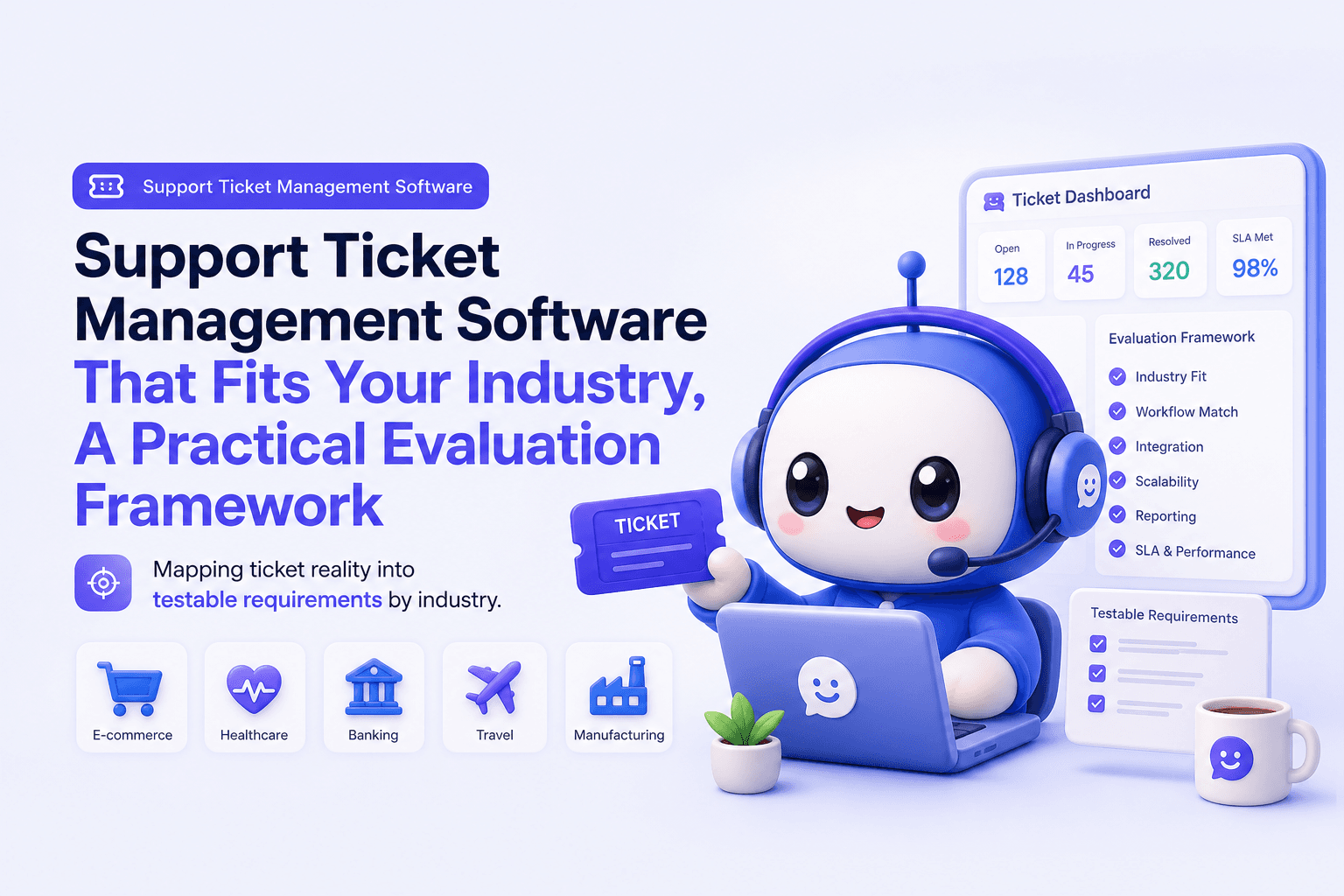
Support Ticket Management Software That Fits Your Industry, A Practical Evaluation Framework
Choose support ticket management software by industry with a 30-day scorecard, SLA and routing checklist, and KPIs to prove impact.

How Pennylane turned industry events into fully booked AE calendars with lemlist
How Pennylane turned industry events into fully booked AE calendars with lemlist
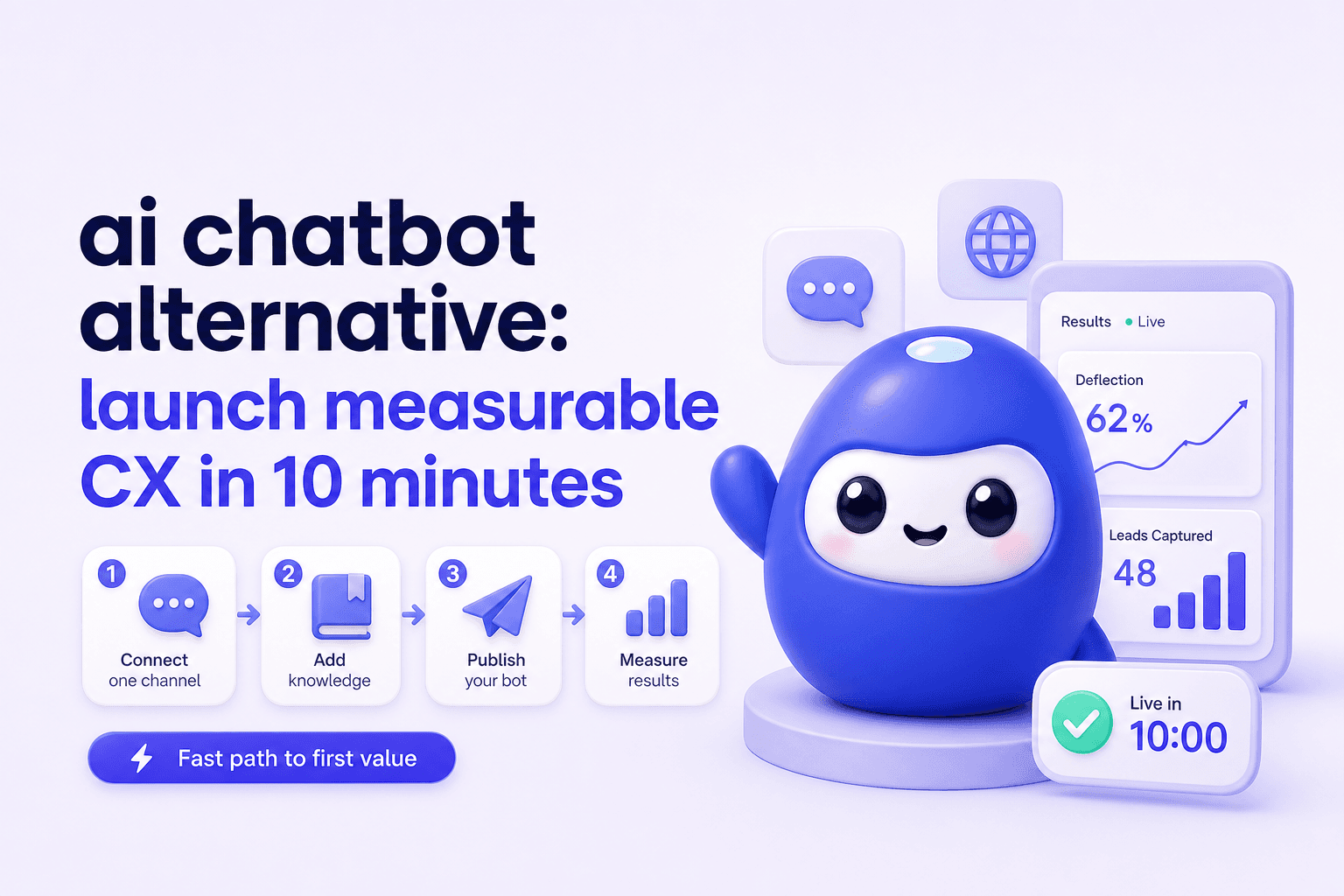
ai chatbot alternative: launch measurable CX in 10 minutes
Need an ai chatbot alternative? Go live in under 10 minutes, track deflection and leads, then scale with team roles, routing, and reporting.