
 CX Genie
What Is Ticketing System Software? Definition, Examples, and How It Works
Learn what is ticketing system software, what a ticket contains, how the lifecycle works, and how to choose the right tool for your team.
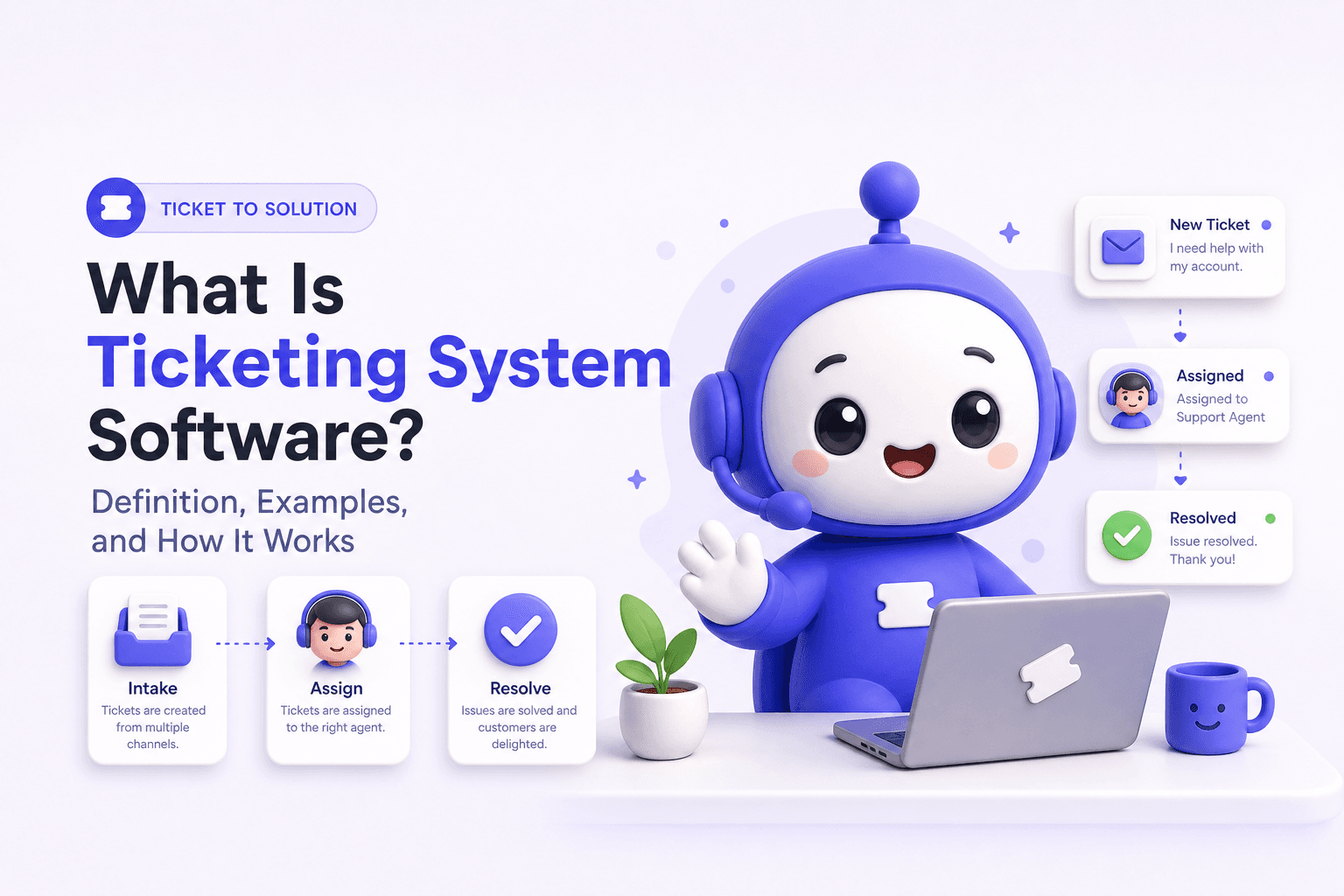
If you have ever lost track of a customer email, forgotten an IT request, or had two people reply to the same issue, you have already felt the need behind what is ticketing system software. In plain English, it is a structured way to capture requests, assign ownership, track progress, and prove resolution with a searchable record.
- A ticketing system turns requests into trackable “tickets” with an owner, priority, and history so work does not get lost.
- The ticket lifecycle (intake → triage → assign → work → resolve → report) is what makes support predictable and measurable.
- Choose based on volume, channels, SLA needs, and reporting, not just “features”.
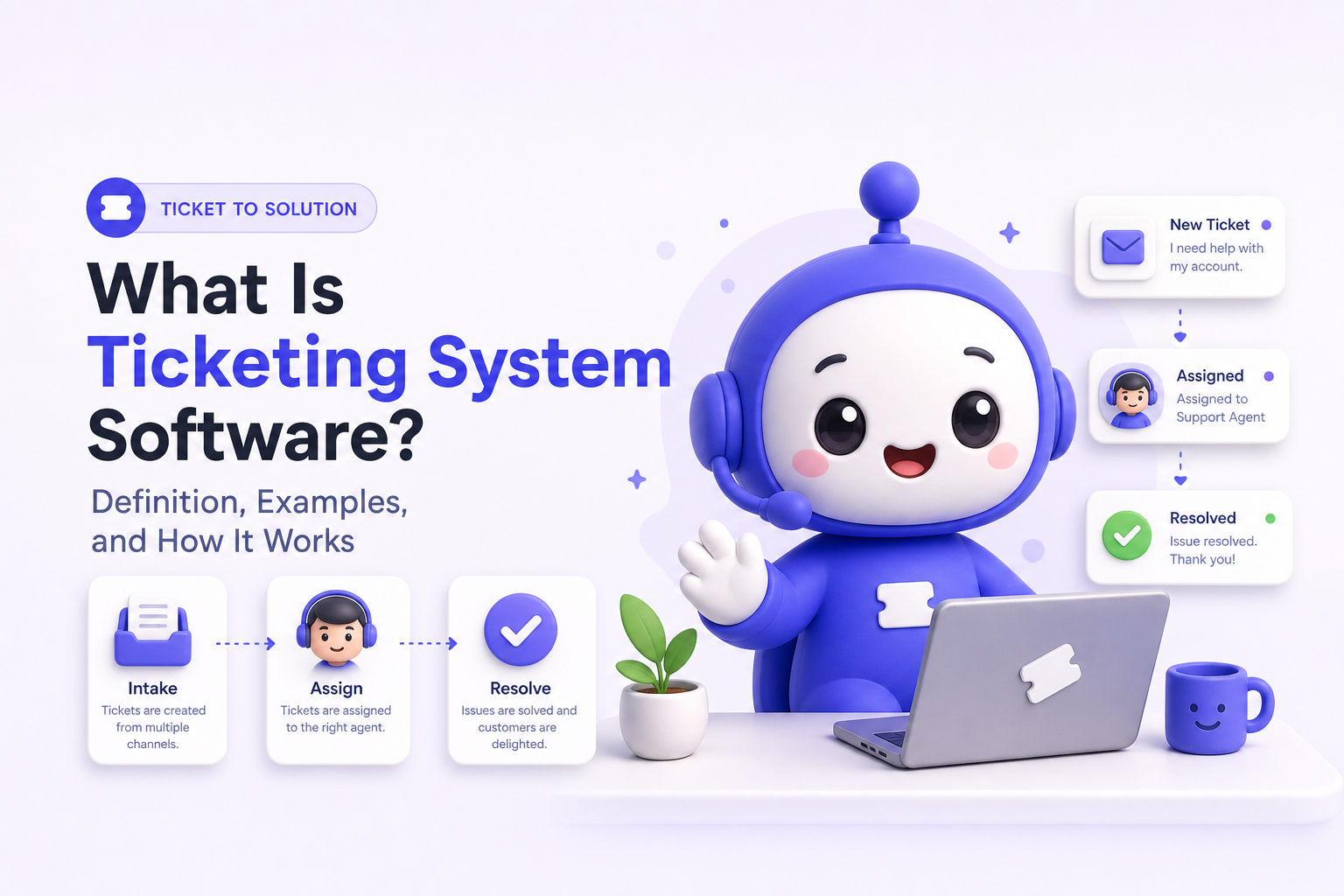
What Is a Ticketing System, Really
A universal definition (not just for IT)
What is ticketing system software at its core? It is a workflow tool that converts incoming requests into standardized records (tickets) so a team can:
- Capture every request from any channel (email, web form, chat, phone notes, internal portal).
- Route it to the right person or queue.
- Track status, time, and accountability.
- Resolve with documented actions and outcomes.
- Report on volume, speed, and common issues.
When teams typically need one (a quick threshold checklist)
You usually “outgrow” ad hoc handling (shared inboxes, spreadsheets, chat threads) when 2 or more of these are true:
- You handle requests across multiple channels (email + chat + web form).
- More than 2 people respond to the same queue and customers get duplicate or conflicting replies.
- You need service level agreements (SLAs) like “respond within 4 hours”.
- You cannot answer basic questions like “How many requests are open?” or “What is our average time to resolution?”
- Requests require handoffs (support to engineering, IT to security, HR to payroll).
What a Ticket Is Made Of and Why Those Fields Matter
A practical ticket template you can copy
A ticket is more than a message. It is a structured record designed for action, accountability, and reporting. Here is a sample template with the fields that typically matter most:
| Field | Example value | Why it matters (day to day) |
|---|---|---|
| Ticket ID | SUP-10482 | Reference number for handoffs, audits, and customer updates. |
| Requester | Jamie, jamie@acme.com | Confirms identity and ties history to an account/user. |
| Channel | Web form | Helps you see which channels drive volume and where deflection is working. |
| Category | Billing → Invoice | Enables routing and trend reporting (top issues by category). |
| Priority | P2 High | Sets response and resolution expectations; prevents “everything is urgent”. |
| Impact and urgency | Impact: team-wide, Urgency: today | Improves triage decisions beyond a single priority dropdown. |
| Status | Open → In progress → Waiting on customer | Makes work visible and prevents silent stalls. |
| Assignee / queue | Billing queue, assigned to Alex | Creates ownership and a clear next action. |
| SLA timers | First reply due in 2h | Prevents missed commitments and supports staffing planning. |
| Description | “Invoice shows wrong VAT rate for April.” | Captures the problem statement in the requester’s words. |
| Internal notes | “VAT rule changed on 2026-04-01, check customer locale.” | Lets the team collaborate without confusing the requester. |
| Attachments | invoice.pdf, screenshot.png | Reduces back-and-forth and speeds diagnosis. |
| Related items | Linked to BUG-3321 | Connects incidents to root causes and prevents repeat work. |
| Resolution | “Corrected VAT and reissued invoice.” | Creates a reusable record for future tickets and knowledge base articles. |
The “minimum viable fields” rule (to avoid overcomplicating)
If you are starting from scratch, keep it lean. A usable first version usually needs only:
- Requester
- Subject and description
- Status
- Assignee or queue
- Priority (or impact/urgency)
- Timestamps (created, first response, resolved)
Everything else should be added only if it changes routing, SLAs, or reporting.
How a Ticketing System Works End to End
A simple 5-step framework you can map to any team
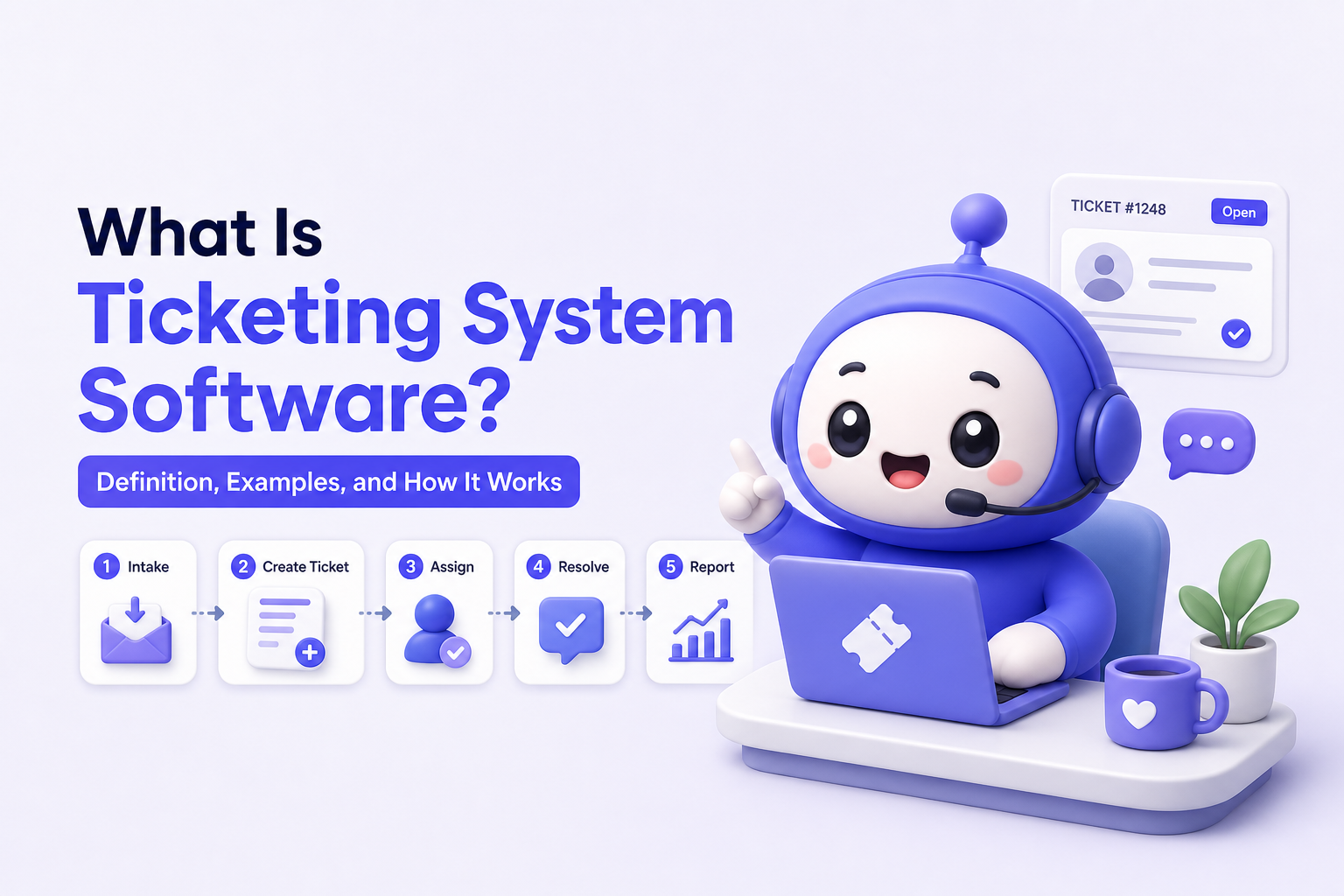
Most teams struggle not because they do not “have a tool”, but because the workflow is unclear. Here is a practical end-to-end model for what is ticketing system workflows:
- Intake: Requests enter from email, forms, chat, or an internal portal.
- Triage: Someone validates the request, sets category and priority, and checks duplicates.
- Assignment: The ticket routes to the right queue or owner based on rules.
- Work and collaboration: Agents troubleshoot, request more info, and escalate when needed.
- Resolution and reporting: The ticket is closed with a resolution summary and becomes data for analytics and knowledge.
What “good” looks like at each step (micro-checklists)
- Intake checklist: confirm requester identity, capture the problem statement, collect screenshots/logs, auto-acknowledge receipt.
- Triage checklist: set category, detect duplicates, assign priority using impact and urgency, apply SLA.
- Assignment checklist: route by category, language, customer tier, or workload; ensure one clear owner.
- Work checklist: document steps taken, use internal notes for collaboration, track “waiting on customer/vendor” separately.
- Resolution checklist: confirm outcome, add resolution code, capture root cause if relevant, link related tickets.
Reporting that actually helps (3 metrics that drive action)
Instead of vanity dashboards, start with metrics that change staffing and process:
- First response time: shows coverage gaps across shifts and channels.
- Time to resolution: highlights complexity and bottlenecks (like engineering dependencies).
- Top categories by volume: tells you what to fix, document, or automate first.
For guidance on service management measurement concepts, many teams borrow definitions from ITIL practices, published by AXELOS ITIL resources.
Ticketing System Examples Across Customer Support, IT, and Internal Requests
8 concrete ticket examples (with what the assignee actually does)
To make what is ticketing system more tangible, here are real-world ticket patterns across departments.
-
Customer support: Refund request
Intake: “I was charged twice for order #8912.”
Key fields: order ID, payment method, timeline, customer tier.
Workflow: verify duplicate charge → confirm policy eligibility → process refund → notify customer → tag “billing:duplicate charge” for reporting. -
Customer support: Bug report with workaround
Intake: “Export CSV fails at 80%.”
Key fields: browser, file size, steps to reproduce, logs.
Workflow: reproduce → provide workaround → link to engineering issue → update ticket when fix ships → add to knowledge base. -
Customer support: Account access and password reset
Intake: “Cannot log in, reset email not arriving.”
Key fields: email domain, last login, SSO enabled, bounce errors.
Workflow: validate identity → check email deliverability → guide SSO steps → confirm successful login → close with resolution code. -
IT: New laptop provisioning
Intake: “New hire starts Monday, needs MacBook and access.”
Key fields: start date, role, manager approval, required apps, location.
Workflow: approve → assign device → enroll MDM → create accounts → confirm delivery → document asset tag and access granted. -
IT: VPN outage incident
Intake: multiple reports “VPN disconnecting every 5 minutes.”
Key fields: affected users, region, timestamps, error codes.
Workflow: create incident → link duplicate tickets → status updates to requesters → escalate to network team → post-incident summary and root cause. -
HR: Employment verification letter
Intake: “Need employment letter for mortgage by Friday.”
Key fields: deadline, required wording, recipient contact, confidentiality level.
Workflow: verify identity → generate template → manager approval if needed → deliver securely → log completion. -
Facilities: Meeting room equipment issue
Intake: “Projector in Room 3 flickers.”
Key fields: location, asset ID, impact window, photos.
Workflow: assign technician → test cables/inputs → replace part → update status → close with maintenance notes. -
Security/IT: Access removal offboarding
Intake: “Employee leaves today, remove access at 5pm.”
Key fields: systems list, end time, manager approval, legal hold flag.
Workflow: schedule deprovisioning → revoke SSO and app access → confirm completion → attach audit evidence → close.
Benefits and Must-Have Features Without the Vendor Hype
Benefits tied to outcomes (not buzzwords)
- Fewer dropped requests: every issue has an owner and status, so “it fell through the cracks” becomes rare.
- Faster resolution: structured intake and routing reduces back-and-forth and misassignment.
- More consistent answers: resolutions become reusable, especially when connected to a knowledge base.
- Operational visibility: you can staff based on volume and trends, not gut feel.
Must-have capabilities checklist (use this to evaluate tools)
- Multi-channel intake (at minimum email and form; ideally chat too)
- Automation rules for routing, priority, and tagging
- SLA tracking for first response and resolution targets
- Collaboration (internal notes, @mentions, linking related tickets)
- Customer updates with clear status changes
- Analytics for volume, response time, resolution time, and category trends
- Knowledge base or at least resolution capture so answers compound over time
Where AI can help (practical, low-risk uses)
AI is most useful when it reduces repetitive work without hiding the audit trail. Common starting points include drafting replies, suggesting categories, and surfacing relevant articles. If you are exploring bots, see AI Chatbot Free Trial for a simple way to test whether self-service can deflect common questions before they become tickets.
What Is Ticketing System vs Help Desk vs Shared Inbox vs CRM
A mapping table to clear up the confusion
| Tool type | Best for | What it tracks well | Where it breaks down |
|---|---|---|---|
| Ticketing system | Managing requests end-to-end across teams | Status, ownership, SLAs, history, reporting | May not cover sales pipeline or deep customer profiling |
| Help desk | Customer support operations (often includes ticketing) | Tickets plus self-service, agent workflows, performance metrics | Can be overkill for tiny teams with low volume |
| Shared inbox | Low-volume email collaboration | Threads and assignments (basic) | Weak SLAs, weak reporting, hard to scale across channels |
| CRM | Managing customer relationships and sales activities | Accounts, contacts, deals, lifecycle stages | Not designed for incident-style workflows and SLAs |
Snippet-ready answers (for common “People also ask” questions)
- What is ticketing system software used for? To capture requests, assign ownership, track status and SLAs, and document resolution in one place.
- Is a help desk the same as a ticketing system? A help desk usually includes a ticketing system plus customer support tools like knowledge base and performance reporting.
- Can a CRM replace a ticketing system? Not reliably. CRMs are built for relationship and revenue workflows, while ticketing systems are built for request handling, SLAs, and resolution tracking.
How to Choose a Ticketing System for Your Team Size and Use Case
Selection framework in 4 steps
- Quantify demand: tickets per day, peak hours, and channels (email, chat, portal).
- Define service targets: first response and resolution goals by priority.
- Map routing rules: categories, regions, languages, customer tiers, and escalation paths.
- Decide reporting needs: which 3 dashboards you will review weekly (for example volume by category, SLA attainment, backlog by assignee).
A lightweight selection matrix (score 1 to 5)
| Criteria | Small team (1 to 5) | Growing team (6 to 25) | Multi-department |
|---|---|---|---|
| Setup simplicity | Highest priority | Medium | Medium |
| Automation and routing | Nice to have | High | Highest priority |
| SLA management | Medium | High | Highest priority |
| Knowledge base and self-service | Medium | High | High |
| Permissions and roles | Low | Medium | Highest priority |
| Analytics depth | Medium | High | Highest priority |
Category shortlist by scenario (vendor-agnostic)
- Solo or very small teams: start with a simple ticketing tool that supports email-to-ticket, basic automation, and a clean backlog view.
- Customer support teams: choose a help desk style system with strong SLAs, macros, knowledge base, and customer portal.
- IT and internal operations: prioritize request forms, approval flows, asset or access tracking integrations, and audit-friendly logs.
- Chat-heavy businesses: ensure chat can create tickets cleanly, and that handoff from bot to agent preserves context.
If chat is part of your intake, planning for website chatbot integration early helps you avoid fragmented conversations that never become trackable tickets. If you are evaluating multiple bot approaches alongside ticketing, a chatbot platform comparison can help you validate effort versus impact.
FAQ about ticketing systems
What is ticketing system software in simple terms?
It is a tool that turns requests into tickets so your team can assign an owner, track status, meet response targets, and document the resolution in one place.
What information should every ticket include?
At minimum: requester, description, status, assignee or queue, priority, and timestamps. Add categories, SLAs, and related links only if they change routing or reporting.
Is a shared inbox enough for support?
A shared inbox can work for low volume, single-channel email support. It usually breaks when you need SLAs, multi-channel intake, reliable reporting, or cross-team handoffs.
How do I know if we should add AI to our ticketing workflow?
Start with measurable, low-risk use cases: auto-suggest categories, draft replies, and recommend knowledge base articles. If you can reduce repetitive questions, you can lower ticket volume and improve first response time without sacrificing audit history.
If you want to combine structured ticket handling with always-on customer engagement, CX Genie supports end-to-end customer interaction from marketing automation to after-sale support, making it easier to capture requests, keep context, and scale toward 24/7 service as your ticket volume grows.
Read Next
View all
Website Chatbot Integration: Launch a Bot in 10 Minutes
Website chatbot integration in under 10 minutes: capture leads, route support, and measure deflection. Try CX Genie self-serve, then scale to team.
Support Ticket System Setup, The Copy-Paste Blueprint for Fields, SLAs, and Routing Rules
Launch a support ticket system setup with copy-paste fields, statuses, SLAs, routing rules, and a shared-inbox migration plan.

AI Chatbot Demo: Launch a Working Bot in 10 Minutes
AI chatbot demo with CX Genie: go live in under 10 minutes, measure deflection and lead capture, then scale with team roles and reporting.