
 CX Genie
Chatbot Platform Comparison: Prove Value in 10 Minutes
Chatbot platform comparison for B2B teams: test setup speed, measurable outputs, and team upgrade signals. Start self-serve and scale.
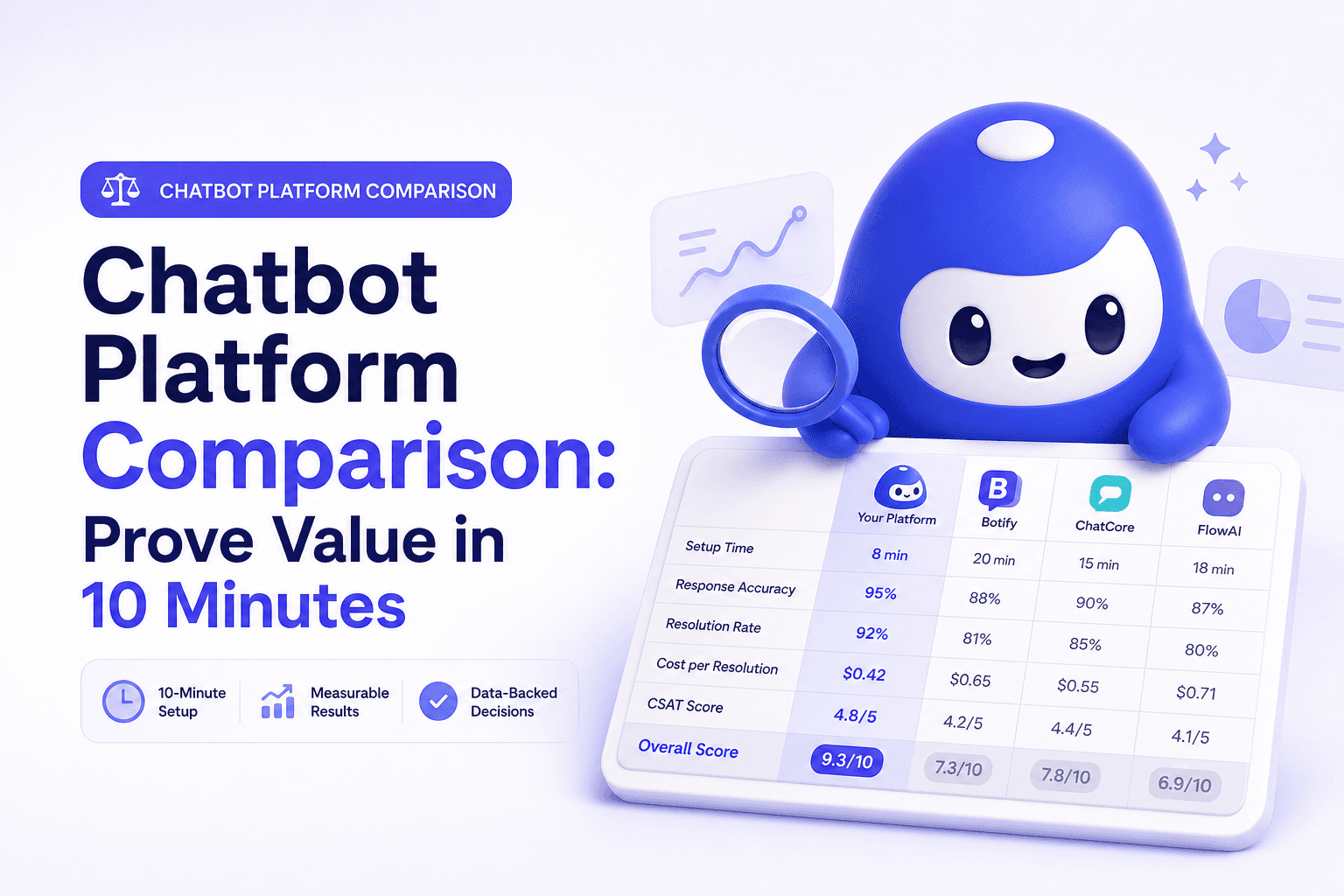
If you are doing a chatbot platform comparison, the fastest way to choose is to judge platforms by measurable outputs you can validate in the first 10 minutes, not by feature lists. This guide is built for a self-serve start and a clear path to team expansion with CX Genie.
- What to compare in a chatbot platform (outputs first)
- Chatbot platform comparison scorecard (quick table)
- 10-minute setup checklist to get first value
- How to measure success: outputs, formulas, weekly triggers
- When to upgrade to a team plan (clear signals)
- Why CX Genie fits self-serve to team expansion
- Compare chatbot platforms by outputs: ticket deflection, lead capture, handoff quality, and time-to-resolution.
- Time-to-first-value should be under 10 minutes: publish a bot, answer real FAQs, and log at least one measurable event.
- Unit economics matter: estimate cost per deflected ticket and cost per qualified lead before scaling.
- Upgrade to a team plan when you need permissions, QA, shared workflows, and standardized reporting.
What to compare in a chatbot platform (outputs first)
For SMB and B2B SaaS teams, a chatbot is not a “nice-to-have AI widget”. It is a workflow component that should produce a repeatable output your team can measure weekly. Start by picking the single output you want to improve this month:
- Support deflection: reduce repetitive tickets and free up human agents.
- Faster resolution: shorten time-to-resolution by capturing context and routing correctly.
- Lead capture: convert high-intent visitors into qualified leads with routing rules.
Then compare platforms on criteria that predict whether you will actually reach that output:
- Activation speed: can one person publish a working bot without engineering?
- Answer governance: can you constrain answers to approved sources and reduce hallucinations?
- Handoff workflow: can the bot escalate to a human with a summary, intent, and user context?
- Outcome analytics: can you see deflection, handoffs, unresolved questions, and lead capture?
- Team readiness: roles, permissions, QA, audit trail, and standardized reporting.
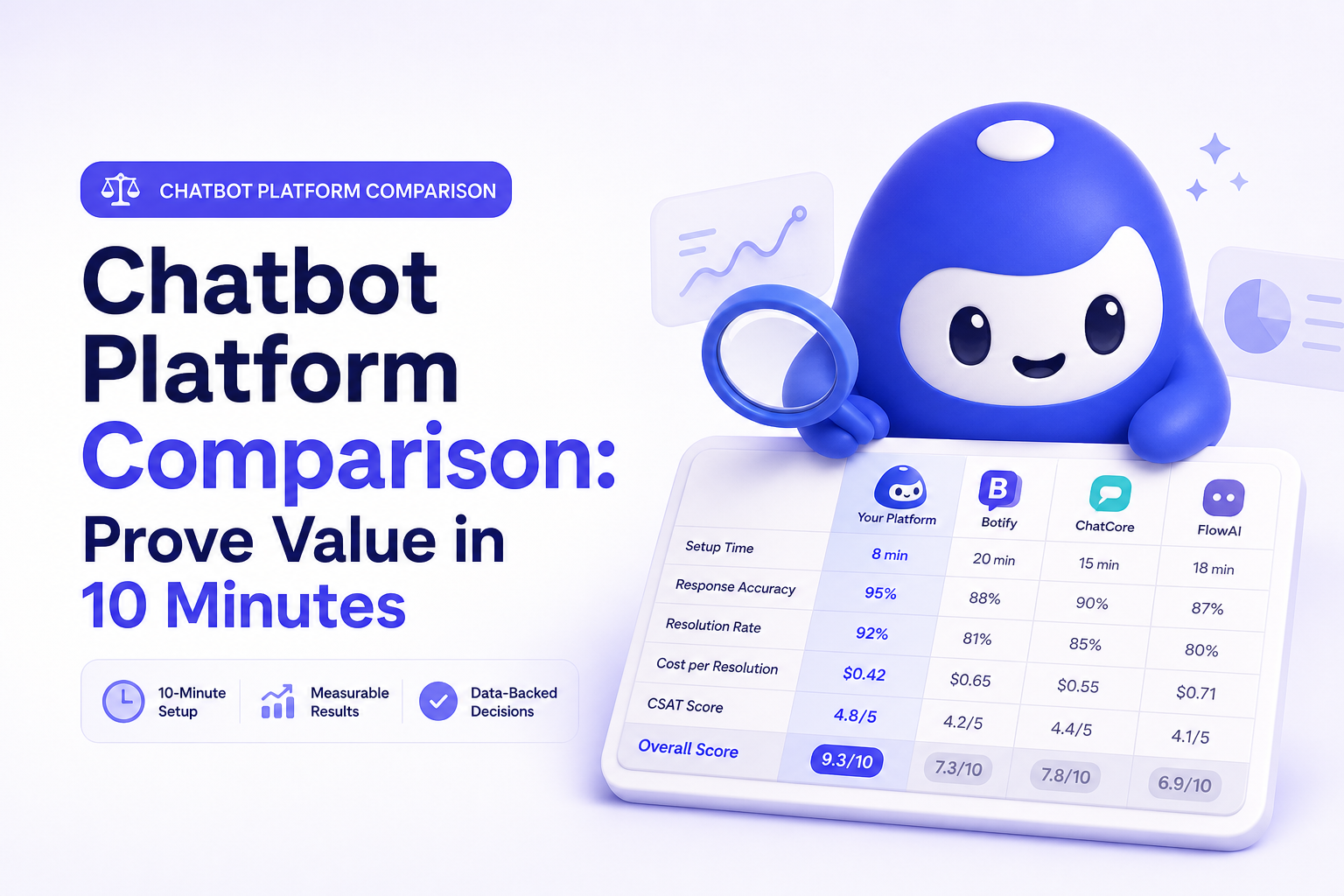
Chatbot platform comparison scorecard (quick table)
Use this table to run a consistent evaluation across any shortlist. The goal is to validate first value today and predict weekly value next month.
| Criteria | What “good” looks like | 10-minute test |
|---|---|---|
| Time-to-first-value | Live bot answering real FAQs plus a tracked event | Connect a source, publish, run 10 questions |
| Deflection readiness | Clear resolved vs escalated outcomes | Test 5 common questions and verify resolution logging |
| Handoff quality | Escalations include summary, intent, and user data | Trigger a handoff and inspect the payload/context |
| Lead capture | In-chat form, qualification, routing | Submit a test lead and confirm routing rules |
| Analytics | Top intents, unresolved questions, trends | Check if analytics updates from your test run |
| Team controls | Permissions, QA, audit trail | Invite a teammate and simulate edit-approve-publish |
| Cost per output | Pricing maps to usage/value | Estimate cost per deflected ticket and per lead |
In most SMB deployments, the biggest failure mode is workflow leakage: the bot answers, but the team cannot operationalize what happened. Prioritize platforms that turn conversations into a weekly loop: unresolved questions become a backlog, and escalations become trackable handoffs with context. That is what drives retention and makes team expansion natural.
10-minute setup checklist to get first value
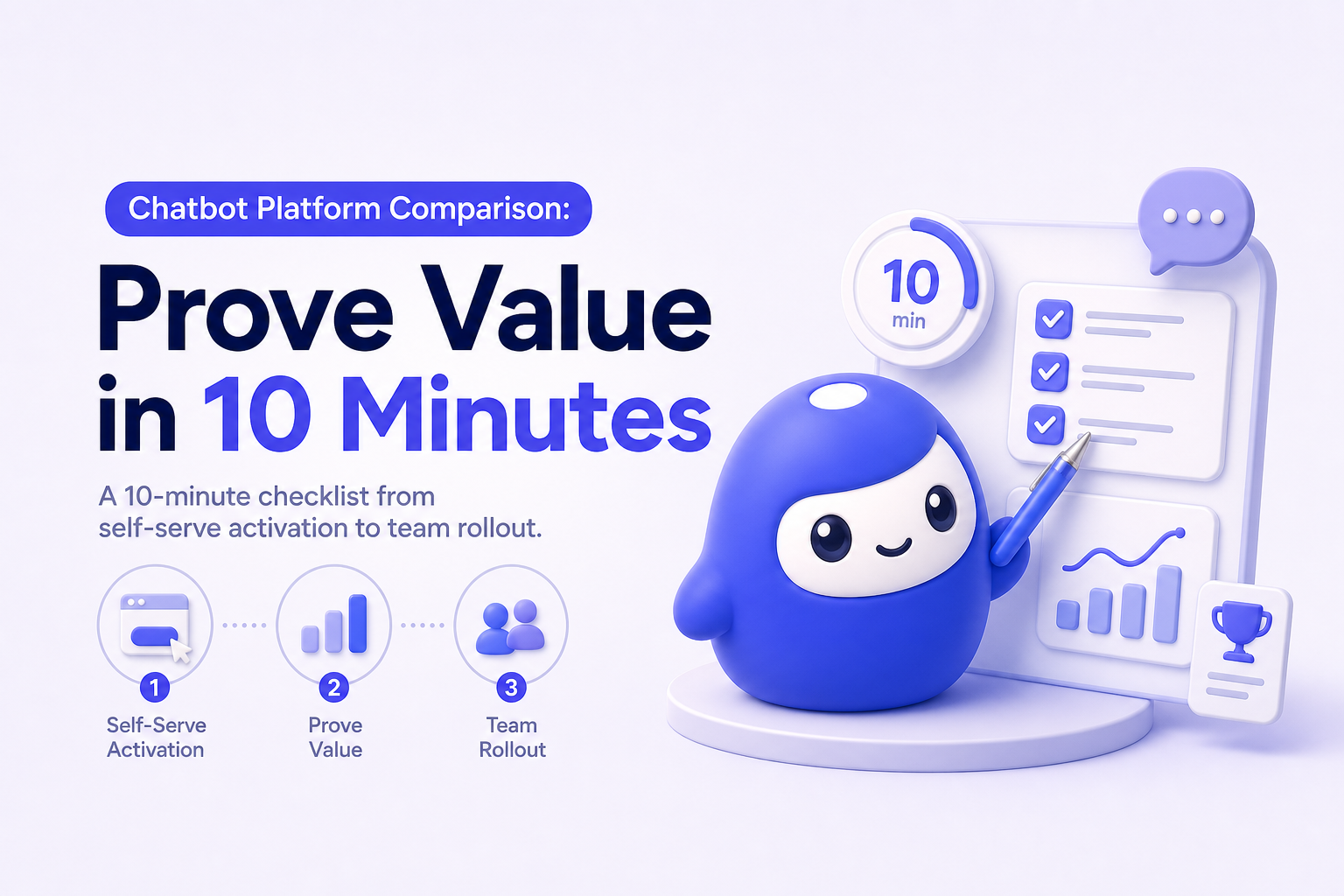
This is a self-serve evaluation flow you can run during your chatbot platform comparison. Your target is one measurable output in a single session (a resolved conversation, a logged escalation, or a captured lead).
Quickstart checklist
- Minute 0 to 2: Choose one narrow use case (pricing, onboarding, integrations, refunds).
- Minute 2 to 5: Add one knowledge source (help center URLs, a PDF, or a curated FAQ page).
- Minute 5 to 7: Set guardrails (approved sources, fallback response, escalation rule).
- Minute 7 to 9: Publish to a test page or staging environment.
- Minute 9 to 10: Run 10 questions and record: resolved, escalated, unanswered.
If you want a concrete walkthrough before committing, start with an AI chatbot demo and replicate the same checklist on your own site.
How to measure success: outputs, formulas, weekly triggers
To avoid shipping a chatbot that “sounds smart” but does not move metrics, define outputs, how you will measure them, and a weekly trigger that keeps performance improving.
Core outputs and how to measure them
- Ticket deflection (weekly): Resolved conversations without human handoff. Formula: resolved conversations / total conversations.
- Handoff rate (weekly): Escalations to humans. Formula: escalations / total conversations.
- Handoff quality (weekly): Percent of escalations that include summary, intent, and user context.
- Unresolved backlog (weekly): Count of unanswered questions and top missing intents.
- Lead capture (weekly): Leads captured in chat and routed correctly. Formula: captured leads / high-intent chats.
Weekly trigger that drives retention
- Review the top 20 questions and the top 10 unresolved intents every week.
- Add or update 5 approved answers in your knowledge base.
- Validate trend lines: deflection up, unresolved down, time-to-resolution down.
When to upgrade to a team plan (clear signals)
Self-serve is ideal for proving value quickly. Team plans are for operational reliability and scale. Upgrade when you hit any of these signals:
- More than 2 people manage the bot weekly (support, marketing, product) and changes need coordination.
- You need permissions: who can edit sources, who can publish, who can approve.
- You need a shared workflow: shared inbox, assignment, SLAs, and consistent escalation handling.
- QA becomes required: review queues, audit trail, and rollback to prevent regressions.
- Reporting must be standardized: weekly KPI dashboard for leadership and cross-team alignment.
Why CX Genie fits self-serve to team expansion
CX Genie is a customer engagement platform that covers the full flow from marketing automation to after-sale support. Practically, that means you can start with a single high-impact workflow (like deflecting repetitive support questions) and expand into a team-managed system with governance and reporting.
How CX Genie turns capabilities into measurable outputs
- Knowledge-based answers produce deflected tickets you can count weekly.
- Escalation to support produces faster resolution by preserving context and intent.
- Engagement and capture produces qualified leads with routing rules.
- Analytics produces a weekly improvement loop driven by unresolved intents.
FAQ
What is the fastest way to run a chatbot platform comparison?
Pick one output (deflection or lead capture), publish a bot in under 10 minutes, run 10 real questions, and verify you can measure resolved, escalated, and unanswered outcomes.
Which metrics matter most for support chatbots?
Deflection rate, handoff rate, handoff quality, unresolved question backlog, and time-to-resolution for escalations.
How do I estimate cost per output?
Estimate monthly cost divided by monthly outputs. For support, use cost per deflected ticket. For marketing, use cost per qualified lead captured through chat.
When should I move from self-serve to a team plan?
When multiple stakeholders manage the bot weekly, you need permissions and approvals, you require shared workflows and SLAs, or leadership needs standardized reporting.
Can CX Genie support both marketing automation and after-sale support?
Yes. CX Genie is designed for customer engagement across the lifecycle, so you can start with one workflow and expand as your team needs governance and scale.
CTA: Run the 10-minute checklist with CX Genie and capture your first measurable output today. Start self-serve, then upgrade to a team plan once you need permissions, QA, and standardized reporting.
Read Next
View all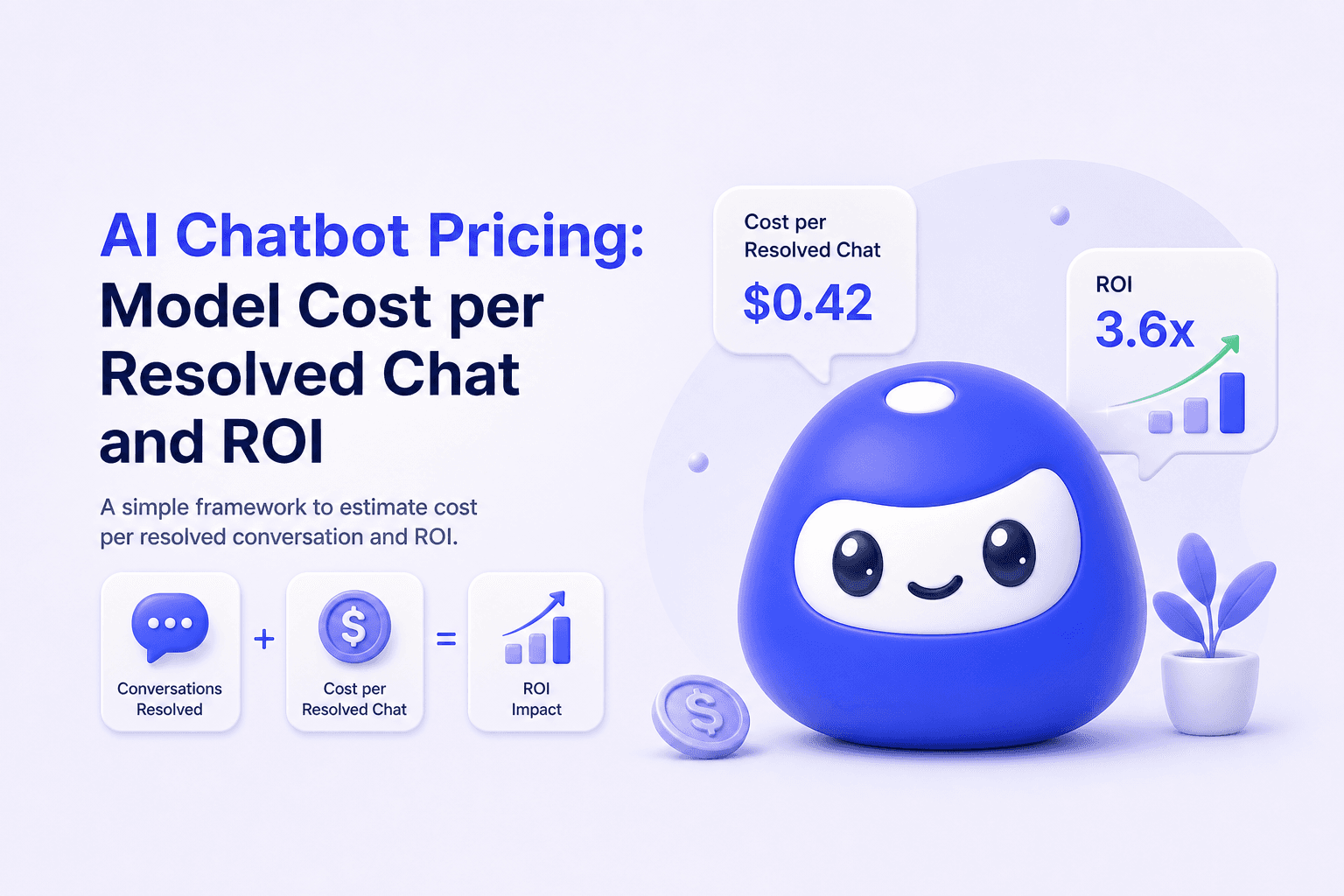
AI Chatbot Pricing: Model Cost per Resolved Chat and ROI
AI chatbot pricing explained with cost per resolved chat, a 10 minute setup checklist, and upgrade signals from self serve to team.
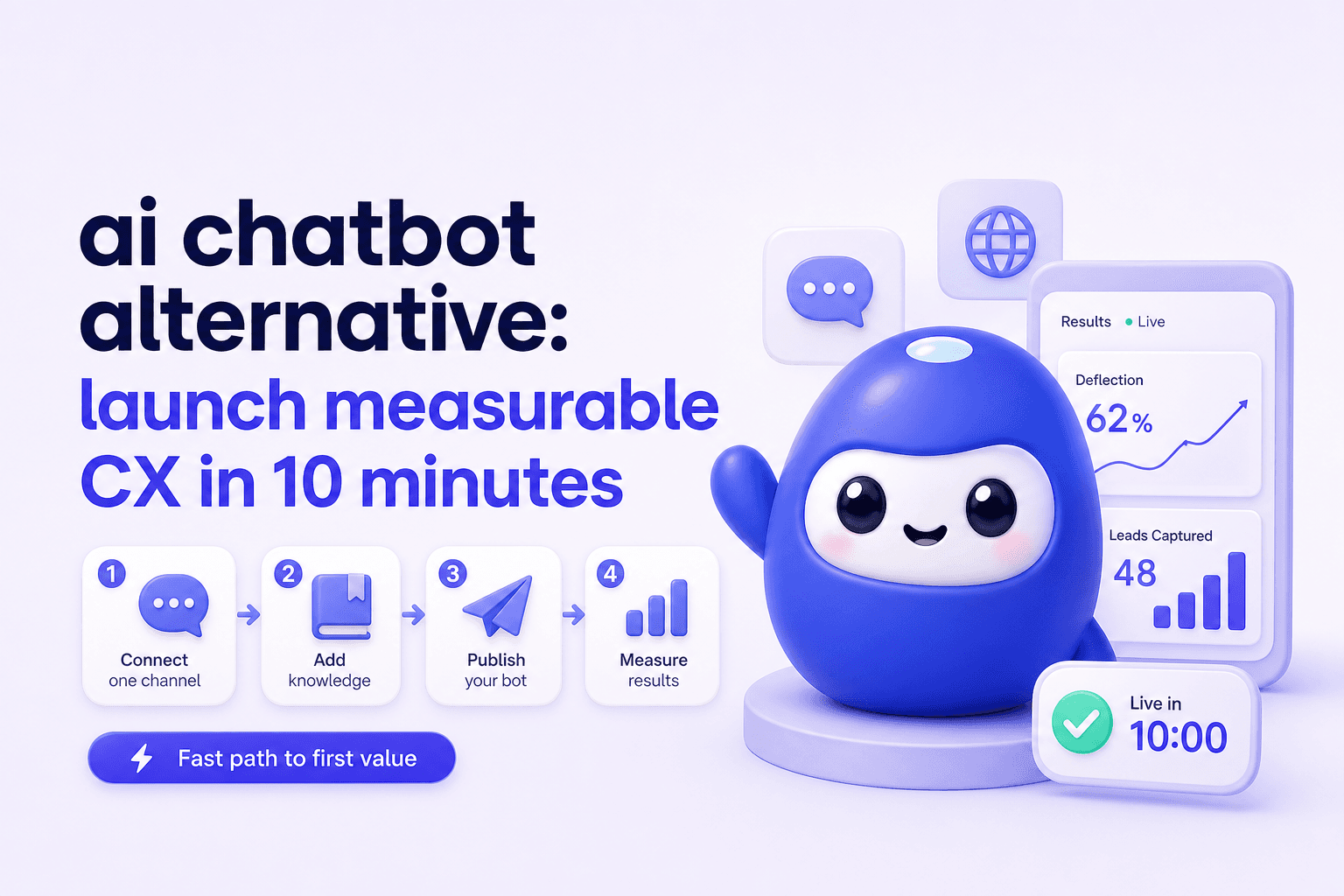
ai chatbot alternative: launch measurable CX in 10 minutes
Need an ai chatbot alternative? Go live in under 10 minutes, track deflection and leads, then scale with team roles, routing, and reporting.
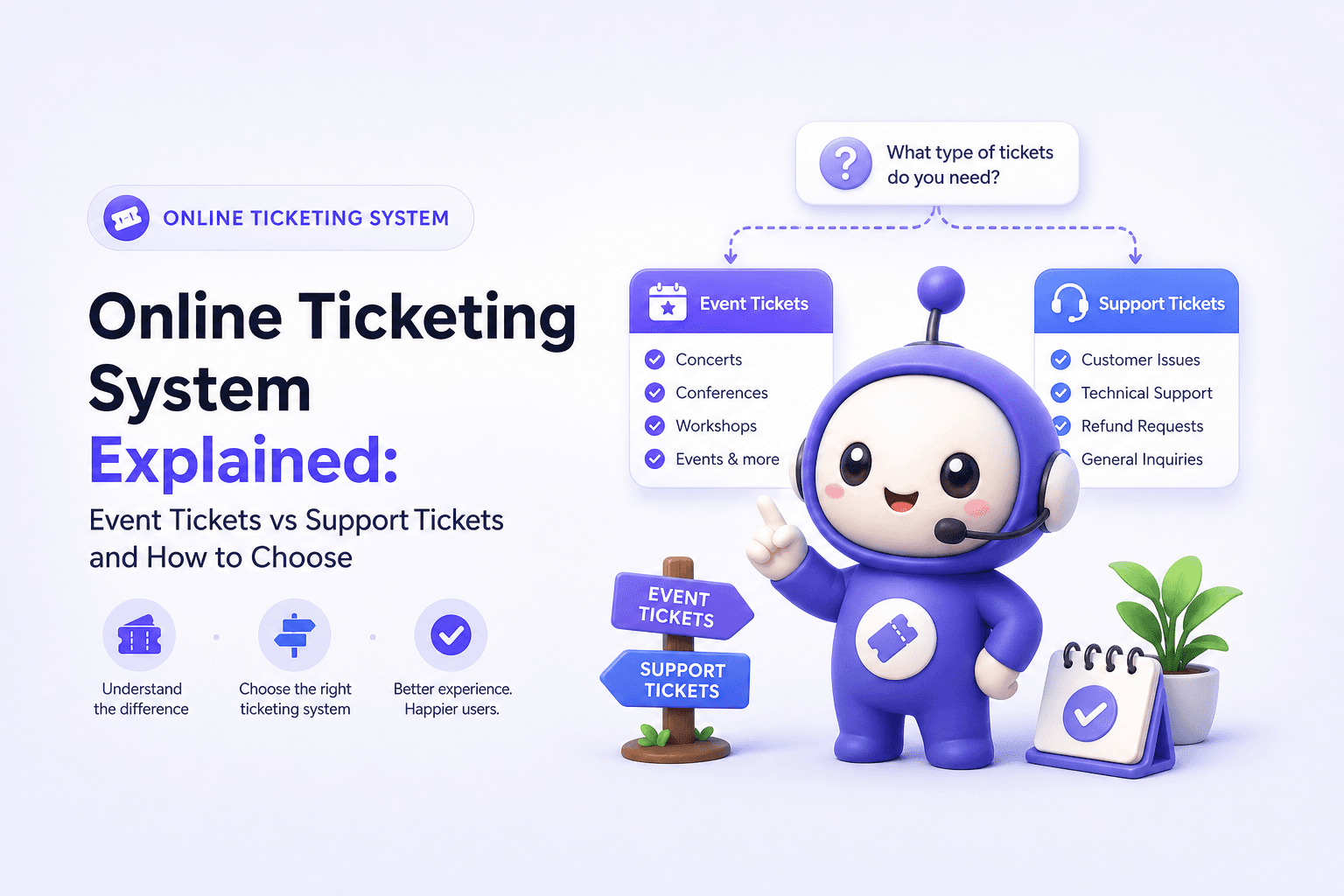
Online Ticketing System Explained: Event Tickets vs Support Tickets and How to Choose
Learn what an online ticketing system means (events vs help desk), how it works, key features, and how to choose the right one.