
 CX Genie
Website Chatbot Integration: Launch a Bot in 10 Minutes
Website chatbot integration in under 10 minutes: capture leads, route support, and measure deflection. Try CX Genie self-serve, then scale to team.
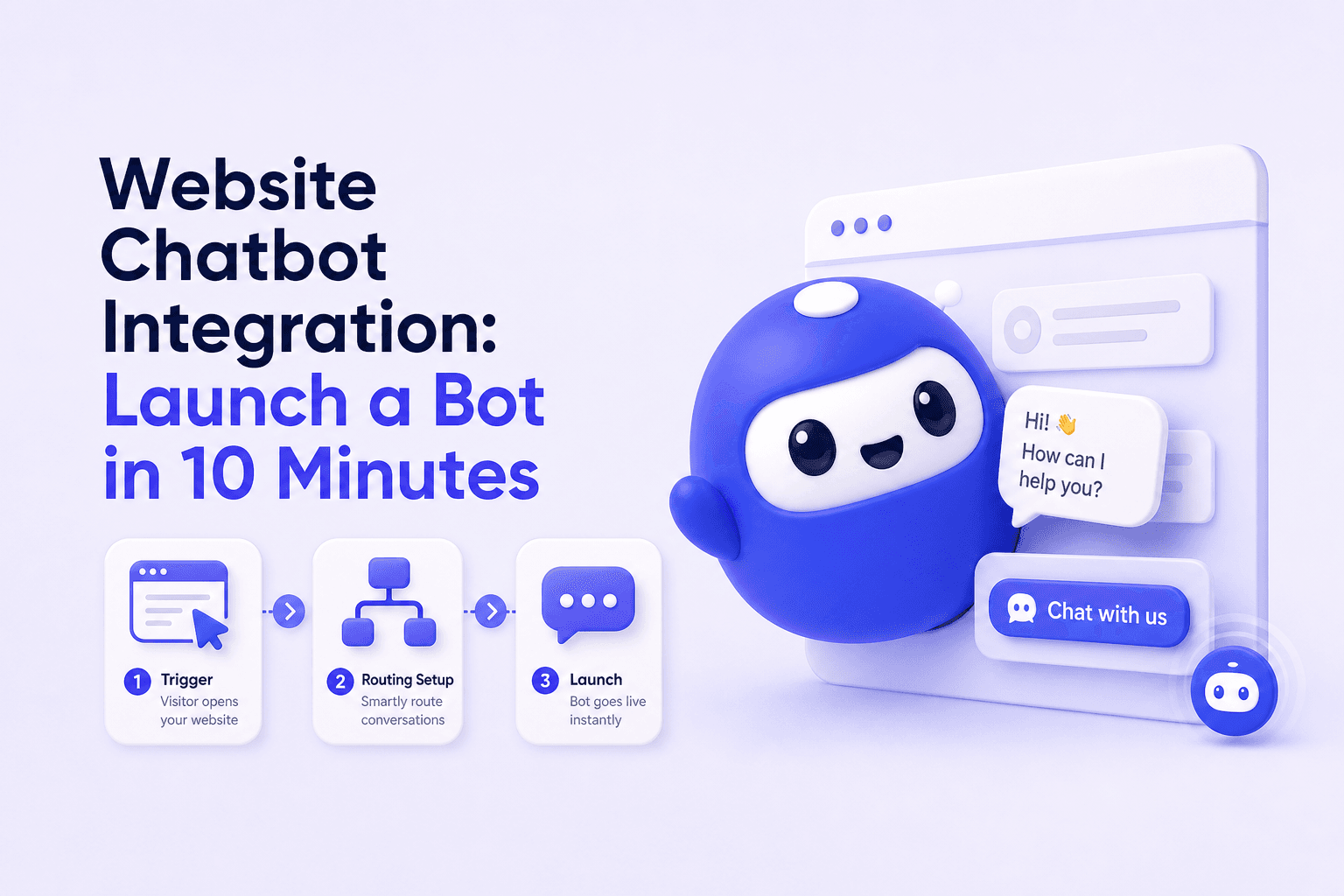
Website chatbot integration should not be a “nice widget.” In B2B, it is only worth shipping if it produces measurable outputs fast: qualified leads captured, repetitive tickets deflected, and faster handoff to the right owner.
- Start with one workflow and one measurable output (leads or deflection) before expanding.
- First value in under 10 minutes comes from one trigger, one flow, and one routing rule.
- Week 1 metrics should be simple: conversations, lead capture rate, deflection rate, and handoff time.
- Upgrade to a team plan when ownership, permissions, and reporting become bottlenecks.
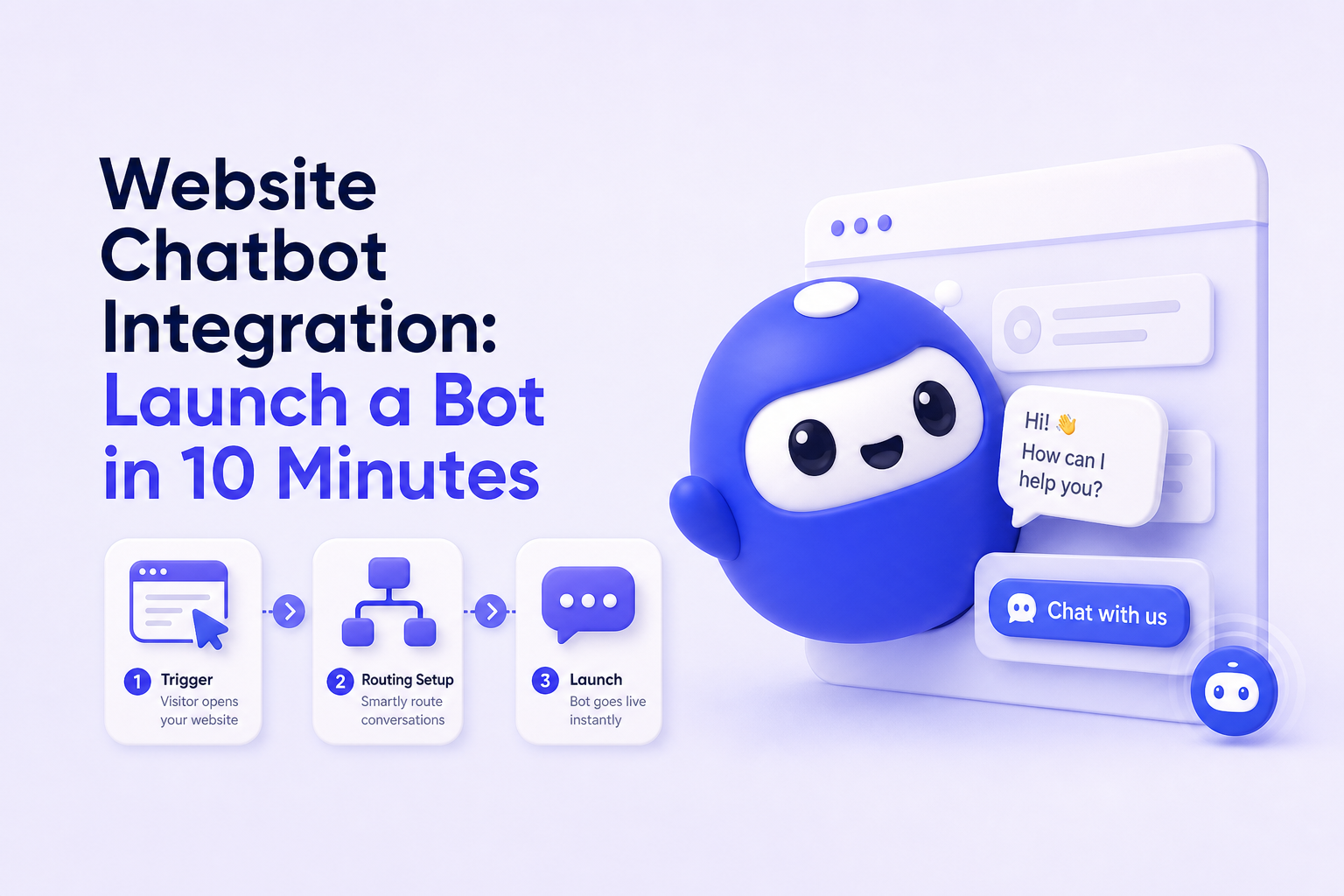
Define the output of website chatbot integration
Before you embed anything, decide what “success” looks like. CX Genie is a customer engagement platform that spans marketing automation through after-sale support, so your chatbot can drive outcomes across the funnel. But your first launch should focus on one measurable output:
- Lead capture output: number of qualified leads per week (email + company + intent) and % routed to the right owner.
- Support deflection output: % of support conversations resolved without a human and the top questions deflected.
- Routing output: median time from “need help” to “assigned to the right person” (minutes).
If you cannot measure at least one of these within a week, the integration is not working, regardless of how “smart” the bot sounds.
10-minute setup: trigger → action → measurable result
This is the fastest path to first value for website chatbot integration without overbuilding.
Step 1 (2 minutes): Choose one high-intent trigger
- Option A: show the bot on the pricing page.
- Option B: show the bot on the support/help page.
Why: concentrated traffic makes measurement and iteration easier.
Step 2 (3 minutes): Build one “golden path” flow
Create a single flow with three outcomes:
- Sales intent: “Talk to sales” → collect email + company + timeline.
- Support intent: “I need help” → suggest 1 to 3 answers, then offer escalation.
- Unsure: “Help me choose” → ask one qualifier question (role or use case) and route.
Want a reference structure before you write your first script? Start with an AI chatbot demo and adapt it to your pages.
Step 3 (3 minutes): Add one routing rule
- Rule: sales intent → sales owner; support intent → support inbox.
- Measurable output: handoff time (minutes) and assignment accuracy (%).
Step 4 (2 minutes): Publish and validate
- Open your website in an incognito window.
- Complete each of the three paths once.
- Confirm: lead fields saved, conversation logged, and routing works.
First value definition: within 10 minutes you have a live bot that captures a qualified lead format or correctly routes a support request.
3 high-ROI workflows for small B2B teams
After launch, expand by workflow (not by adding dozens of intents). These are the most repeatable workflows for small teams.
Workflow 1: Pricing page lead capture
- Trigger: pricing page visit.
- Action: ask one intent question and capture email + company.
- Output: qualified leads per week and lead-to-meeting conversion rate.
Workflow 2: After-sale support triage
- Trigger: support page or help center entry.
- Action: answer from knowledge first, then escalate if needed.
- Output: deflection rate and reduced repetitive tickets.
Workflow 3: Upgrade and billing routing
- Trigger: questions about plans, limits, invoices, or renewals.
- Action: route to the right playbook (billing vs. upgrade vs. support).
- Output: faster resolution time and fewer “ping-pong” handoffs.
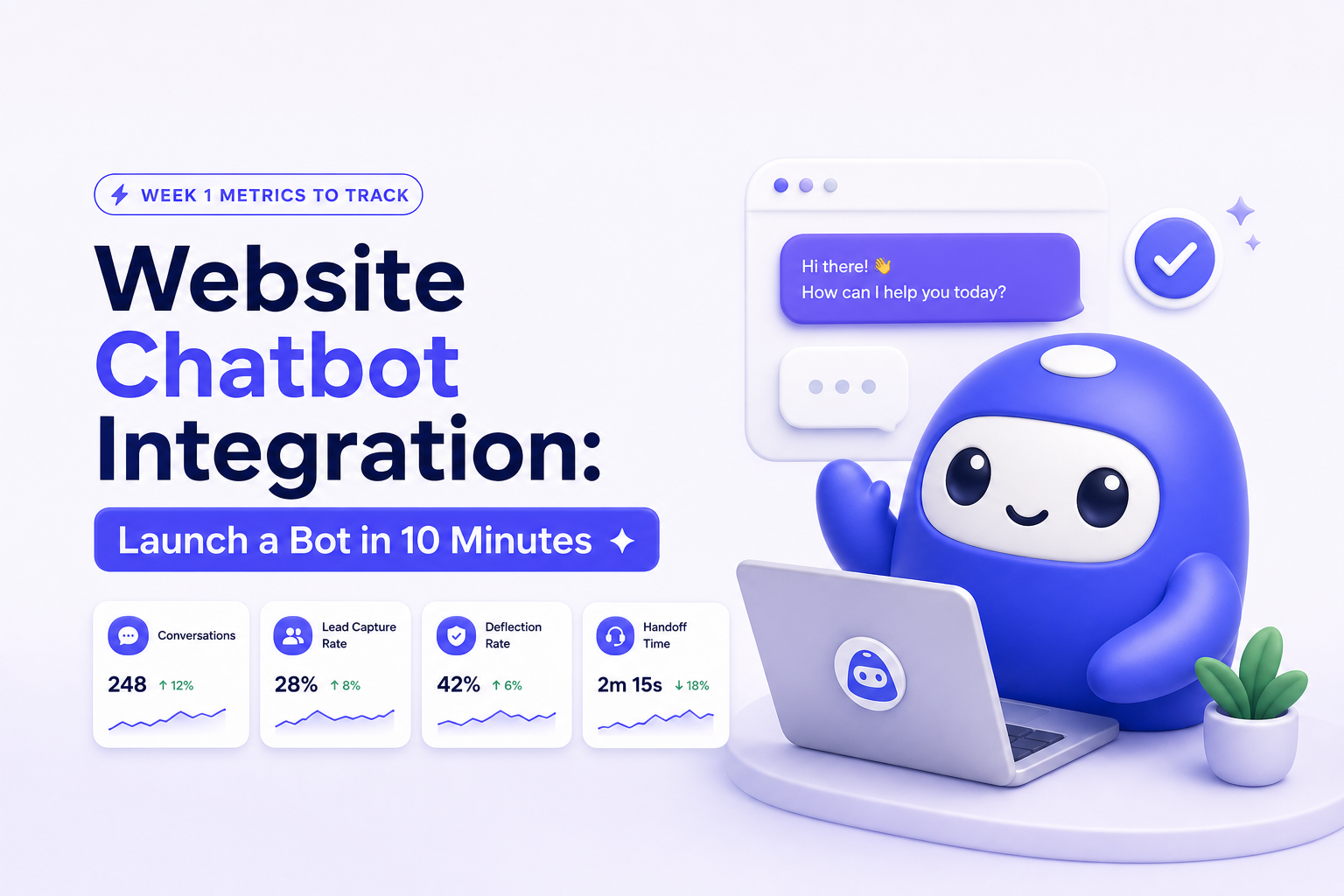
Week 1 measurement: what to track daily
Do not wait for perfect analytics. In week 1, track a small set of metrics that map directly to output:
- Total conversations: baseline volume per day.
- Lead capture rate: leads captured ÷ sales-intent conversations.
- Deflection rate: resolved without human ÷ support conversations.
- Median handoff time: escalation to assigned owner (minutes).
Weekly usage becomes natural when the bot is tied to a weekly review: “What did we deflect?” and “Which questions are blocking conversion?”
The fastest way to make a chatbot valuable is to treat it like an operational system, not a content project. Ship one measurable workflow, review metrics weekly, and iterate the flow and routing rules. That is how small teams avoid a bot that looks good but does not reduce workload or increase pipeline.
Common integration pitfalls (and fixes)
- Pitfall: launching on every page. Fix: start with pricing or support only.
- Pitfall: no escalation path. Fix: always include “Talk to a human” with routing.
- Pitfall: too many form fields. Fix: capture email + company + one qualifier.
- Pitfall: unclear ownership. Fix: define who owns sales flows vs. support flows.
When to upgrade to a team plan
Self-serve is ideal when one person can own the bot end-to-end. Upgrade when collaboration and governance become the constraint. Use these signals:
- 2+ owners: sales and support both need to edit flows and manage handoffs.
- Higher weekly volume: you need standardized routing and follow-up to avoid missed leads.
- Permissions: you need roles (edit vs. view) and controlled publishing.
- Standardization: you want consistent qualification questions across pages and campaigns.
- Reporting: you need team-level visibility into deflection, lead quality, and response performance.
CTA: Try CX Genie self-serve and launch your first website chatbot integration with one trigger and one flow. Once multiple teammates need shared ownership and reporting, move to a team plan to scale the workflow.
FAQ
What is the fastest way to get value from website chatbot integration?
Start with one high-intent page (pricing or support), one flow with three outcomes (sales, support, unsure), and one routing rule. Publish, test once, and measure immediately.
Which metric matters more: conversations or leads?
Conversations are a volume baseline. For revenue impact, prioritize lead capture rate on pricing pages. For cost reduction, prioritize deflection rate on support pages.
Should the chatbot replace human support?
No. The bot should handle repetitive questions and route edge cases to humans quickly. A clear escalation path is part of a healthy support system.
When should I upgrade to a team plan?
Upgrade when multiple people need to manage flows, routing, and inbox ownership, or when you need permissions and reporting to standardize performance across the team.
Read Next
View all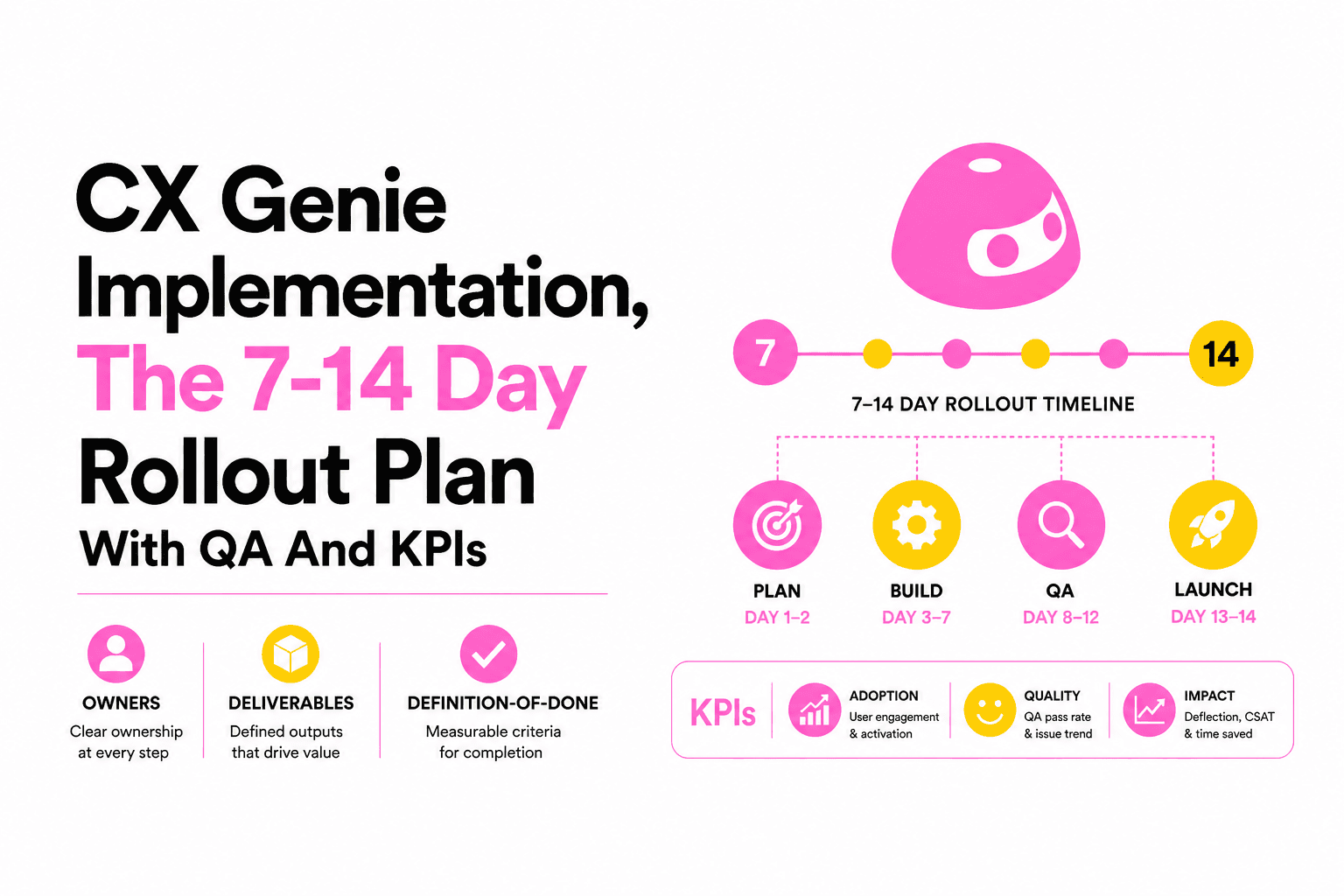
CX Genie Implementation, The 7-14 Day Rollout Plan With QA And KPIs
A practical cx genie implementation playbook: owners, knowledge onboarding, workflows, channel QA, and KPI gates to launch in 7-14 days.
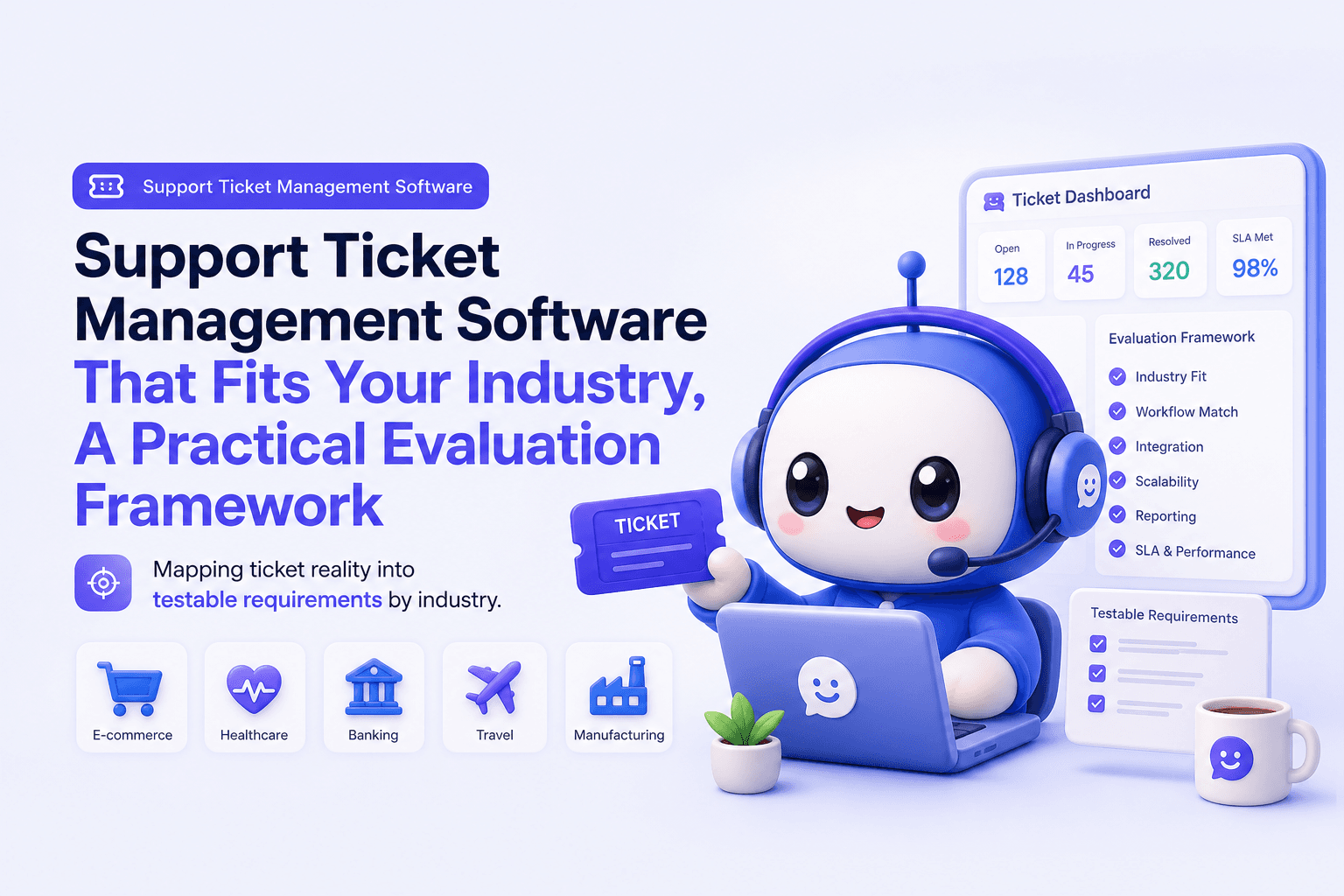
Support Ticket Management Software That Fits Your Industry, A Practical Evaluation Framework
Choose support ticket management software by industry with a 30-day scorecard, SLA and routing checklist, and KPIs to prove impact.

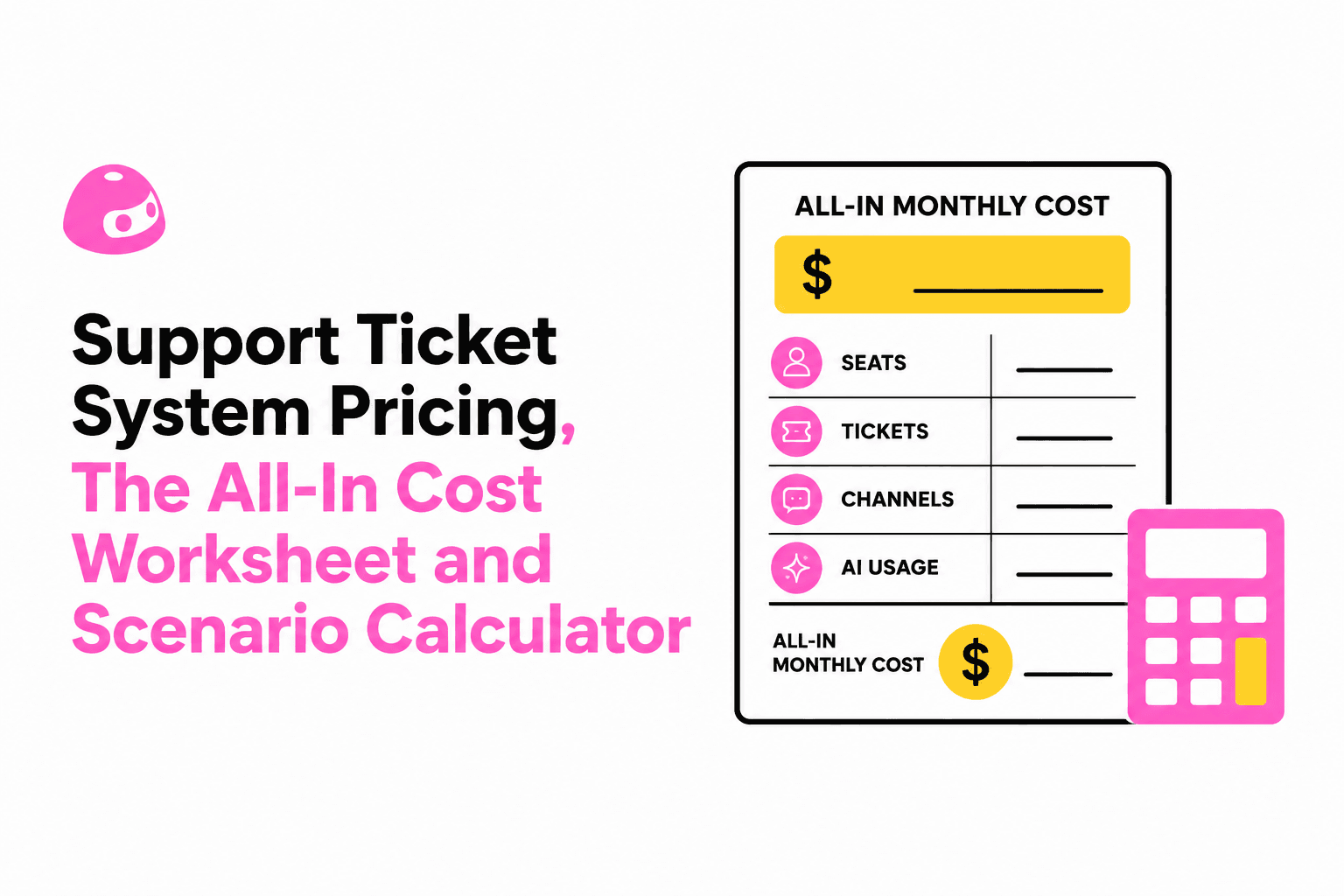
Support Ticket System Pricing, The All-In Cost Worksheet and Scenario Calculator
Estimate support ticket system pricing in minutes with an all-in worksheet, scenario math, and a vendor questions checklist to avoid hidden costs.