
 CX Genie
Support Ticket Management Software That Fits Your Industry, A Practical Evaluation Framework
Choose support ticket management software by industry with a 30-day scorecard, SLA and routing checklist, and KPIs to prove impact.

Darmian
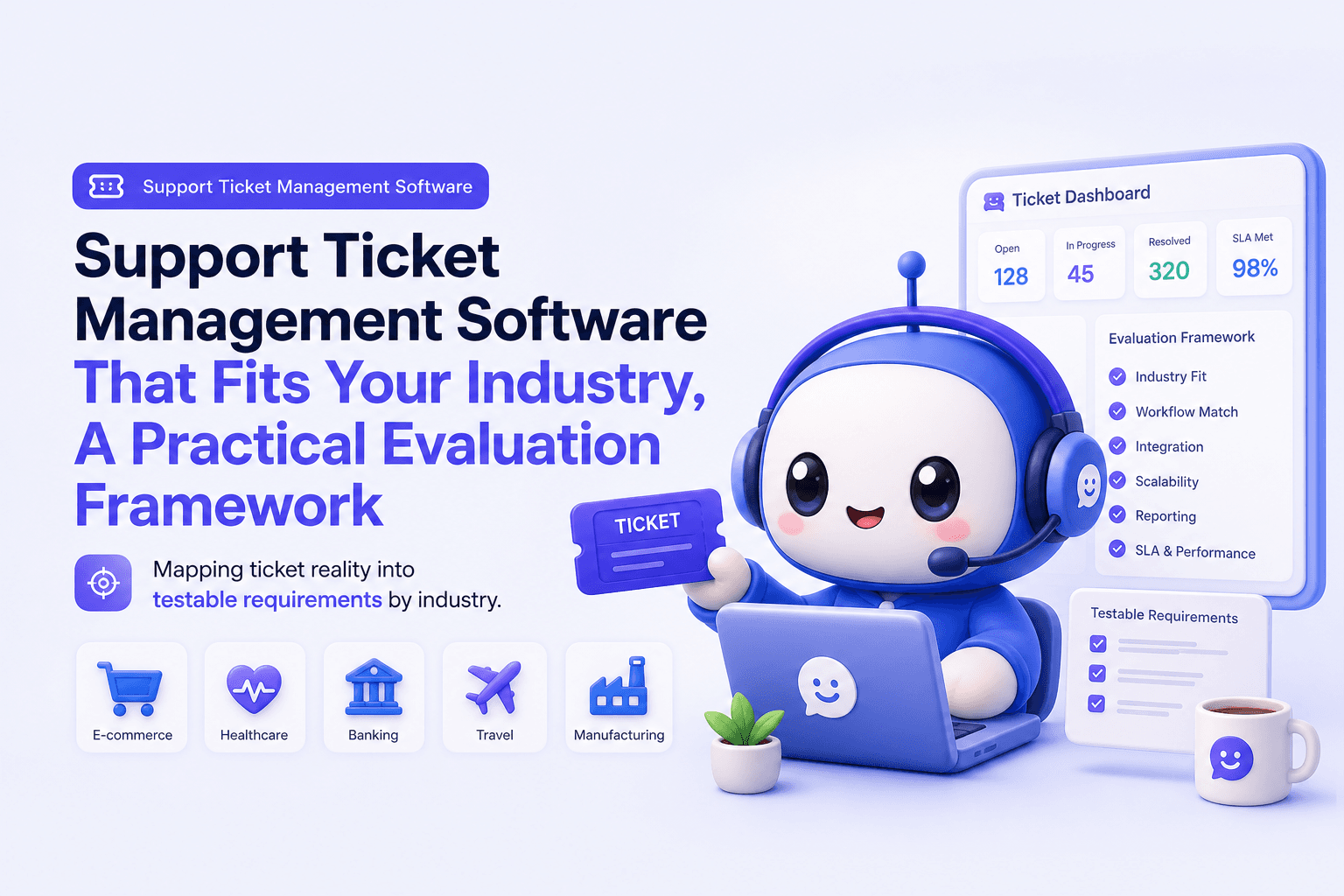
Buying support ticket management software fails most often for one reason: teams start with a feature checklist instead of their industry’s ticket reality, then discover too late that routing, SLAs, and reporting do not match how work actually escalates.
- Map your industry ticket reality first (channels, compliance, escalation paths), then translate it into routing rules and SLA tiers.
- Evaluate 8 scale-critical capabilities with test scripts, not demos, and prove impact with baseline-to-target KPIs in 30 to 60 days.
- Configure the first three items that drive ROI fastest: intake normalization, priority taxonomy, and automation for assignment and updates.
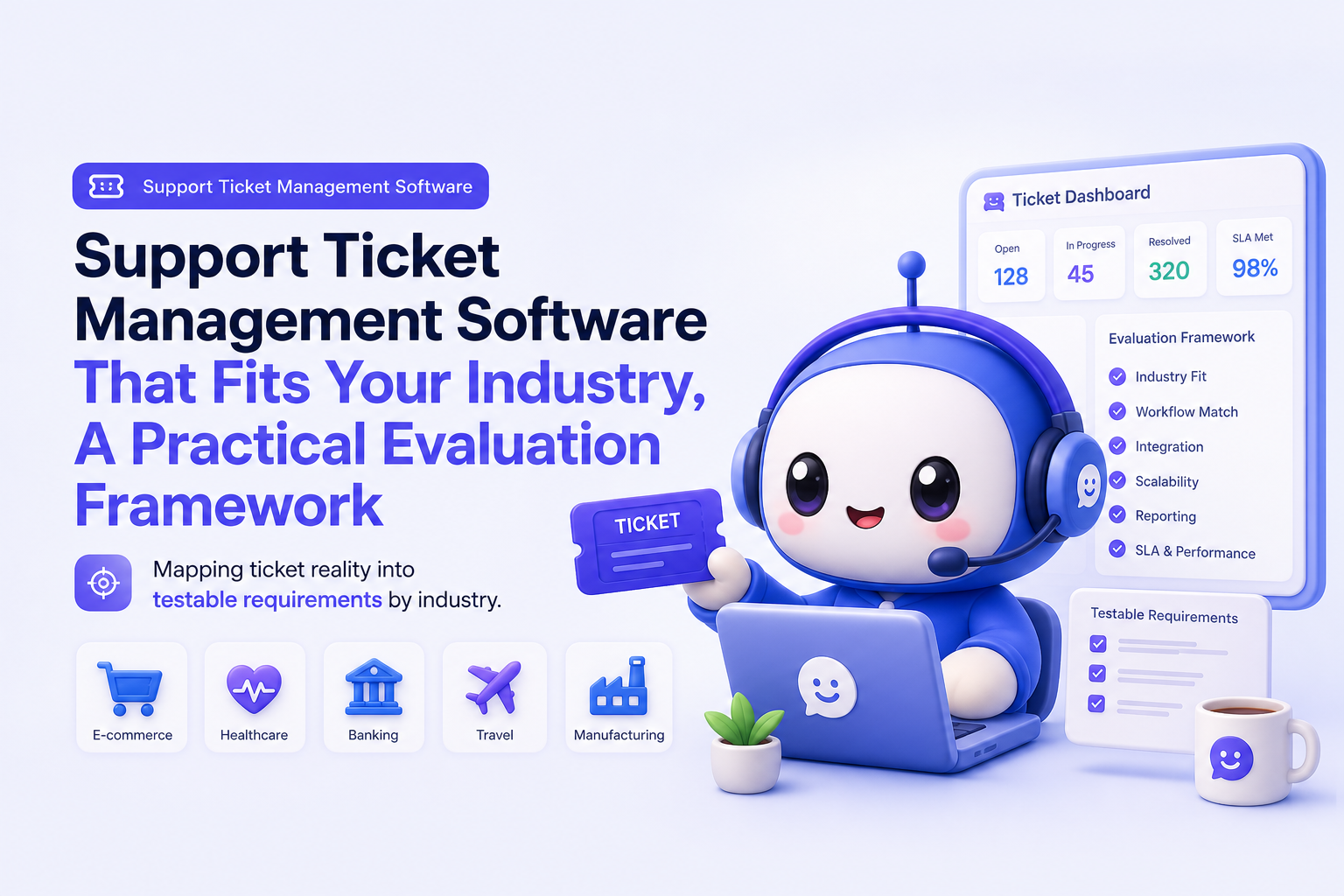
Start with industry-specific ticket reality, not feature checklists
Before comparing tools, document what your tickets look like when they arrive, how they move, and what “resolved” means in your environment. This prevents the common trap of selecting support ticket management software that looks complete in a demo but breaks under real volumes, regulated workflows, or cross-team escalations.
A 20-minute ticket reality map
- Volume and seasonality: average daily tickets, peak days, and peak hours; note product launches, billing cycles, or holidays.
- Channels: email, web form, chat, social, phone, in-app; note which channels must be “system of record.”
- Customer segments: free vs paid, SMB vs enterprise, internal vs external users; list entitlement rules (support hours, SLAs).
- Compliance and audit needs: retention periods, access controls, redaction, and approval steps.
- Escalation patterns: which teams get pulled in (engineering, finance, ops), and where handoffs stall.
Translate reality into requirements (a simple template)
| Reality input | Requirement you can test | Example acceptance criteria |
|---|---|---|
| 40% of tickets arrive via chat, 35% email | Omnichannel intake with unified timeline | One thread shows chat + email + internal notes; timestamps preserved |
| Enterprise customers need 1-hour first response | SLA tiers by segment | Timer starts on creation; pauses on “waiting on customer”; breach alerts fire |
| Escalations to engineering twice per day | Collaboration and handoff | Escalation creates linked task, retains ownership, and tracks time-to-fix |
| PII appears in 10% of tickets | Role-based access and auditability | Restricted fields, export logs, and permissioned views for agents |
If you need a quick refresher on definitions, this guide on what is ticketing system helps align terminology before you write requirements.
The 8 capabilities that make support ticket management software work at scale
At small volume, almost any tool works. At scale, the difference is whether the system can reliably route, enforce SLAs, reduce repeat work, and produce reporting you can defend. Use the checklist below as a scoring rubric, and insist on seeing each item executed with your own sample tickets.
1) Omnichannel intake and normalization
- Can you unify email, chat, forms, and social into a single conversation view?
- Do attachments, timestamps, and requester identity stay intact?
- Can you normalize fields on creation (product, region, plan, language)?
2) Routing and ownership rules
- Skills-based or attribute-based assignment (product line, language, customer tier).
- Round-robin with guardrails (agent capacity, schedule, out-of-office).
- Clear ownership semantics for escalations (who “owns” the customer update).
3) SLA design and timers you can trust
- Separate targets for first response vs resolution.
- Pause conditions (waiting on customer, third-party dependency) are configurable.
- Breach warnings and escalation paths are automatic, not manual.
4) Automation for repetitive steps
- Auto-tagging, auto-priority, and auto-assignment based on rules.
- Auto-responses that reduce follow-ups (status, next steps, expected time).
- Triggered internal tasks for handoffs (billing, refunds, engineering).
5) Knowledge base and deflection loop
- Agents can search and insert articles without leaving the ticket.
- Self-service portal can surface answers before ticket creation.
- Process to convert solved tickets into draft articles with review.
6) Collaboration across departments
- Internal notes, @mentions, and private threads that do not leak to customers.
- Linked tickets or tasks for multi-team work, with visibility into blockers.
- Permissions and role-based access for non-support stakeholders.
7) QA and consistency controls
- Macros, templates, and required fields for specific ticket types.
- Sampling workflows for QA review (by agent, queue, or severity).
- Audit trail for edits, status changes, and SLA events.
8) Analytics that tie to outcomes
- First response time (FRT), time to resolution (TTR), backlog aging, reopen rate.
- CSAT and contact reasons by segment and channel.
- Exportability and dashboard filters for leadership and ops reviews.
When we tested routing rules against a week of historical tickets, the biggest gap was not “missing features” but ambiguous ownership after escalation, which inflated resolution time because updates stalled in handoffs.
Industry use cases and what to configure first
The fastest ROI comes from configuring the first three things that reduce manual sorting and repeat replies: (1) intake normalization fields, (2) a priority taxonomy that matches risk, and (3) automation for assignment and status updates. Below are industry-specific starting points to make support ticket management software fit your workflows.
SaaS and subscription businesses
- Configuration 1: Segment-based SLAs (trial, SMB, enterprise) with separate FRT and TTR targets.
- Configuration 2: “Bug vs how-to vs billing” contact reasons tied to product area and release version.
- Configuration 3: Escalation workflow that creates an engineering task and enforces customer update intervals (for example, every 24 hours).
Ecommerce and retail
- Configuration 1: Order lookup fields (order ID, carrier, warehouse) required on creation.
- Configuration 2: Priority rules for “lost package,” “chargeback,” and “wrong item” with breach alerts.
- Configuration 3: Macros for common outcomes (refund issued, replacement shipped) with consistent policy language.
Financial services and fintech
- Configuration 1: Restricted fields and role-based access for sensitive data, plus audit logs.
- Configuration 2: Incident-style severity levels with strict escalation trees.
- Configuration 3: Retention and export rules for regulatory requests and dispute evidence.
Healthcare and clinics
- Configuration 1: Separate queues for appointment, billing, and clinical questions with clear boundaries on what support can answer.
- Configuration 2: Templates that avoid collecting unnecessary personal data and route sensitive cases to approved roles.
- Configuration 3: After-hours triage rules and on-call escalation for urgent categories.
IT and internal support (mid-market and enterprise)
- Configuration 1: Service catalog style ticket types (access, device, network, app) with required fields.
- Configuration 2: Auto-assignment by location, system, and priority; capacity rules for technicians.
- Configuration 3: SLA timers that pause correctly on “waiting on requester” and track backlog aging by team.
Professional services and agencies
- Configuration 1: Client-based queues with entitlements (hours, response windows, escalation contacts).
- Configuration 2: Approval steps for scope changes and billable work flags.
- Configuration 3: Reporting by client and project to connect support load to retention risk.
In our experience working with ecommerce teams, requiring order identifiers at intake reduces back-and-forth and prevents “stalled” tickets that look active but are missing the one field needed to act.
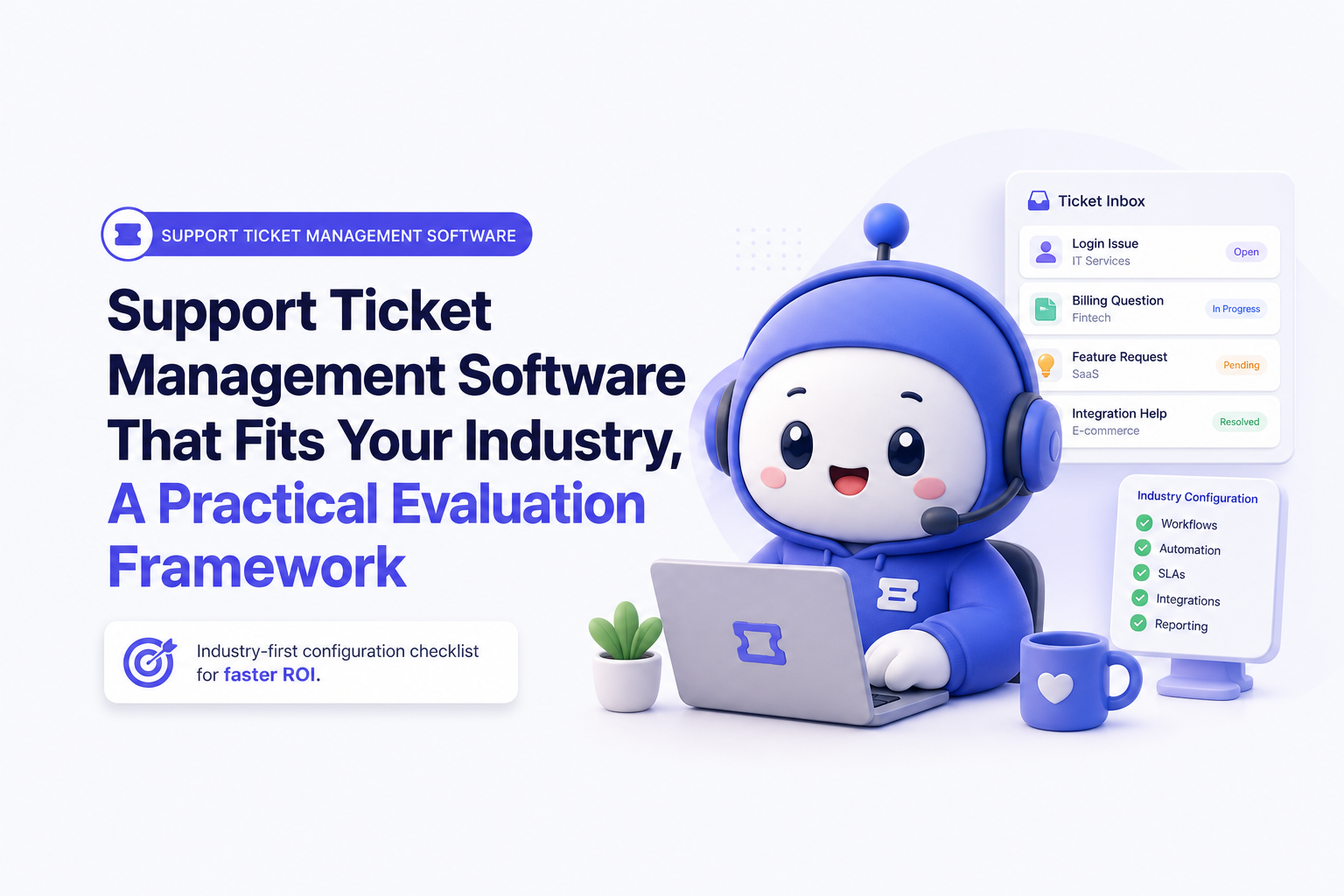
A 30-day evaluation scorecard for shortlisting vendors
To compare vendors objectively, run a 30-day evaluation that includes a real ticket pilot, not just admin setup. The scorecard below weights what typically moves metrics within 30 to 60 days: routing accuracy, SLA reliability, and reporting clarity.
Weighted scorecard (example)
| Category | Weight | How to test in a pilot | Pass criteria |
|---|---|---|---|
| Routing and assignment | 20% | Replay 200 historical tickets through rules | ≥85% land in correct queue without manual moves |
| SLA timers and escalations | 15% | Simulate wait states and after-hours | Pause/resume works; breach alerts fire correctly |
| Omnichannel conversation integrity | 10% | Run email + chat + form for same customer | Single timeline; no duplicate requester profiles |
| Automation and macros | 10% | Build 5 core workflows (refund, bug, access, status, follow-up) | Agents save measurable time per ticket |
| Knowledge base and deflection | 10% | Publish 10 articles; measure portal searches | Deflection tracking exists; article feedback loop works |
| Collaboration and permissions | 10% | Involve finance/ops/engineering in 20 escalations | Clear ownership; restricted views are enforceable |
| Analytics and exports | 15% | Recreate your weekly ops report | FRT, TTR, backlog aging, CSAT by segment in < 30 min |
| Admin UX and change management | 10% | Have a non-admin lead update rules and views | Common changes do not require vendor support |
Test scripts you can copy
- Script A (routing): Create 30 tickets with different products, languages, and tiers. Verify assignment, tags, and priority match your matrix.
- Script B (SLA): Create a ticket before business hours, set to “waiting on customer,” then reopen. Confirm timers behave as designed.
- Script C (reporting): Pull last 7 days: FRT median, TTR median, backlog count, backlog > 7 days, reopen rate, CSAT.
- Script D (escalation): Escalate 10 tickets to another team and verify the customer still gets updates on schedule.
Success metrics for day 30
- Routing accuracy: ≥85% correct queue placement without manual triage.
- Median FRT improvement: 15% to 30% vs baseline (same hours and channel mix).
- Backlog aging: reduce tickets older than 7 days by 20%.
- Agent time saved: 30 to 90 seconds per ticket via macros and automation (measured with a short time study).
If your organization is deciding between internal IT-style workflows and customer support workflows, this breakdown of service desk vs helpdesk can help you set the right evaluation criteria.
Implementation pitfalls and how to avoid them
Even the right support ticket management software can underperform if implementation creates messy taxonomy, misaligned SLAs, or low adoption. Use these mitigations to keep rollout tight.
Pitfall 1: Data migration that destroys reporting
- Symptom: old tickets import without consistent fields, making trend analysis impossible.
- Mitigation: migrate only what you will report on (for example, last 6 to 12 months), and map 5 to 10 canonical fields (reason, product, tier, severity, channel).
- Check: run a pre/post report and ensure counts match within 1% to 2%.
Pitfall 2: Taxonomy sprawl (tags and statuses explode)
- Symptom: 60+ tags, 12 statuses, and inconsistent labeling across agents.
- Mitigation: enforce a small controlled vocabulary: 6 to 10 contact reasons, 3 to 5 priorities, 5 to 8 statuses. Make anything else a free-text internal note.
- Check: weekly audit of top 20 tags; delete or merge unused ones.
Pitfall 3: SLA targets that do not match staffing reality
- Symptom: constant breaches that train the team to ignore alerts.
- Mitigation: baseline first: measure current FRT and TTR by tier and channel for two weeks, then set targets at 10% to 20% improvement per month.
- Check: breach rate should trend below 10% for standard tiers after stabilization.
Pitfall 4: Change management that skips frontline workflows
- Symptom: agents keep side spreadsheets for follow-ups and escalations.
- Mitigation: train using real tickets, require macros for top 10 replies, and publish a one-page “definition of done” for each ticket type.
- Check: measure reopen rate and internal note usage; both should stabilize within two weeks.
We initially assumed “more tags equals better reporting,” but a cleanup project showed the opposite: a smaller, enforced contact-reason list made dashboards usable and reduced time spent triaging misfiled tickets.
What good looks like, KPIs and reporting to prove impact
To prove impact, you need a baseline, targets, and a weekly reporting cadence. The KPIs below are the ones leadership typically trusts because they connect directly to customer experience and operational cost.
Baseline-to-target KPI set (with definitions)
| KPI | Definition | Baseline method | 30 to 60 day target |
|---|---|---|---|
| First Response Time (FRT) | Median time from creation to first human response | Segment by tier and channel | Improve 15% to 30% without increasing headcount |
| Time to Resolution (TTR) | Median time from creation to solved/closed | Exclude spam; track reopen separately | Improve 10% to 25% via routing + escalation clarity |
| Backlog and backlog aging | Open tickets and count older than X days | Weekly snapshot | Reduce >7 day backlog by 20% |
| Reopen rate | % of solved tickets reopened within 7 days | Track by contact reason | Decrease 10% with QA + knowledge base |
| CSAT | Post-resolution satisfaction score | Measure response rate too | Increase 0.2 to 0.5 points (5-point scale) or 2 to 5 points (NPS-style) |
| Deflection rate | % of users who find an answer without submitting a ticket | Portal searches vs tickets created | 5% to 15% for top FAQs after KB improvements |
| Cost per ticket (proxy) | Agent minutes per ticket x loaded hourly rate | Time study on 30 tickets | Save 30 to 90 seconds per ticket via automation |
Weekly reporting cadence that holds up in reviews
- Ops dashboard (weekly): FRT, TTR, backlog aging, breaches by tier, top contact reasons, reopen rate.
- Quality dashboard (biweekly): QA scores, macro usage, knowledge base article gaps, top drivers of reopens.
- Business impact (monthly): ticket volume per active customer, deflection, cost per ticket proxy, churn risk flags by segment.
For teams also evaluating chat-based intake, it helps to separate event ticketing from support workflows. This explainer on online ticketing system clarifies what to compare.
For KPI definitions and common support benchmarks, we reference public guidance like the Zendesk CX trends and benchmark-style reporting approach, focusing on consistent definitions over headline numbers: Zendesk Customer Experience Trends.
FAQ
How do I choose support ticket management software for a regulated industry?
Start with access control and audit needs: role-based permissions, immutable logs, retention settings, and exportability. Then test SLA timers and escalation workflows with real scenarios (after-hours, waiting states) to ensure compliance-driven response targets are enforceable.
What should we configure first to see results in 30 days?
Prioritize (1) intake normalization fields, (2) a small priority and contact-reason taxonomy, and (3) automation for assignment and customer updates. These three reduce manual triage and prevent stalled tickets, which usually moves FRT and backlog fastest.
How many SLA tiers are practical?
Most teams do well with 2 to 4 tiers: standard, priority, and enterprise (plus an incident tier if you run severity-based support). More tiers often create confusion unless you have clear entitlements and staffing to match each target.
Can AI help reduce ticket volume without hurting CSAT?
Yes, if AI is used for deflection and faster triage, not as a barrier. Start with top FAQs and clear handoff rules to humans. If you are piloting bots, you can use an AI Chatbot Free Trial approach to validate deflection and containment before expanding.
If you want to operationalize this framework quickly, CX Genie can support the workflow pieces that matter most in support ticket management software rollouts, including structured ticket lifecycle tracking, role-based access, automated assignment, real-time status updates, and knowledge base driven self-service. If you are also considering chat entry points, pair your help desk with a solid website chatbot integration plan, then book a CX Genie demo or start free to run the 30-day scorecard against your own tickets.

Written by Darmian
Customer Success Expert with experience helping customers onboard, adopt products, and achieve their business goals. I specialize in building strong client relationships, resolving challenges proactively, and collaborating with cross-functional teams to drive customer satisfaction, retention, and long-term success.
Read Next
View all
AI Chatbot Free Trial: Launch a Support Bot in 10 Minutes
Start an AI chatbot free trial to deflect tickets, capture leads, and measure ROI fast. Set up in under 10 minutes and scale to a team plan.
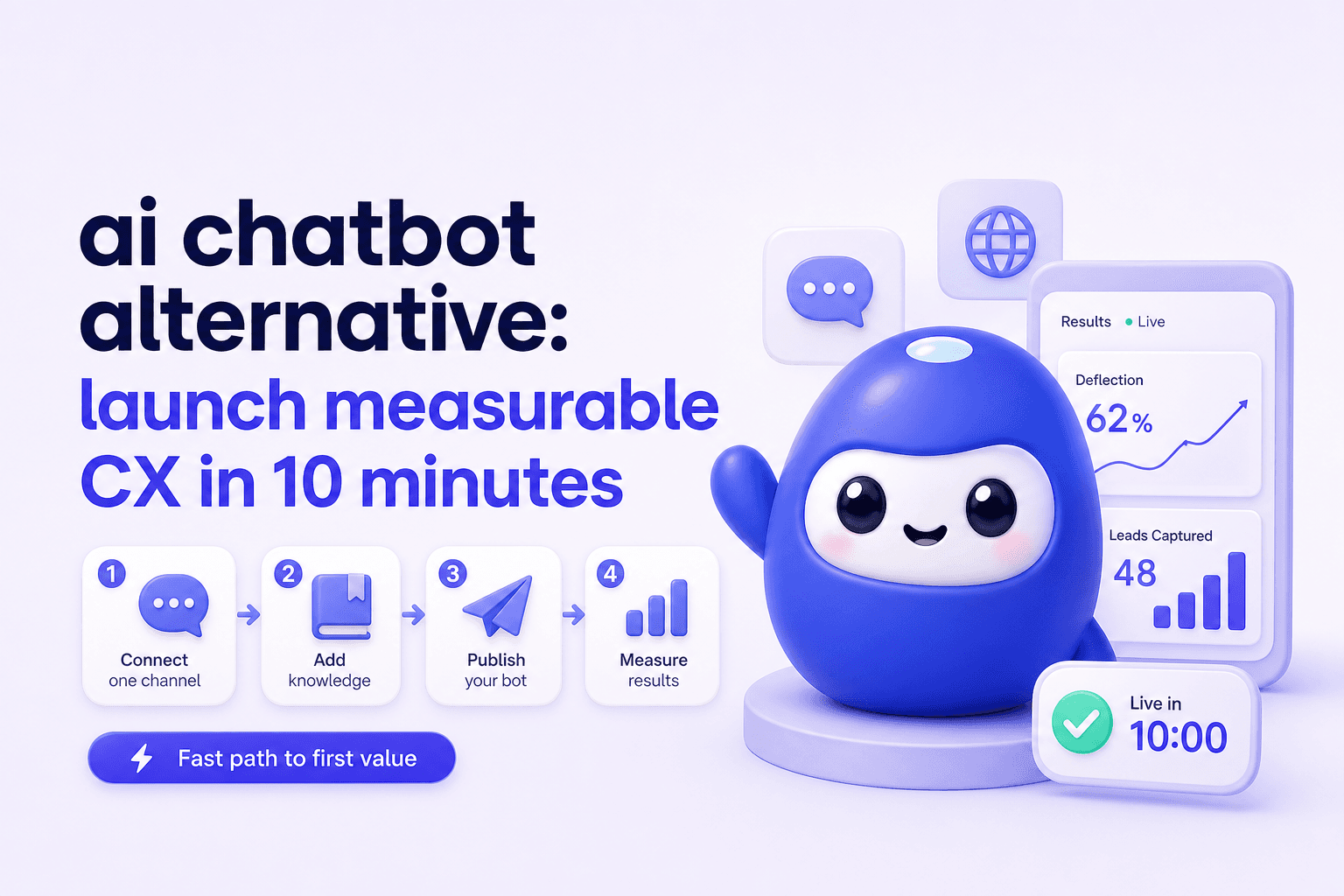
ai chatbot alternative: launch measurable CX in 10 minutes
Need an ai chatbot alternative? Go live in under 10 minutes, track deflection and leads, then scale with team roles, routing, and reporting.