
 CX Genie
Online Ticketing System Explained: Event Tickets vs Support Tickets and How to Choose
Learn what an online ticketing system means (events vs help desk), how it works, key features, and how to choose the right one.
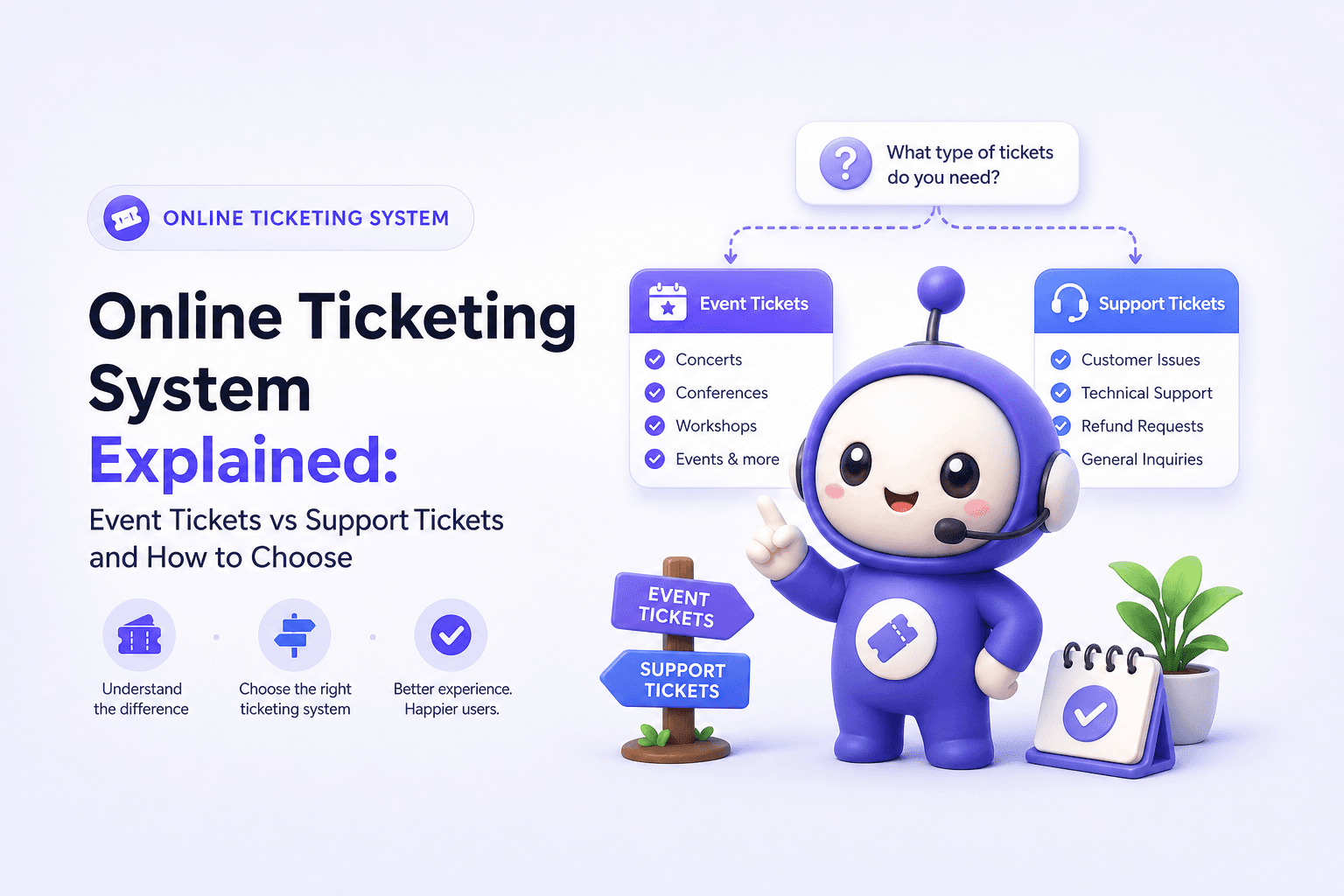
An online ticketing system can mean two very different things: software that sells event tickets (concerts, classes, tours) or software that manages customer support requests (help desk tickets). If you pick the wrong type, you will pay for features you never use and still miss the workflows you actually need. This guide disambiguates both meanings and gives you a practical way to choose.
- There are two main kinds of online ticketing system: event ticketing (payments, QR codes, check-in) and support ticketing (intake, routing, SLA, resolution).
- Use a simple decision tree plus a requirements checklist to avoid mismatches like “great checkout, no SLAs” or “great SLAs, no seating maps.”
- Evaluate options by outcomes you can measure: conversion rate, average resolution time, deflection rate, and reporting depth.
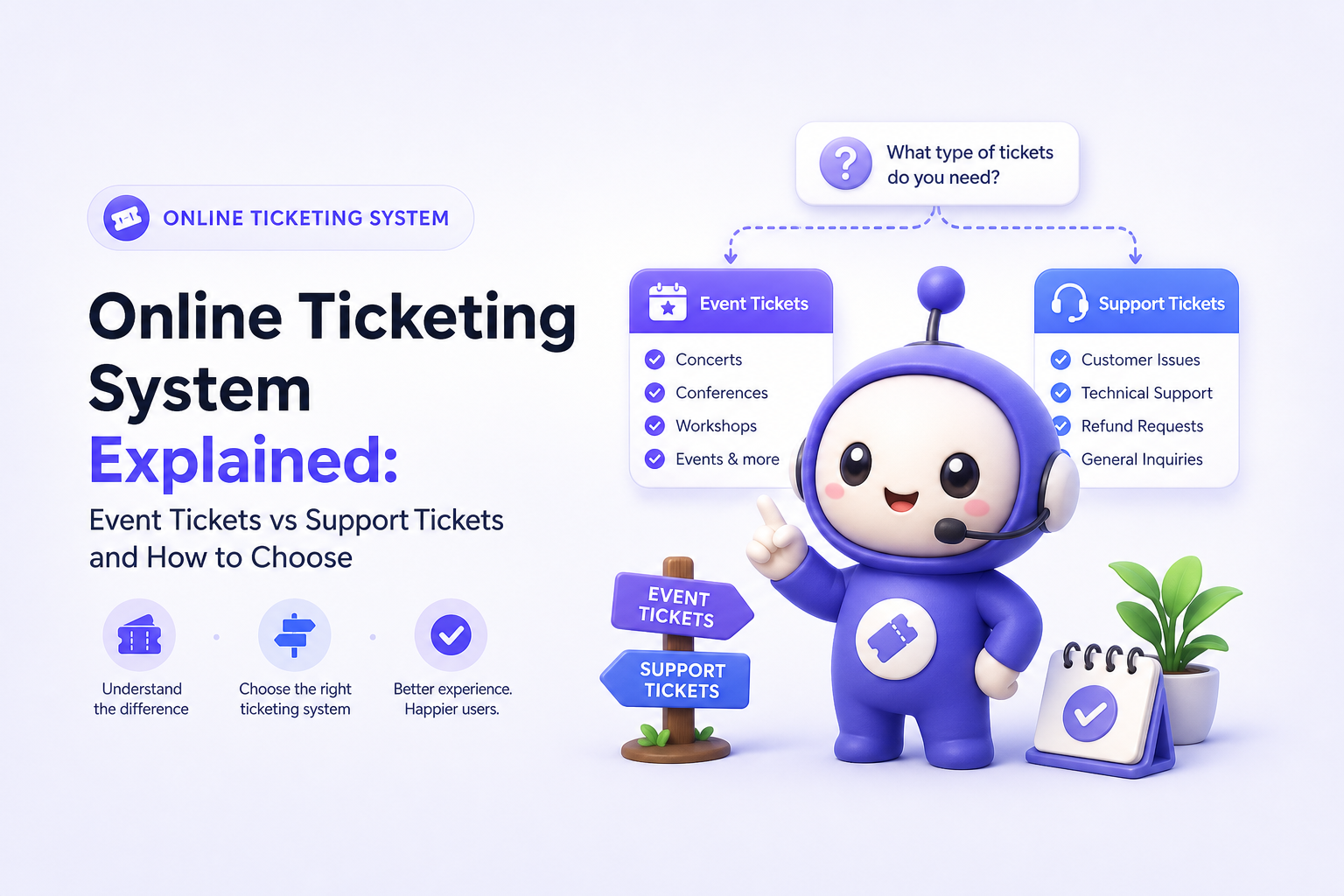
What an online ticketing system is and which kind you actually need
A clear definition of “ticket” in each context
- Event ticketing: A ticket is a paid (or free) admission credential tied to an attendee, inventory, and often a time slot or seat. The system optimizes for checkout, fraud prevention, and entry validation.
- Support ticketing: A ticket is a tracked request for help tied to a customer, issue category, and service level. The system optimizes for routing, collaboration, and resolution speed.
The 60-second decision tree
- Is money collected at the moment the “ticket” is created?
- Yes: you likely need event ticketing.
- No: continue.
- Is success measured by “attendees checked in” or “issues resolved”?
- Checked in: event ticketing.
- Resolved: support ticketing.
- Do you need SLAs, assignment rules, and an internal agent workspace?
- Yes: support ticketing.
- No: continue.
- Do you need seating maps, capacity limits, and QR or barcode scanning?
- Yes: event ticketing.
- No: you might need a lightweight form + inbox, but most teams still benefit from a basic help desk if volume grows.
Common mismatch symptoms (so you can spot a wrong purchase early)
- You bought “ticketing” for events, but you are trying to track refunds, bugs, and shipping issues. You will miss SLAs, status workflows, and agent analytics.
- You bought help desk “ticketing”, but you need inventory, add-ons, and on-site scanning. You will end up exporting lists and using separate check-in apps.
How online ticketing systems work end to end
Event ticketing workflow: create → sell → validate → reconcile
Most event platforms follow the same lifecycle, even if the UI differs:
- Create inventory: Define ticket types (General Admission, VIP), capacity, dates, and pricing rules (early bird, promo codes).
- Sell and collect payment: Checkout, tax handling, receipts, and payment processor settlement.
- Issue credentials: Email or wallet passes with unique QR codes or barcodes.
- Check-in and prevent fraud: Scan codes, enforce single entry, handle offline mode, and manage walk-ups.
- Reconcile: Attendance reports, refunds, chargebacks, and payout reconciliation.
Concrete example: a 200-person workshop with timed entry
- Inventory: 4 time slots x 50 seats.
- Rules: Early bird ends 10 days before event. Promo code limited to 30 redemptions.
- Day-of: Staff scans QR codes at the door, flags duplicates, and checks remaining capacity per slot.
- After: Export attendee list for certificate emails and reconcile refunds for no-shows.
Support ticketing workflow: submit → triage → resolve → learn
A support-focused online ticketing system typically runs like this:
- Submit: Tickets arrive via email, web forms, chat, or in-app widgets.
- Triage: Categorize, set priority, detect duplicates, and request missing details.
- Assign: Route by topic, language, customer tier, or availability.
- Resolve: Agent replies, collaborates internally, and tracks status from open to solved.
- Learn: Turn repeated solutions into knowledge base articles and automate deflection.
Concrete example: an eCommerce “Where is my order?” ticket
- Submit: Customer fills a form with order number.
- Triage: System tags “shipping”, sets medium priority, and checks for duplicates.
- Assign: Routed to the logistics queue during business hours; escalates if no update within an SLA window.
- Resolve: Agent replies with tracking and next steps, then marks solved.
- Learn: The resolution becomes a knowledge base entry so future customers self-serve.
Benefits and must-have features to look for
A practical evaluation framework: outcomes first, features second
Instead of comparing long feature lists, map each capability to a measurable outcome. Use this checklist during demos or trials.
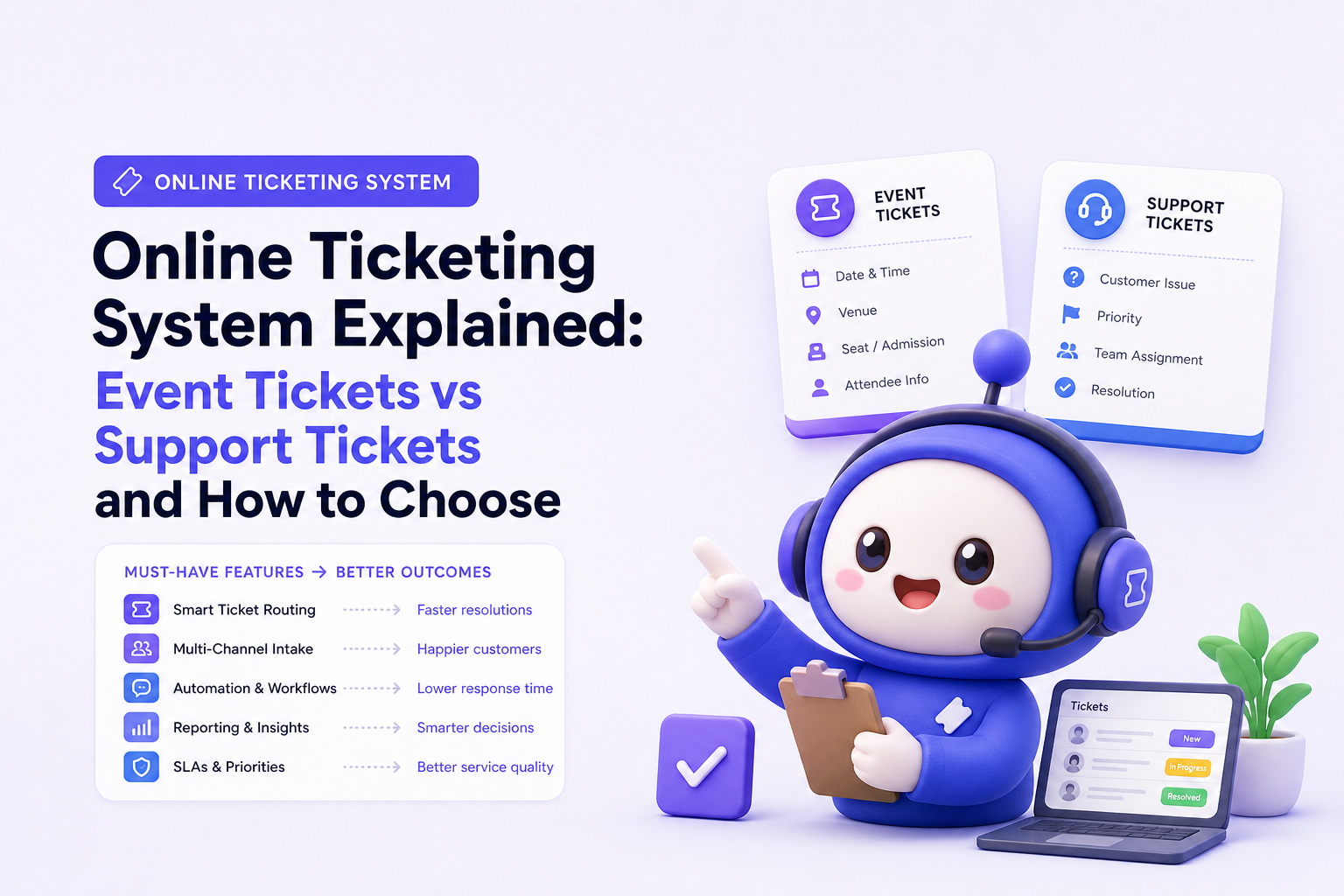
Event ticketing: must-haves mapped to outcomes
- Fast, trustworthy checkout → higher conversion and fewer abandoned carts. Benchmark: track checkout completion rate before and after switching platforms.
- Inventory controls (capacity, seat maps, timed entry) → fewer oversells and smoother operations.
- Discounting and bundles → higher average order value (AOV) via add-ons like merch or VIP upgrades.
- Fraud and duplicate-entry protection → fewer disputes and gate issues.
- Reporting → better forecasting by channel, ticket type, and time window.
Support ticketing: must-haves mapped to outcomes
- Multi-channel intake → fewer missed requests; customers use their preferred channel.
- Lifecycle tracking (open, pending, solved) → predictable operations and clear accountability.
- Assignment and prioritization → lower time to first response and faster resolution.
- Knowledge base and self-service → ticket deflection and lower support cost per customer.
- Analytics (volume, backlog, CSAT) → staffing and quality improvements based on evidence.
Questions to ask vendors (copy and paste)
- What are the top 3 metrics your customers improve in the first 60 days (and how are they measured)?
- Which workflows break at 10x volume: reporting, automation rules, or permissions?
- How do you handle data export and ownership (attendee lists or ticket histories)?
- What is the failure mode: payment outages and offline scanning (events) or missed SLAs and routing errors (support)?
A neutral shortlist of the best online ticketing system options by use case
Selection criteria you can score in 15 minutes
Score each option 1 to 5 on the criteria that match your “ticket” type:
- Fit for purpose: event vs support depth (does it do the core workflow end to end?).
- Time to launch: can a non-technical user publish or go live in a day?
- Automation: promo rules and capacity logic (events) or routing and macros (support).
- Reporting: can you answer “what happened last week” without exporting to spreadsheets?
- Total cost: include per-ticket fees, payment processing, per-agent pricing, and add-ons.
Best-for categories (neutral, by common scenarios)
- Best for paid events with check-in: choose an event-focused platform with robust checkout, QR codes, and on-site scanning.
- Best for free registrations and simple RSVPs: lightweight registration tools can work if you do not need complex inventory or fraud controls.
- Best for customer support teams: a help desk focused online ticketing system with assignment rules, lifecycle tracking, and knowledge base support.
- Best for multi-department internal requests (IT/HR/ops): support ticketing with role-based permissions and clear queues.
| Use case | You likely need | Non-negotiables | What to avoid |
|---|---|---|---|
| Concerts, tours, paid workshops | Event ticketing | Payments, QR/barcode issuing, scanning, capacity controls | Tools that lack on-site check-in or fraud controls |
| Timed entry sessions (multiple slots) | Event ticketing | Time-slot inventory, attendee communications, easy rescheduling | Systems that treat all tickets as one bucket |
| Product support inbox (email, web, chat) | Support ticketing | Routing, statuses, SLA visibility, knowledge base | Event ticketing tools that only “register” users |
| Internal IT and HR requests | Support ticketing | Permissions, queues by department, reporting by category | Shared inboxes with no lifecycle tracking |
FAQ
Is an online ticketing system the same as a help desk?
Not always. “Online ticketing system” is ambiguous: it can mean event ticket sales and entry management, or it can mean help desk ticket management for support requests. A help desk is specifically the support-ticketing category.
What metrics should I track after implementing a support ticketing system?
Start with time to first response, time to resolution, backlog size, reopen rate, and customer satisfaction (CSAT). If you add self-service, also track deflection rate, meaning how many users find answers without creating a ticket.
What metrics matter most for event ticketing?
Focus on checkout conversion rate, refund and chargeback rate, attendance or check-in rate, and revenue by channel and ticket type. If you run promotions, track redemption rate and incremental revenue versus discounted revenue.
Can one platform handle both event tickets and support tickets?
Some organizations use separate tools because the workflows are fundamentally different. If you try to force one system to do both, confirm it supports both payment-and-check-in flows and support workflows like routing, SLAs, and knowledge base, otherwise you will add manual work.
If what you actually need is a support-focused online ticketing system that helps you manage requests across channels and build self-service, CX Genie is worth a look. It combines help desk ticket tracking with agent workflows, analytics, and knowledge base driven deflection, and you can explore it alongside resources like AI Chatbot Free Trial, website chatbot integration, and chatbot platform comparison to understand how automation fits into your support stack.
Read Next
View all
Support Ticket System Setup, The Copy-Paste Blueprint for Fields, SLAs, and Routing Rules
Launch a support ticket system setup with copy-paste fields, statuses, SLAs, routing rules, and a shared-inbox migration plan.
Website Chatbot Integration: Launch a Bot in 10 Minutes
Website chatbot integration in under 10 minutes: capture leads, route support, and measure deflection. Try CX Genie self-serve, then scale to team.