
 CX Genie
Open Source IT Helpdesk Ticketing System and a Risk-First Framework to Choose Confidently
Use a risk-first checklist to evaluate an open source it helpdesk ticketing system across security, compliance, TCO, and ownership.

Darmian
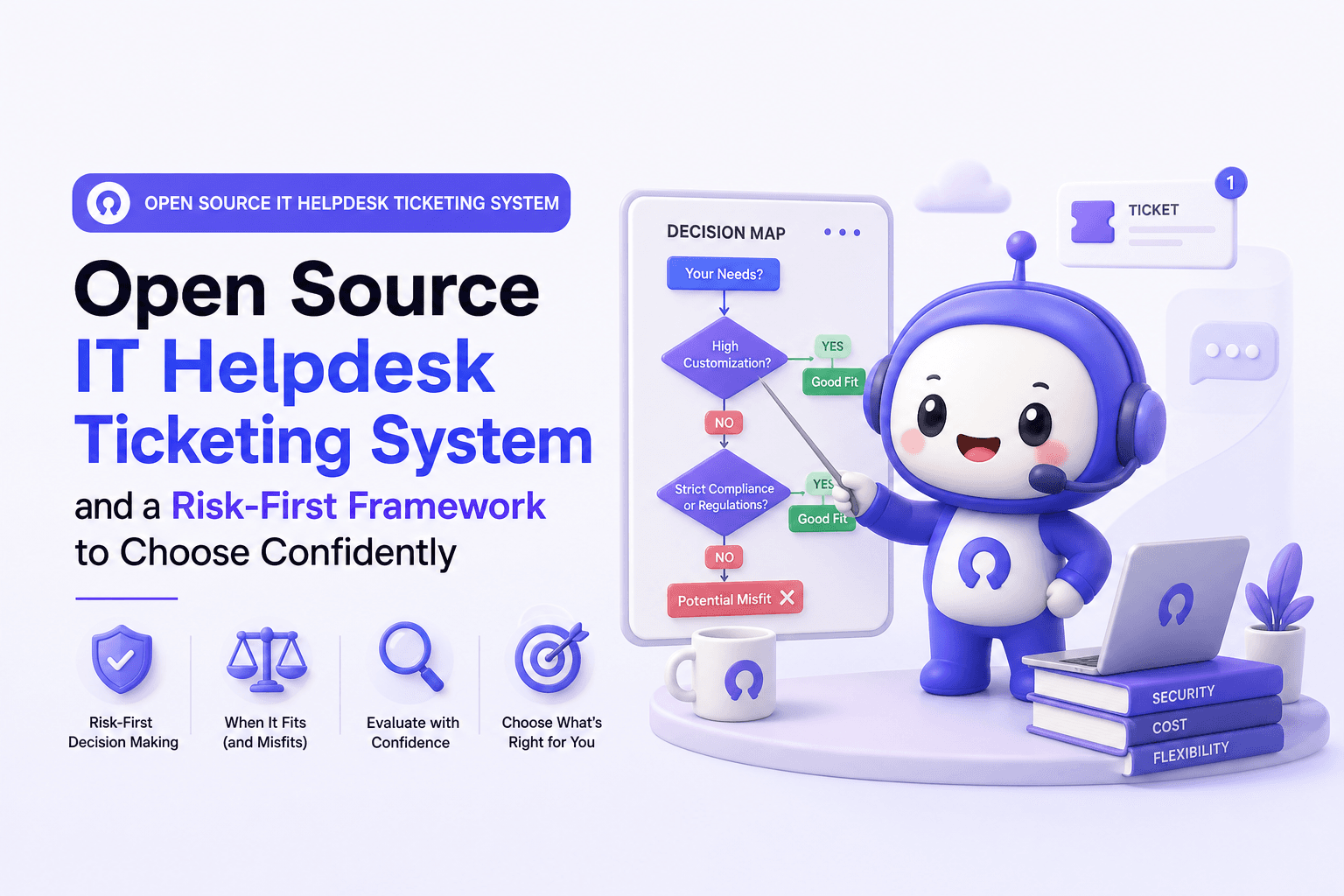
Choosing an open source it helpdesk ticketing system can feel like a fast win: no license fees, flexible workflows, and full control. But in IT support, the decision usually fails or succeeds on risk ownership, not features, so this guide uses a risk-first framework to help you choose confidently.
- Open source wins when you can own security patching, uptime, and workflow changes with clear on-call responsibility.
- A risk-first checklist (security, compliance, uptime, support ownership) prevents “free software” from turning into an expensive operational liability.
- If you still choose open source, a 30-day hardening plan (SSO, backups, SLAs, runbooks, reporting) is the difference between a lab tool and production.
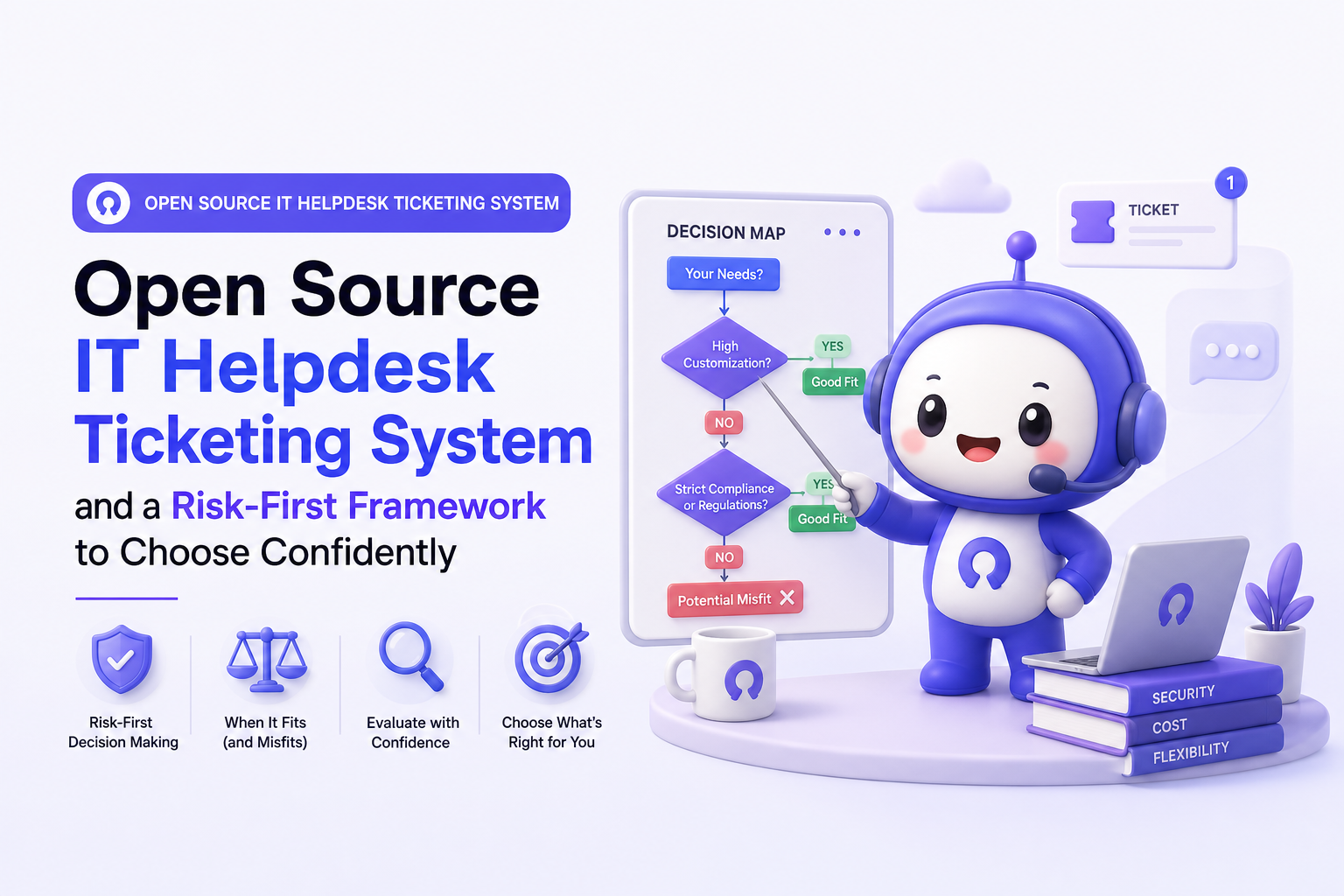
When Open Source IT Helpdesk Ticketing Systems Win and When They Don’t
Most teams don’t need a philosophical debate about open source. They need a decision map that ties real operating conditions to a likely outcome.
A quick fit vs misfit map you can use in 10 minutes
- Good fit if you have: a dedicated sysadmin or platform engineer (even part-time), an established patch cadence, and a clear owner for on-call and incident response.
- Likely misfit if you have: strict audit/compliance timelines, limited ops headcount, or you must guarantee uptime and response times to internal stakeholders.
Scenario-based decision cues
| Scenario | Open source fit? | Why | What to validate |
|---|---|---|---|
| Single site, small IT team (1 to 3 agents) | Sometimes | Lower ticket volume can tolerate manual processes | Backups, upgrades, and who patches CVEs |
| Multi-department intake (IT + HR + Facilities) | Often | Flexibility for custom forms and routing | RBAC, data separation, audit logs |
| Regulated environments (SOC 2, ISO 27001, HIPAA-like controls) | Risky | Evidence collection and control ownership become your job | Change control, logging, retention, encryption |
| 24/7 operations (manufacturing, logistics, healthcare) | Usually no | Uptime, paging, and failover require mature ops | HA design, RTO/RPO, on-call runbooks |
| Heavily integrated ITSM (CMDB, asset mgmt, SSO, SIEM) | Depends | Integrations can be feasible but costly to maintain | API stability, webhook reliability, upgrade impact |
Use this as a starting point, then move to the risk-first checklist below. If you want a refresher on fundamentals, see what is ticketing system before comparing deployment models.
A Risk-First Evaluation Framework for an Open Source IT Helpdesk Ticketing System
The fastest way to make a good decision is to assume you will be audited, breached, or paged at 2 a.m., then work backward. This framework is designed to surface hidden ownership early.
Step 1: Security controls checklist (minimum viable hardening)
- Identity and access: SSO/SAML or OIDC support, MFA enforcement, least-privilege roles, and offboarding automation.
- Encryption: TLS in transit, encryption at rest for the database and backups, and secret management (no plaintext credentials in config files).
- Vulnerability management: a documented process for CVE monitoring, patch testing, and emergency updates.
- Auditability: immutable audit logs for ticket changes, permission changes, and admin actions.
Step 2: Compliance and evidence readiness
Even if you are not formally certified, internal audits tend to ask the same questions: who accessed what, when, and why. Map requirements to artifacts you can actually produce.
- Log retention: define retention (for example, 90 days hot, 1 year cold) and prove it with storage policies.
- Data residency: confirm where the database and backups live, and whether tickets contain personal data.
- Change management: show approvals for upgrades, config changes, and permission changes.
- Access reviews: quarterly reviews of admin and agent roles, with sign-off.
For security control baselines, NIST SP 800-53 is a common reference point; you can align your checklist to it without adopting the entire catalog: NIST SP 800-53.
Step 3: Uptime, incident response, and operational ownership
- SLOs: define availability target (example: 99.9%) and support response expectations for internal users.
- RTO/RPO: set recovery time objective and recovery point objective, then design backups and restore testing to match.
- On-call: name the escalation owner for app, database, and infrastructure.
- Monitoring: health checks, queue depth, email ingestion failures, and background job failures must page someone.
After running a few incident retrospectives on self-hosted tools, the pattern was clear: most outages were not “software bugs,” but silent failures in email ingestion, storage, or background workers that nobody was watching.
Step 4: Support model and bus factor
- Bus factor: if one person leaves, can the team still deploy, restore, and upgrade?
- Documentation: runbooks for common tasks (restore, upgrade, rotate secrets, add agents, change routing).
- Community health: release cadence, security advisories, and whether maintainers respond to issues.
This is also where many teams clarify service desk vs helpdesk expectations. If stakeholders expect service management outcomes, open source helpdesk tooling can be a mismatch unless you invest in process and integrations.
True Cost of Ownership What You’ll Pay Beyond the License
An open source it helpdesk ticketing system can be “free” and still cost more than a managed platform once you account for labor, risk, and downtime. The model below helps you estimate TCO with numbers you can defend.
A simple TCO model you can spreadsheet in 15 minutes
TCO (annual) = Hosting + Tooling + Labor + Downtime risk + Opportunity cost
- Hosting: compute, storage, database, backups, outbound email delivery, and bandwidth.
- Tooling: monitoring, log management, vulnerability scanning, secrets management.
- Labor: patching, upgrades, user admin, workflow changes, incident response.
- Downtime risk: expected hours of disruption multiplied by internal cost per hour.
- Opportunity cost: time spent maintaining the tool instead of improving support workflows or automation.
Benchmarks to use (adjust to your org)
- Maintenance labor: 4 to 12 hours/month for a stable deployment; 15 to 30 hours/month during heavy customization or frequent upgrades.
- Upgrade projects: 1 to 3 days/quarter if you test properly (staging, rollback plan, validation).
- Restore testing: 2 to 4 hours/quarter to prove backups actually work.
When we tested a self-hosted helpdesk in a mid-sized environment, the surprise cost was not compute, it was the recurring time spent validating email piping, spam filtering, and background jobs after every minor update.
Cost triggers that usually flip the decision
- 24/7 support requirement: on-call coverage and HA design become the real expense.
- Audit evidence: generating and retaining logs, access reviews, and change records adds ongoing work.
- Integration sprawl: every integration becomes another failure mode during upgrades.
Implementation Reality Check Data, Workflows, and Change Management
Most open source helpdesk rollouts fail in the same three places: data migration, workflow design, and adoption. Treat implementation like a production system launch, not a “tool install.”
What typically breaks (and how to preempt it)
- Email ingestion: SPF/DKIM/DMARC alignment, forwarding rules, and mailbox rate limits.
- Identity mapping: duplicate users, mismatched emails, and role drift when syncing from an IdP.
- Workflow overload: too many statuses and custom fields that nobody uses consistently.
- Reporting gaps: missing timestamps or inconsistent categorization makes SLAs impossible to measure.
A de-risked migration checklist
- Define the minimum viable workflow: 3 to 5 statuses, 5 to 10 categories, and a clear escalation path.
- Decide what data to migrate: usually last 6 to 18 months of tickets plus open tickets; archive the rest.
- Run a pilot: one department for 2 weeks with real traffic, then adjust routing and forms.
- Prove reporting: validate you can measure first response time, resolution time, backlog, and reopen rate.
- Train for behaviors: what counts as “resolved,” when to reassign, and how to document solutions.
If your stakeholders compare you to an online ticketing system experience they know from customer support, set expectations early about what will be automated on day one versus later.
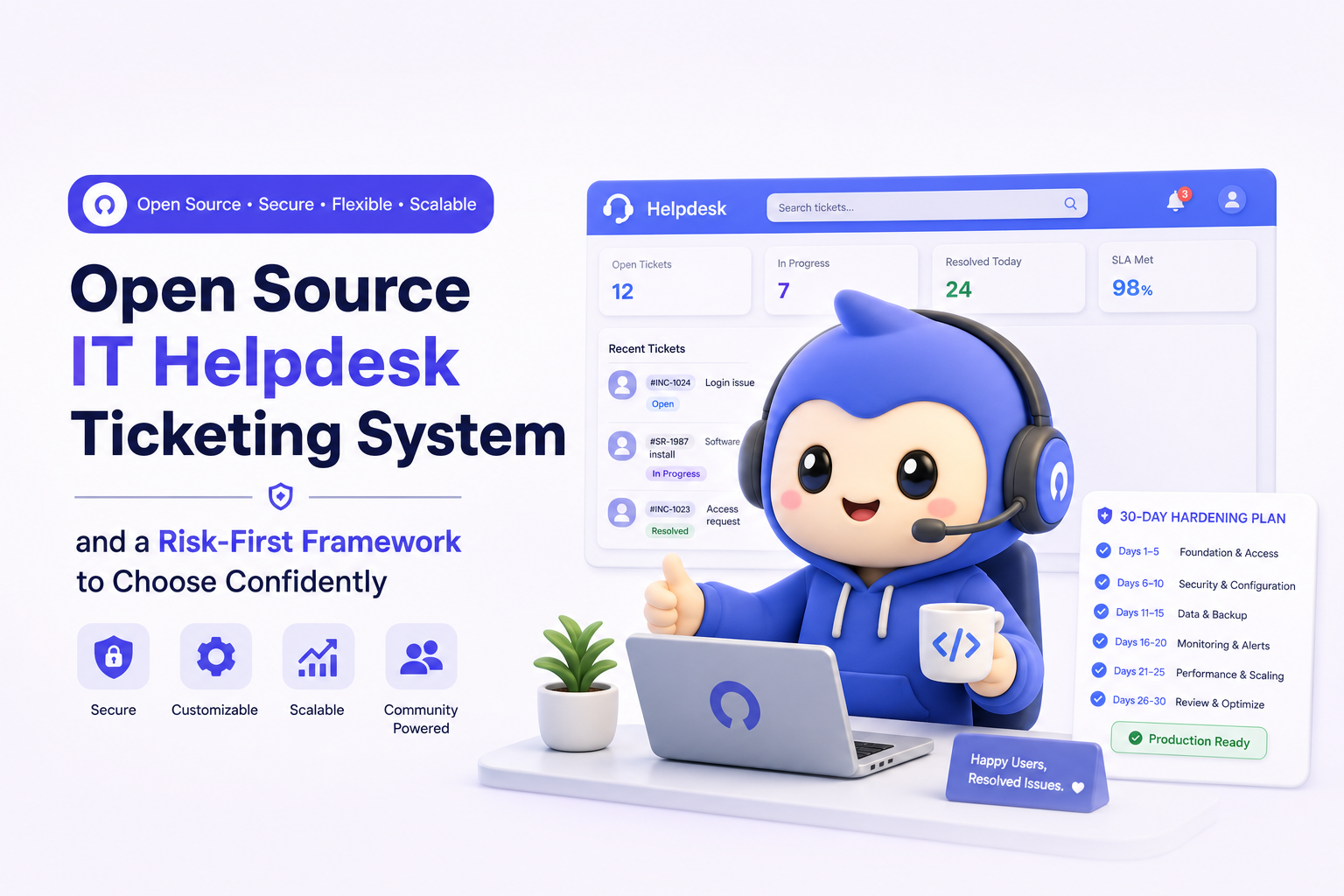
If You Choose Open Source A 30-Day Plan to Make It Production-Ready
This plan assumes you already picked an open source it helpdesk ticketing system and want to make it safe, supportable, and measurable quickly.
Week 1: Baseline architecture and access control
- Deploy staging and production separately.
- Enable SSO/MFA and role-based access; remove shared admin accounts.
- Set up outbound email with proper SPF/DKIM/DMARC; test ticket creation via email end-to-end.
- Document ownership: who patches, who restores, who is on-call.
Week 2: Backups, monitoring, and incident readiness
- Implement automated backups (DB + attachments) and encrypt them.
- Run a restore test and record RTO/RPO results.
- Add monitoring for: queue depth, email failures, background job failures, disk usage, and error rates.
- Create an incident runbook with severity levels and escalation contacts.
Week 3: Workflow hardening and reporting
- Lock the minimum viable workflow: statuses, categories, priority definitions.
- Define SLAs (first response, resolution) by priority and business hours.
- Build a weekly ops dashboard: backlog by age, SLA breaches, reopen rate, top categories.
- Create a knowledge capture habit: resolution notes formatted consistently for later reuse.
Week 4: Change management and operating cadence
- Set a patch cadence (example: monthly) plus an emergency process for critical CVEs.
- Establish a change log for workflow edits and permission changes.
- Run a tabletop exercise: simulate email ingestion failure and database restore.
- Go-live with a pilot department, then expand with a clear adoption checklist.
When a Managed Platform Beats Open Source and What to Look For
A managed platform is usually the smarter path when the business impact of downtime or security gaps is higher than the savings from avoiding license fees. The goal is not to avoid open source, it is to avoid unowned risk.
Selection criteria that matter more than feature lists
- Operational ownership: who handles upgrades, security patches, and uptime guarantees?
- Evidence and governance: audit logs, role-based permissions, and reporting you can export for reviews.
- Automation depth: routing, prioritization, and knowledge workflows that reduce manual triage.
- Real-time transparency: clear ticket lifecycle tracking and status updates to reduce follow-ups.
- Scalability: ability to support multiple departments without rebuilding the system each time.
We initially assumed customization would be the deciding factor, but operational ownership showed up as the real constraint once teams needed consistent SLAs and reliable reporting across departments.
Where CX Genie fits if you want managed ownership
If you decide the risks of self-hosting are not worth it, CX Genie is an option to evaluate as a managed help desk and customer engagement platform. It is designed to keep ticket lifecycle tracking, role-based access, task assignment, analytics, and knowledge workflows in one place, so your team spends less time maintaining the tool and more time improving support outcomes.
| Decision factor | Open source self-hosted | Managed platform |
|---|---|---|
| Security patching | You own monitoring CVEs, testing, and rollout | Vendor typically owns patch delivery and uptime processes |
| Compliance evidence | You assemble logs, retention, access reviews | Often easier to centralize reporting and governance |
| Customization | High, but can increase upgrade risk | Configurable, with safer upgrade paths |
| TCO predictability | Variable, depends on incidents and labor | More predictable subscription or fixed pricing |
| Time to value | Slower if you harden properly | Faster rollout with fewer ops dependencies |
FAQ
Is an open source it helpdesk ticketing system secure enough for enterprise use?
It can be, but security depends on your operating model. You need a patch process, MFA/SSO, encrypted backups, monitoring, and documented incident response. If those are not reliably owned, risk accumulates quickly.
What is the biggest hidden cost of an open source it helpdesk ticketing system?
Labor and risk. Teams often underestimate upgrade testing, email ingestion reliability, monitoring, and the time required to produce audit evidence like access reviews and change logs.
How long does it take to make an open source helpdesk production-ready?
With a focused plan, 30 days is realistic for baseline hardening, backups and restore testing, monitoring, and a pilot rollout. Complex integrations or heavy customization usually add multiple weeks.
When should we stop self-hosting and move to a managed platform?
Move when you cannot meet uptime or security expectations without heroics, when compliance evidence becomes a recurring burden, or when maintenance work blocks improvements to support workflows and customer experience.
If you are weighing an open source it helpdesk ticketing system against a managed option, book a demo of CX Genie to see how a modern help desk can centralize ticket tracking, knowledge workflows, automation, and reporting without adding self-hosting operational load.

Written by Darmian
Customer Success Expert with experience helping customers onboard, adopt products, and achieve their business goals. I specialize in building strong client relationships, resolving challenges proactively, and collaborating with cross-functional teams to drive customer satisfaction, retention, and long-term success.
Read Next
View all
How Pennylane turned industry events into fully booked AE calendars with lemlist
How Pennylane turned industry events into fully booked AE calendars with lemlist
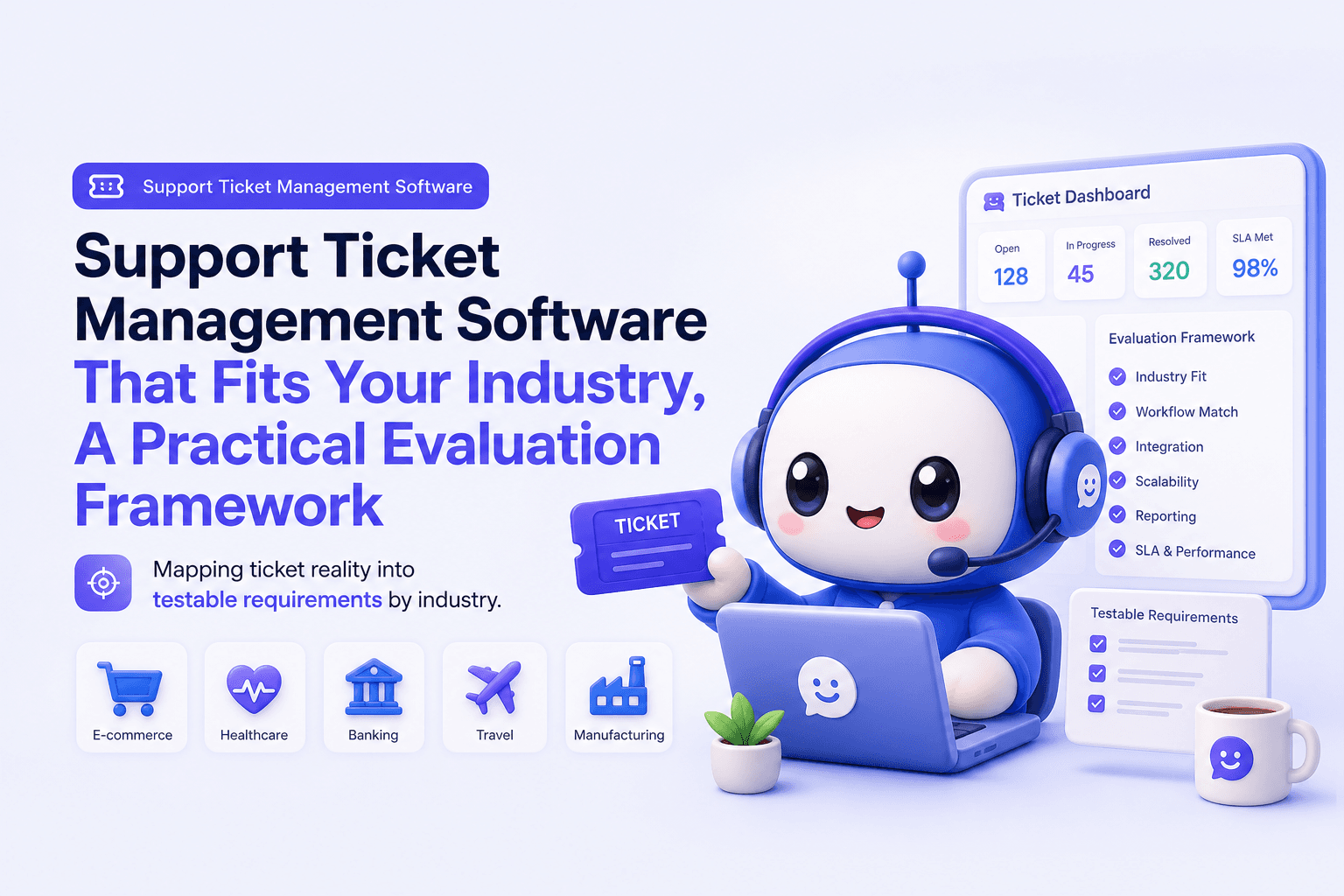
Support Ticket Management Software That Fits Your Industry, A Practical Evaluation Framework
Choose support ticket management software by industry with a 30-day scorecard, SLA and routing checklist, and KPIs to prove impact.
Chatbot Platform Comparison: Prove Value in 10 Minutes
Chatbot platform comparison for B2B teams: test setup speed, measurable outputs, and team upgrade signals. Start self-serve and scale.