
 CX Genie
CX Genie Implementation, The 7-14 Day Rollout Plan With QA And KPIs
A practical cx genie implementation playbook: owners, knowledge onboarding, workflows, channel QA, and KPI gates to launch in 7-14 days.
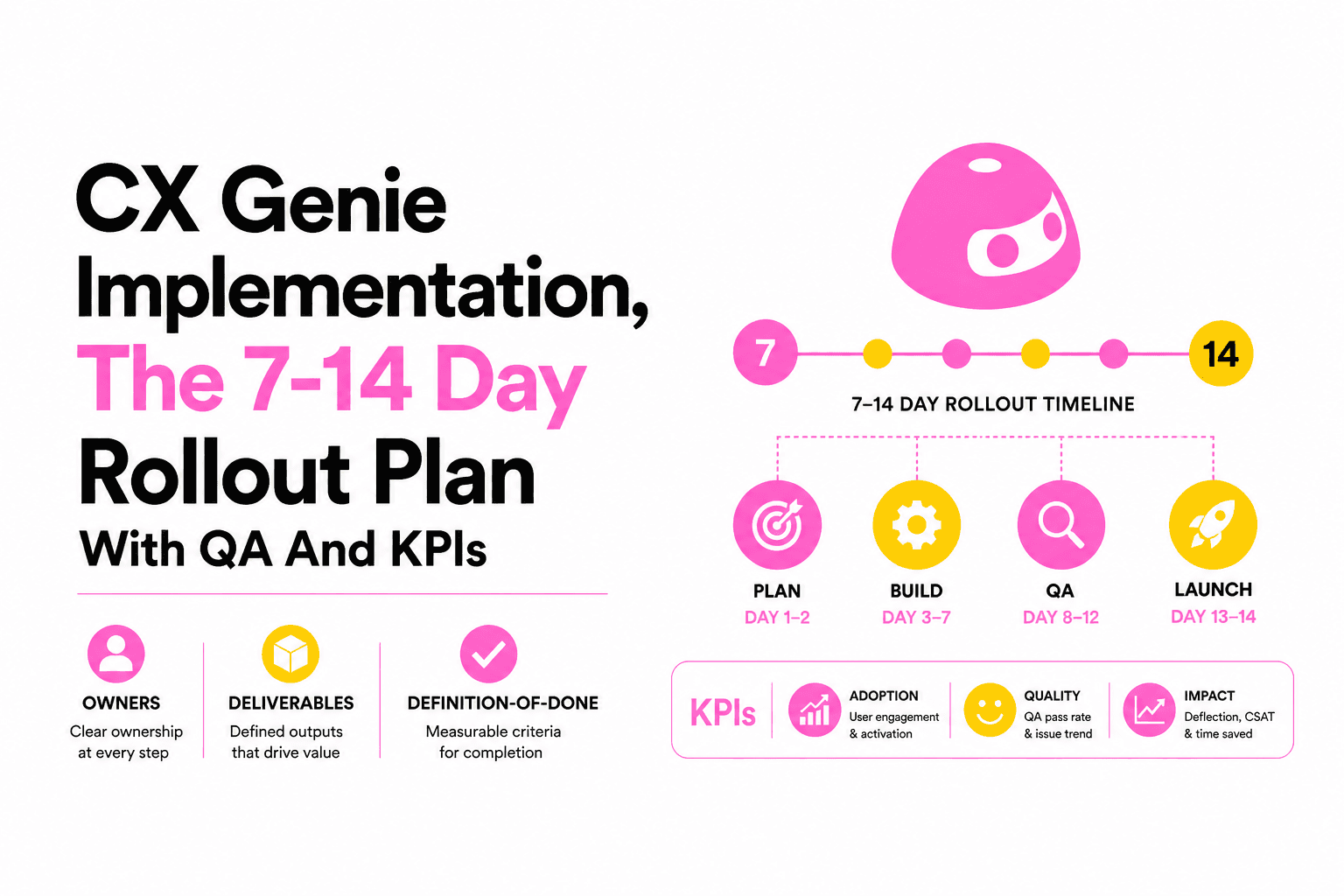
CX Genie implementation works best as a controlled 7-14 day project with clear scope, owners, QA scripts, and KPI gates before you expand to more channels.
- Ship a minimal but complete support flow first (top intents + human handover), then scale channels after QA passes.
- Batch knowledge onboarding with an explicit content architecture and update cadence so you do not get stuck adding items one-by-one.
- Use definition-of-done checklists and KPI targets (containment, SLA, CSAT) to decide whether to widen access or roll back.
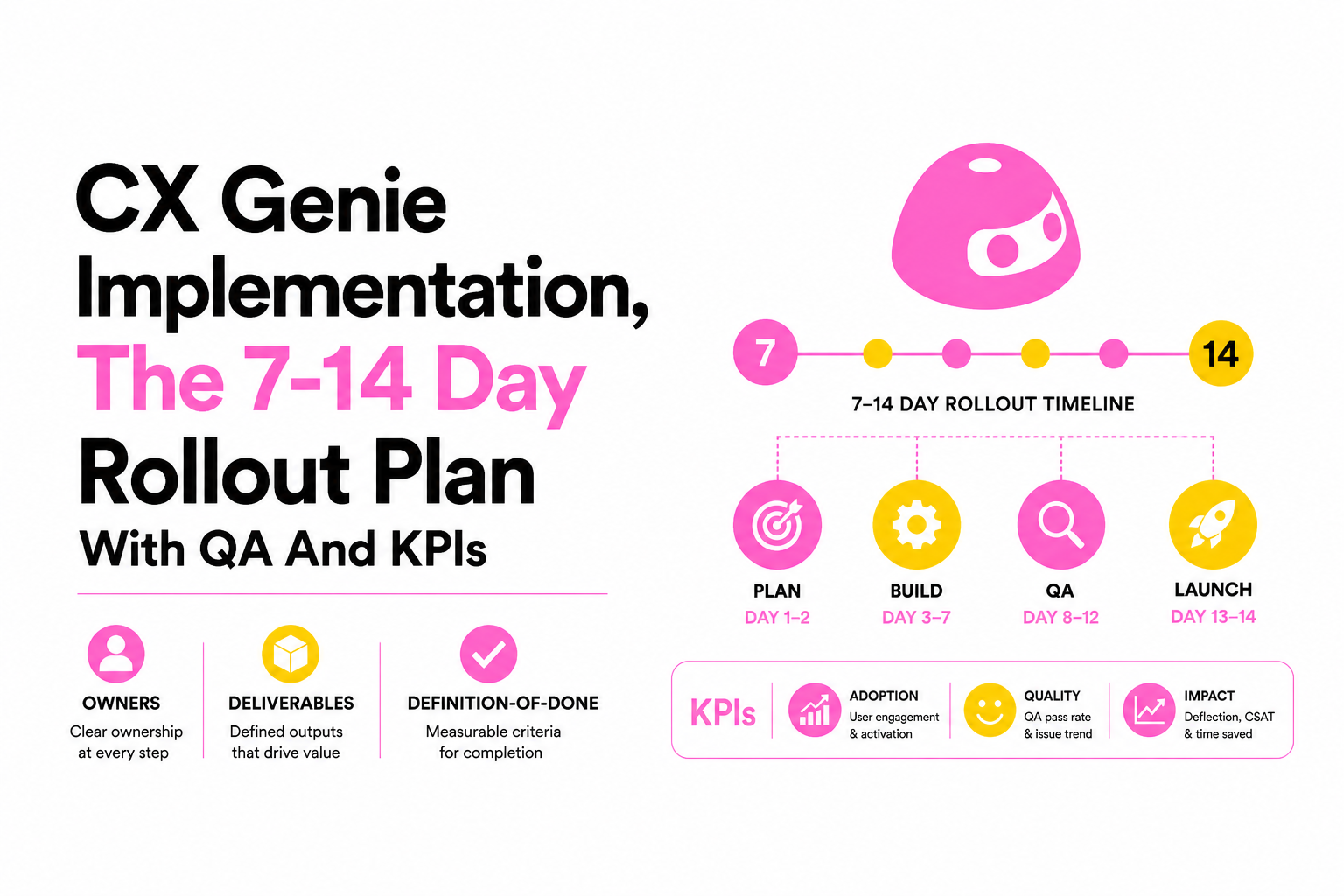
Implementation readiness, scope, owners, and a 7-14 day timeline
CX Genie implementation stays on schedule when you lock three things on day 0: the channels you will launch, the top support use cases you will automate, and a single accountable owner for each deliverable.
Scope first: pick channels and “top intents” you can finish
- Channels (pick 1-2 for week 1): website widget first, then add one messaging channel (Facebook Messenger, Telegram, Discord) after QA.
- Use cases (start with 10-20 intents): order status, refund policy, password reset, plan upgrades, billing questions, bug report intake, account access issues.
- Out-of-scope for week 1: long-tail edge cases, policy debates, and any workflow needing legal review.
RACI and owners (use this table in your kickoff)
| Workstream | Responsible | Accountable | Consulted | Informed |
|---|---|---|---|---|
| Knowledge architecture + drafts | Support lead | Support ops | Product | CS leadership |
| AI agent setup + guardrails | Support ops | Support ops | Security | All agents |
| Workflows + routing rules | Support ops | Support ops | Support lead | All agents |
| Help desk fields + SLAs | Support ops | Support ops | Support lead | Agents |
| Channel deployment | Web/IT | Web/IT | Support ops | Marketing |
| QA + go-live decision | Support lead | Head of Support | Support ops | Leadership |
Day-by-day rollout plan (definition-of-done included)
- Day 1: kickoff, select channels + 10-20 intents, define escalation policy. Done when backlog is prioritized and owners accept tasks.
- Days 2-3: knowledge batching (see next section). Done when each intent has an approved answer and a source-of-truth link.
- Days 4-6: build AI agent behavior, workflows, help desk fields/SLAs, and human handover notifications. Done when test transcripts meet acceptance criteria.
- Days 7-8: website widget staging + QA scripts. Done when 90% of test cases pass and failures have fixes or documented fallbacks.
- Days 9-10: limited pilot (internal or 5-10% of traffic). Done when KPI gates are met for 2 consecutive days.
- Days 11-14: expand to a messaging channel, add remaining intents, finalize governance. Done when support team signs off and reporting cadence is in place.
Knowledge and data onboarding that scales, even without bulk import
Knowledge onboarding for CX Genie implementation should be designed as a repeatable content pipeline, not a one-time upload, so updates do not become a one-by-one maintenance trap.
Use a simple content architecture (one page per intent)
For each intent, create a single “answer card” with the same fields every time:
- Intent name: “Refund status”
- Customer phrasing examples: 10 variants from real tickets
- Approved response: short, step-based, includes links
- Eligibility rules: what changes the answer
- Escalation trigger: when to hand over to an agent
- Last reviewed: date + owner
Batching method: 4 sprints of 30-45 minutes
- Batch 1 (collect): export top ticket subjects from your help desk and group into 10-20 intents.
- Batch 2 (draft): write first-pass answers from existing macros, docs, and policy pages.
- Batch 3 (validate): support lead approves wording and escalation rules.
- Batch 4 (test): run transcripts against each intent and note missing variants.
When we tested this batching approach with support teams that had scattered documentation, the bottleneck was not writing answers, it was agreeing on escalation rules and ownership, so we now force those fields to be filled before anything ships.
Update cadence and governance (so knowledge stays trustworthy)
- Weekly: review the top 5 failed intents from transcripts; patch answers and add phrasing variants.
- Monthly: review policy-sensitive intents (refunds, security, billing).
- Per release: add or update product-change intents the same day the change is announced internally.
Build the support experience, AI agent, workflows, help desk, and human handover
CX Genie implementation should treat automation and human support as one system, with explicit guardrails for what the AI agent can answer and deterministic rules for when a ticket is created and routed.
Guardrails for the AI agent (acceptance criteria)
- Policy protection: the agent must quote the official policy source for refunds, cancellations, and security.
- Identity protection: no account-specific actions without verification; route to human.
- Uncertainty handling: if confidence is low, ask 1 clarifying question, then hand over.
Workflow blueprint: trigger, block, publish
Set up a small set of workflows you can reason about during incidents:
- Trigger: customer mentions “refund”, “charged”, “invoice”.
- Block: if message includes PII or account takeover language, prevent automated steps and route to a secured handover path.
- Publish: send the approved response, attach the right help desk tags, and offer escalation.
Help desk setup and collaboration basics
- Core fields: issue type, urgency, customer segment, channel, product area.
- SLAs: set at least 2 levels (standard vs urgent) and define business hours.
- Collaboration: enable internal notes and clear reassignment rules so handovers do not stall.
For a concrete configuration blueprint, map your fields, SLAs, and routing rules using a proven template before you build; this is the same structure we use when doing a full support ticket system setup.
Human handover rules (make them measurable)
- Immediate handover triggers: payment disputes, security/account access, angry sentiment plus 2+ messages without resolution.
- Packaging for agents: transcript summary, detected intent, customer-provided identifiers, and attempted steps.
- Done when: an agent receives a notification, can open a ticket, and can respond in under 2 minutes during QA.
We initially assumed containment would come from “more knowledge,” but our team found the fastest stability gains came from tightening handover triggers and ticket packaging so agents did not re-ask the same questions.
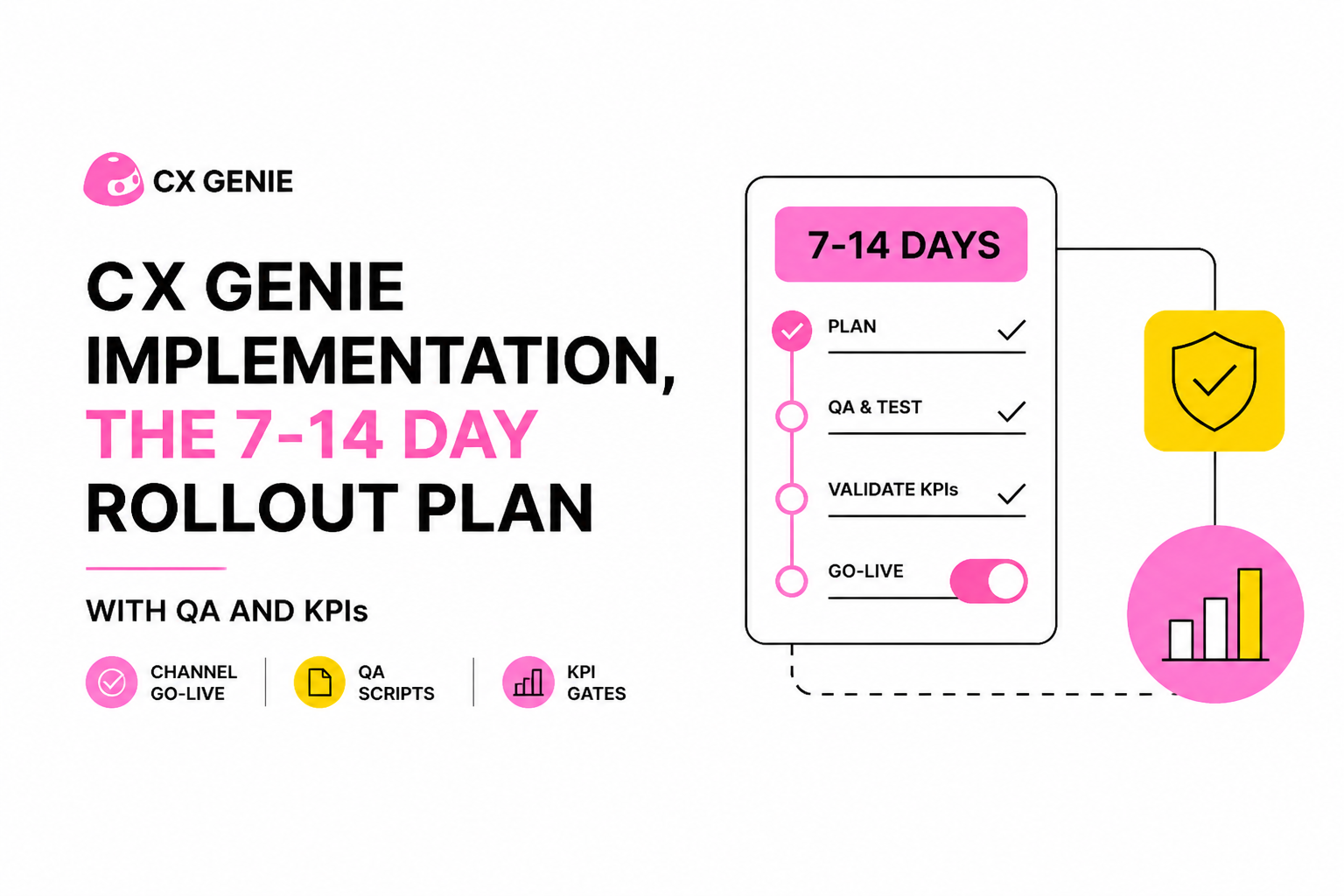
Channel-by-channel go-live playbook with QA scripts and definition of done
CX Genie implementation is safest when each channel has prerequisites, a repeatable QA script, and an explicit rollback plan before you expose it to full customer volume.
Website widget go-live (prereqs + QA script)
- Prereqs: staging environment, brand styling, privacy links, handover path verified.
- QA script (minimum 12 tests):
- Ask 3 top intents using 3 different phrasings each.
- Force a handover trigger (billing dispute) and confirm ticket creation + agent notification.
- Test business-hours behavior (after-hours message and next-day follow-up).
- Confirm knowledge links open correctly and are not broken.
- Definition of done: 0 critical failures, and every handover results in a trackable ticket with correct tags.
If you need a fast technical checklist, follow a step-by-step website chatbot integration guide and adapt the QA script above to your stack.
Messaging channel rollout (Messenger, Telegram, Discord) as phase 2
- Prereqs: channel permissions, moderation rules, and escalation coverage (who is on-call).
- QA script: verify message delivery, agent takeover, and that attachments/links behave as expected.
- Definition of done: same intent coverage as the website plus channel-specific edge cases (rate limits, rich content, threading).
KPI gates to expand or pause
- Containment (automation success): target a stable trend, not a single-day spike; expand only after two consecutive days meet your internal threshold.
- Time to first response for escalations: define a maximum by severity and verify in real transcripts.
- Quality: track recontact rate for the same issue within 7 days and top failure intents.
To keep scope controlled, treat pricing as “conversation-based capacity planning” and decide which channels and traffic volumes to open first; if you are modeling ROI, start with your ticket deflection assumptions using an AI Chatbot Pricing worksheet.
| Phase | Traffic exposure | What you measure | Ship/No-ship rule |
|---|---|---|---|
| Staging QA | 0% | Script pass rate, handover integrity | No critical failures |
| Pilot | Internal or 5-10% | Escalation SLA, top intent accuracy | Meet KPI gates 2 days in a row |
| Website full | 100% website | Recontact rate, backlog stability | No backlog growth week-over-week |
| Second channel | One messaging channel | Channel-specific edge cases | Same KPIs as website, plus moderation |
FAQ about CX Genie rollout
How long should CX Genie implementation take if we only launch the website widget?
CX Genie implementation for a single website channel can fit into 7-10 days if you limit scope to 10-20 intents, confirm handover rules early, and run a staging QA script before a pilot.
What should we prepare before building workflows and help desk routing?
Prepare a field map (issue type, urgency, product area), SLA tiers, and escalation triggers. If you want a copy-paste structure, start from a support ticket system setup blueprint and translate it into your workflow rules.
What is the fastest way to validate the bot experience without risking customers?
Run staged transcripts against the top intents, then pilot with internal users or a small traffic percentage. Use a fixed QA checklist and require handover to create a ticket every time, so failures are observable and reversible.
Should we start with a demo or a free trial?
Start with an AI chatbot demo if you need stakeholder alignment on the end-to-end flow. Use an AI Chatbot Free Trial when your team is ready to run staging QA and a limited pilot this week.
If you want a controlled pilot you can expand with confidence, book a demo or start free with CX Genie and run the 7-14 day plan above with strict QA and KPI gates before adding more channels.
Read Next
View all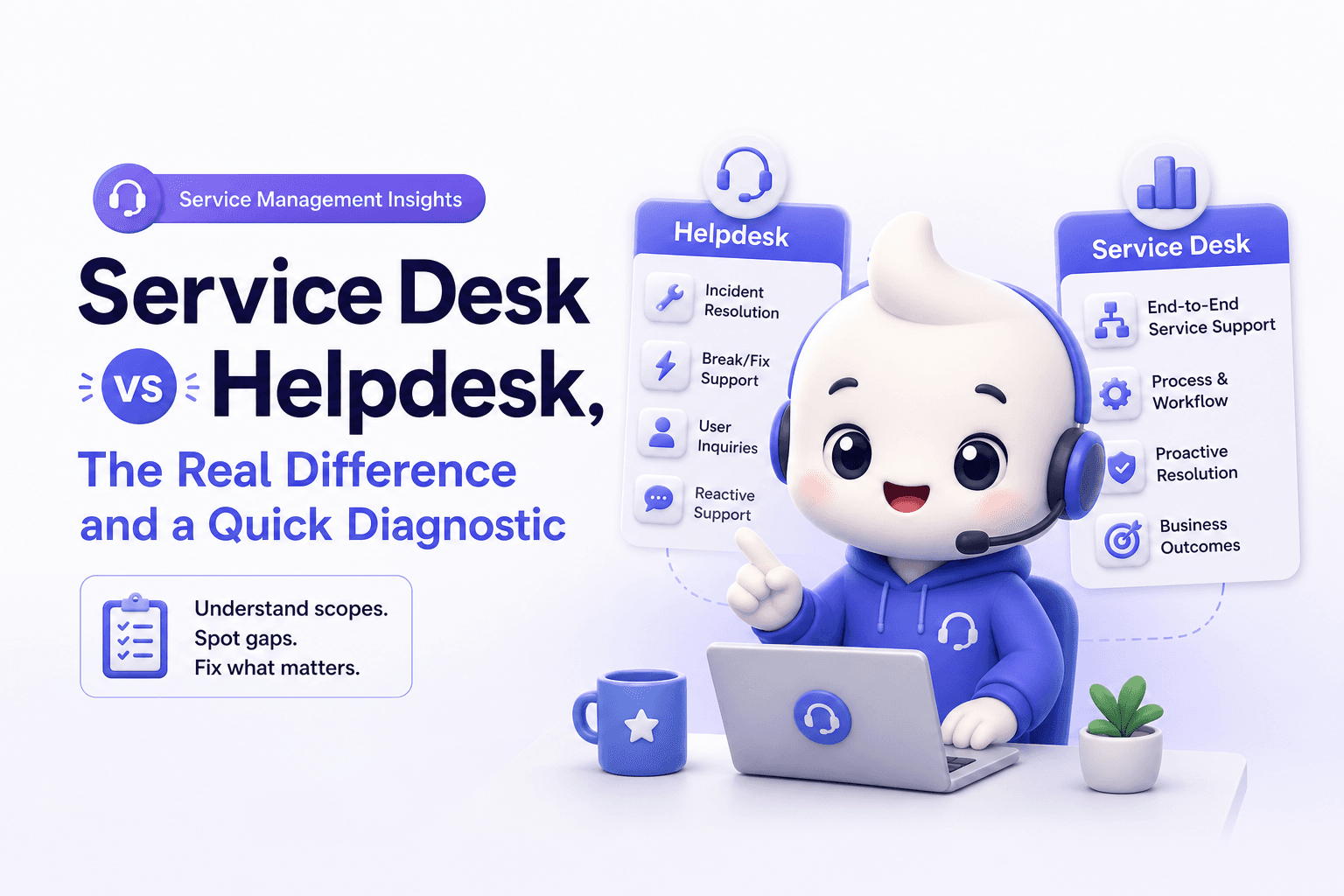
Service Desk vs Helpdesk, The Real Difference and a Quick Diagnostic
Learn service desk vs helpdesk with a 10-point diagnostic, comparison table, and 30-day metrics plan to improve support outcomes.
How Pennylane turned industry events into fully booked AE calendars with lemlist
How Pennylane turned industry events into fully booked AE calendars with lemlist
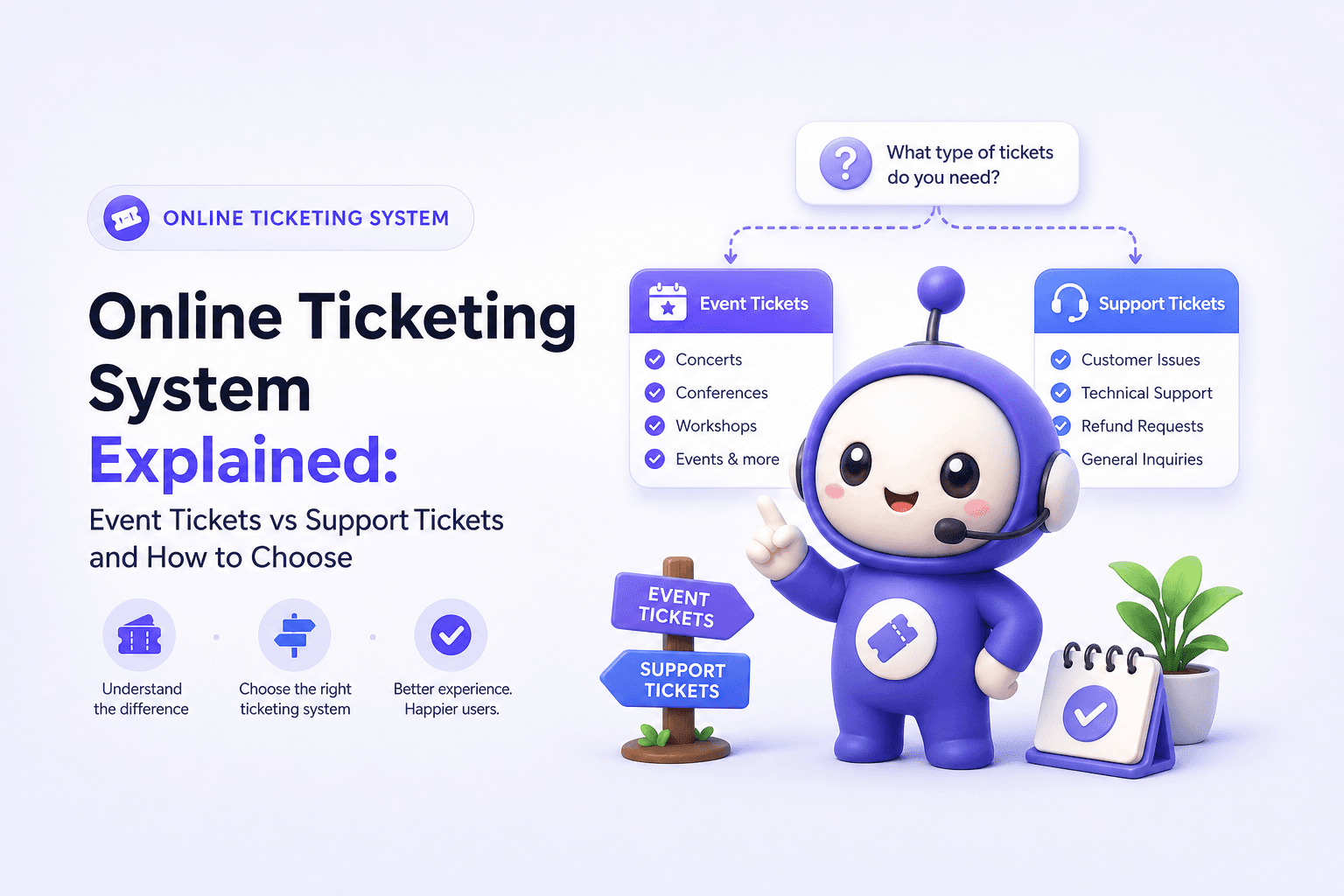
Online Ticketing System Explained: Event Tickets vs Support Tickets and How to Choose
Learn what an online ticketing system means (events vs help desk), how it works, key features, and how to choose the right one.