
IT Helpdesk Chatbot: Launch 24/7 Support in 10 Minutes
IT Helpdesk Chatbot: Launch 24/7 Support in 10 Minutes
An it helpdesk chatbot is the fastest way for a pre Series A SaaS team to stop answering the same questions (pricing, onboarding, basic bugs) while still delivering 24/7 responses without hiring. This guide focuses on measurable outputs: ticket deflection, faster first response, and clean bot to human handoff you can operationalize as your team grows.
- What an IT helpdesk chatbot should output (and how to measure it)
- 10 minute setup in CX Genie (time to first value)
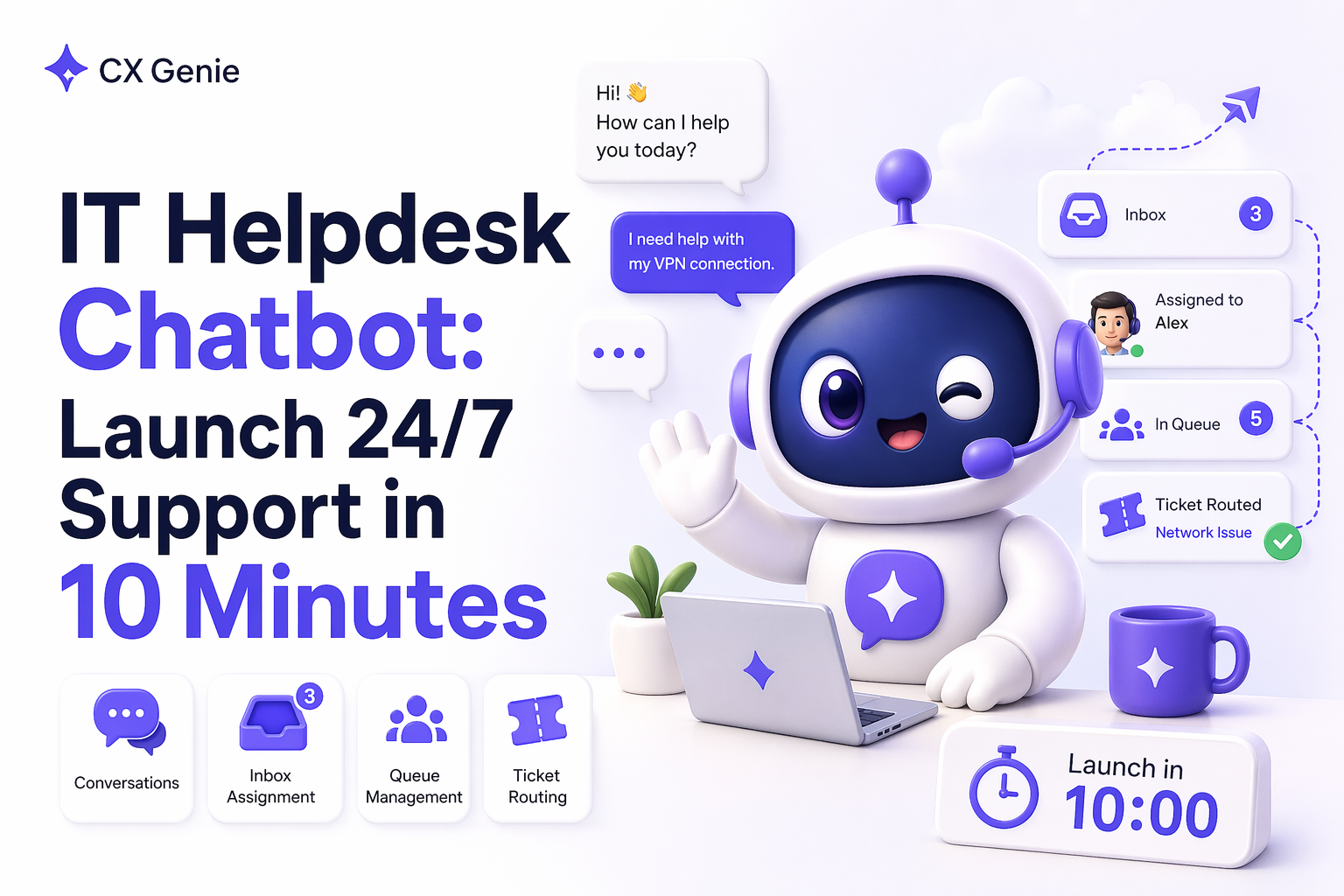
- Design bot to human handoff: inbox, queue, and tickets
- Weekly ROI scorecard: the metrics that prove it works
- When to upgrade from self serve to team plan
- Common failure modes (and fixes)
- An IT helpdesk chatbot is only valuable if it produces measurable outputs: deflection, faster first response, and better escalations.
- You can reach first value in under 10 minutes by importing a small FAQ set, setting tone and policy guardrails, and deploying a web widget.
- Retention comes from a weekly loop: unanswered questions become knowledge, QA feedback improves answers, reporting proves ROI.
- Team expansion is triggered by collaboration and governance needs: assignment, routing rules, permissions, and shared reporting.
What an IT helpdesk chatbot should output (and how to measure it)
For the ICP (pre Series A product and engineering teams), the problem is not “support tooling.” The problem is founder and PM attention getting fragmented by repeat tickets and off hours questions. A good it helpdesk chatbot should produce outputs you can track weekly.
- Ticket deflection: conversations resolved by the bot without a human. Measure: resolved vs escalated conversations.
- Time to first response (TTFR): instant bot replies, especially outside working hours. Measure: bot TTFR vs human TTFR.
- Escalation quality: when the bot cannot solve it, the handoff includes context and correct category. Measure: fewer back and forth messages before resolution.
- Consistency of tone and policy: answers match your refund and security boundaries. Measure: fewer “wrong promise” incidents and fewer escalations caused by misinformation.
- Lead capture to trial: convert support like chats into signups. Measure: leads captured from chat and lead to trial conversion.
CX Genie is designed around these outputs using: Knowledge Base and Knowledge Chunk for accuracy, Bot Configuration and Prompt and Model for guardrails, Deployment for fast go live, and Help Desk plus Ticketing to operationalize handoff.
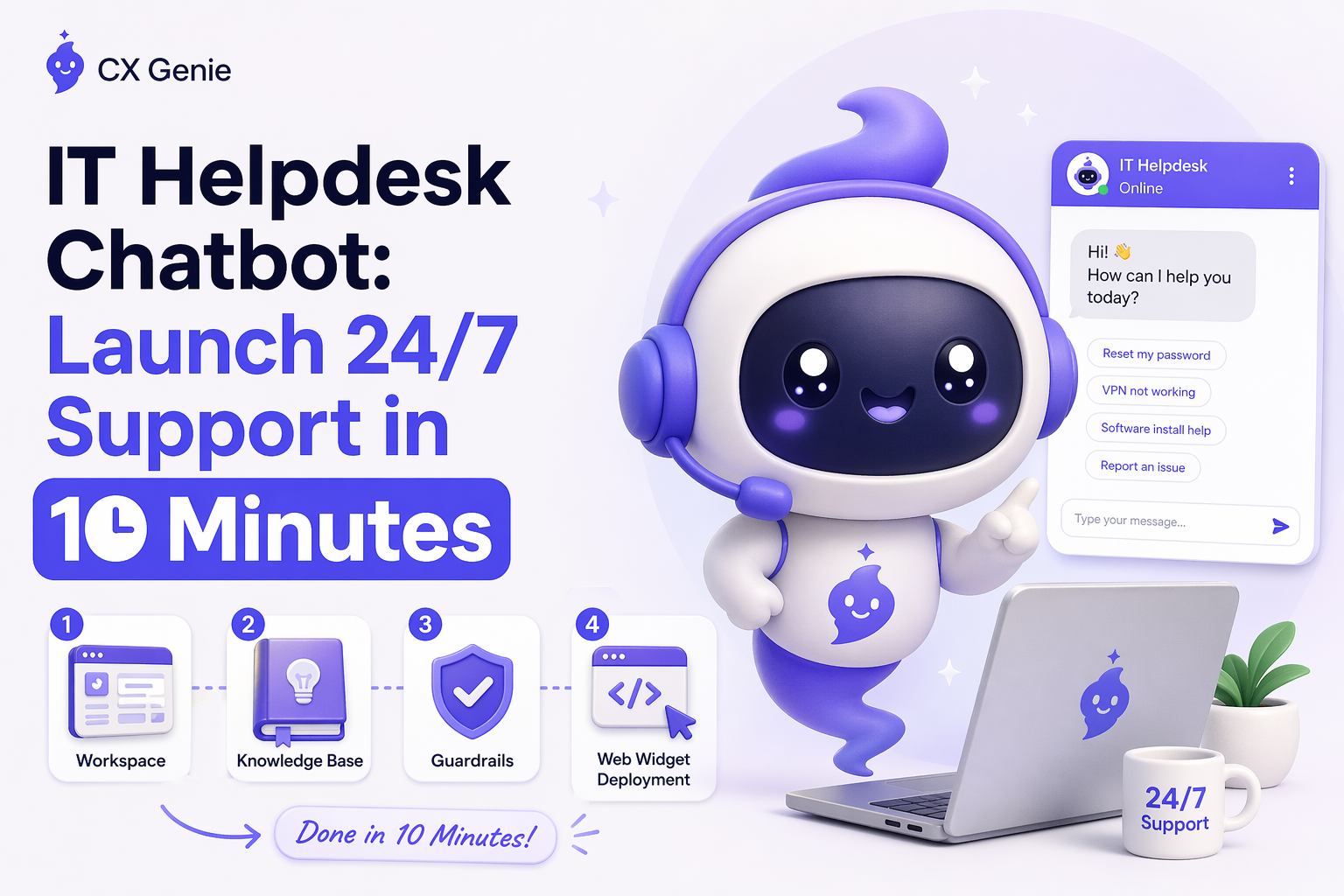
10 minute setup in CX Genie (time to first value)
The goal is not perfection. The goal is first value: a live widget that answers the top repeat questions and escalates the rest into an owned workflow.
Minute 0 to 1: Create a workspace with timezone and working hours
- Create your Workspace and set timezone and working hours.
- Output: correct outside hours behavior and accurate reporting aligned to your team schedule.
Minute 1 to 2: Connect an AI model
- In AI Models, connect the model you want your bot to use.
- Output: predictable cost per conversation and consistent response quality.
Minute 2 to 7: Build a minimum viable knowledge base (10 to 20 FAQs)
Start with the questions that interrupt your team weekly: pricing, trial limits, onboarding steps, common errors, and “where do I find X.”
- Add sources in Knowledge Base: FAQs, articles, documents, URLs, or external sources.
- Use Knowledge Chunk to inspect what the system extracted and what the bot will retrieve.
- Output: higher answer accuracy because you can validate chunks before users see them.
Minute 7 to 9: Set tone and policy guardrails
- In Bot Configuration, set greeting, tone, answer length, auto reply behavior, and citations.
- In Prompt and Model, add constraints like: do not promise refunds outside policy, do not provide security sensitive guidance, escalate billing disputes.
- Output: consistent founder voice and fewer risky answers.
Minute 9 to 10: Deploy the chat widget
- Use Deployment to install the code snippet on your marketing site or app, or launch a standalone chat page.
- Output: live 24/7 entry point that starts generating measurable conversation volume immediately.
If you want a focused walkthrough for a SaaS style bot launch, read ai support bot.
Design bot to human handoff: inbox, queue, and tickets
A chatbot alone does not fix support. The fix is a workflow where every unresolved conversation becomes owned work with routing and visibility.
- Conversations: a single timeline of all customer chats, so nothing is lost across channels.
- Inbox: assign conversations to a specific owner (founder, PM, engineer on rotation).
- Queue: track what is waiting and prevent silent backlog.
- Mentions and Collaboration: pull in engineering for tricky cases without switching tools.
When a chat needs follow up, convert it into a ticket:
- Tickets: create from a conversation or manually.
- Ticket Rules: route by category, tags, intent, or priority.
- Ticket Views: create views like “Onboarding blockers,” “Billing,” “Bug reports,” “Security questions.”
This is the difference between a widget and a real support system. For a broader overview of running a lightweight help desk, see customer help desk.
Weekly ROI scorecard: the metrics that prove it works
Pre Series A teams are budget sensitive. You need proof in 14 to 30 days. Use a weekly scorecard that maps directly to time saved and pipeline impact.
| Metric | How to track in CX Genie | Decision it supports |
|---|---|---|
| Deflection rate | Resolved conversations vs escalated to Inbox or Tickets | Is the bot reducing interruptions enough to justify cost? |
| TTFR | Bot replies instantly; compare to human response time in Inbox | Are you losing leads outside hours? |
| Escalation quality | Ticket tags, categories, and conversation context | Is engineering time being wasted on poor triage? |
| Knowledge coverage | Top unanswered questions and missing knowledge chunks | What should you add to KB next week? |
| Quality trend | QA Feedback and AI Improvement loop | Is accuracy improving as your product changes? |
For pre Series A SaaS teams, the highest leverage pattern is a weekly improvement loop: every escalated question becomes structured knowledge, then QA feedback improves the bot. CX Genie supports this with Knowledge Chunk inspection plus QA Feedback and AI Improvement, so deflection rises without sacrificing policy accuracy.
When to upgrade from self serve to team plan
Start self serve with one owner to validate ROI. Upgrade when collaboration and governance become the bottleneck.
- More than 2 people touch support weekly: you need assignment, mentions, and collaboration to avoid duplicate replies.
- Conversation volume is increasing: queues and ticket views become necessary to maintain response SLAs.
- You need routing rules: Ticket Rules to triage billing vs bugs vs onboarding blockers without manual sorting.
- You need permissions and governance: Team Management for roles, access control, and consistent bot configuration across users.
- You need reporting for ROI: Statistics for reporting to justify seats and usage as you scale.
In CX Genie, team expansion is natural: add seats for Inbox ownership, standardize tags and views, and scale usage by conversations while keeping unit economics visible.
Common failure modes (and fixes)
Failure mode 1: importing messy docs and expecting accuracy
Fix: start with curated FAQs, then use Knowledge Chunk to validate retrieval. Enable citations so users can verify sources.
Failure mode 2: no clear escalation path
Fix: define bot workflow escalation triggers and ensure every escalated conversation becomes a ticket with an owner and tags.
Failure mode 3: measuring vanity metrics only
Fix: track deflection, TTFR, and escalation quality. These map to time saved and conversion impact.
Failure mode 4: no weekly improvement loop
Fix: review QA Feedback weekly and apply AI Improvement so the bot stays aligned as your product ships changes.
Câu hỏi thường gặp
Is an it helpdesk chatbot only for IT departments?
No. For early stage B2B SaaS teams, this search often represents a need to handle repeat support and ops questions with a measurable deflection and escalation workflow.
What do I need to get first value in under 10 minutes?
You need a workspace, an AI model connection, 10 to 20 curated FAQs or docs, basic tone and policy guardrails, and a deployed chat widget.
How do I keep answers consistent with founder tone and policy?
Use Bot Configuration for tone and citations, and Prompt and Model settings for policy boundaries. Then run a weekly QA Feedback review and apply AI Improvement.
When should I upgrade to a team plan?
Upgrade when you need multiple owners, routing rules, permissioned access, shared reporting, and standardized workflows across Inbox, Queue, and Tickets.
Next step: Launch your it helpdesk chatbot self serve by deploying the widget and importing your top FAQs today. Track deflection and TTFR for 7 days, then expand to a team inbox when collaboration and routing become your bottleneck.
Unknown Author
Stay in the loop
Get the latest insights on SaaS growth, product strategy, and more delivered to your inbox.