
Customer help desk: launch 24/7 support in 10 minutes
A customer help desk is only valuable if it produces measurable outcomes fast: fewer repeat tickets, faster first response time, and more leads captured after hours. For a pre-Series A SaaS team, the goal is not “more tools” it is a workflow you can launch in under 10 minutes and prove ROI within the first week.
Mục lục
- What a customer help desk should output (not features)
- The 10-minute setup: from zero to first value
- A weekly operating loop that drives retention
- How to measure ROI: 5 metrics you can review weekly
- When to upgrade to a team plan (clear signals)
- Common pitfalls and how to avoid them
Key Takeaways
- A help desk should produce outputs you can measure: deflection, first response time, and clean handoffs.
- You can reach first value in under 10 minutes by deploying a web widget connected to a small, curated knowledge base.
- Weekly retention comes from a tight loop: triage queues, fix knowledge gaps, and improve bot answers with QA feedback.
- Upgrade to a team plan when routing, collaboration, and reporting become the bottleneck.
What a customer help desk should output (not features)
If you are a technical founder or PM also handling support, you do not need a “platform.” You need outputs that reduce context switching and protect your product roadmap time. Here are the outputs a modern help desk should generate for a small SaaS team:
- Repeat-question deflection: the bot answers common questions (pricing, onboarding, basic troubleshooting) without human involvement.
- 24/7 first response: every inbound gets an immediate answer or a structured handoff to a human, even outside working hours.
- Clean handoff and ownership: conversations that need a human become assigned work with context, not a messy chat thread.
- Intent and lead capture: you capture contact details and tag intent (trial request, pricing, bug) so follow-up is systematic.
- Continuous improvement: you can see which answers were unhelpful and fix the source content quickly.
CX Genie is built to deliver these outputs by combining: an AI bot (knowledge-based answers) plus a help desk layer (conversations, inbox, queue, mentions, collaboration) plus ticketing (rules, routing, views) plus customer data (contacts, tags) and basic marketing actions (forms, broadcasting, notifications).
 From a curated knowledge base to a live chat widget that answers repeat questions in minutes.
The 10-minute setup: from zero to first value
This setup is optimized for self-serve. The goal is to get a working customer help desk live today, not to migrate everything you have ever used.
Step 1 (2 minutes): Create a workspace and set working hours
- Create your Workspace and set timezone and working hours.
- Output: after-hours conversations can be queued for the next business window, while the bot still responds instantly.
Step 2 (4 minutes): Build a small knowledge base you trust
- Add 10 to 20 FAQs, or import from articles, documents, and URLs into Knowledge Base.
- Use Knowledge Chunk to audit what the bot will actually retrieve (spot duplicates, missing context, or outdated policy).
- Output: the bot can answer repeat questions using your sources, reducing human interruptions.
Step 3 (2 minutes): Set guardrails for tone and policy
- Configure greeting, tone, answer length, and citations in Bot Configuration.
- Select your model and parameters in Prompt and Model.
- Output: consistent founder-approved answers (especially for refunds, pricing boundaries, and security statements).
Step 4 (2 minutes): Deploy the chat widget
- Copy the Deployment snippet and add it to your marketing site or app.
- Output: real conversations start flowing into Conversations immediately.
Time-to-first-value under 10 minutes: once the widget is live, test 3 to 5 common questions. If the bot answers correctly and cites the right source, you have a working baseline you can improve weekly.
A weekly operating loop that drives retention
Tools do not create retention. A weekly operating loop does. Here is a lightweight loop a pre-Series A team can run in 30 minutes every week:
- Triage: review Queue, then assign items into the right owner’s Inbox.
- Collaborate: use Mentions and Collaboration to pull in engineering or product context without losing the thread.
- Convert to tickets: create Tickets for issues that require work (bugs, billing exceptions, feature requests).
- Route automatically: add Ticket Rules to route by tag, channel, or intent as volume grows.
- Improve the bot: capture QA Feedback, then apply AI Improvement so next week’s volume is lower.
This loop creates a weekly trigger: you are not just answering customers, you are systematically reducing future load and improving conversion.
Expert Insight
In pre-Series A SaaS, the biggest hidden cost is context switching. A customer help desk wins when it turns repetitive questions into automated answers and turns real issues into structured tickets with clear ownership. If you cannot show deflection and first response time improvements within the first week, you will struggle to justify adding seats later.
How to measure ROI: 5 metrics you can review weekly
You do not need perfect analytics to prove value. Start with five metrics you can review weekly in your ops sync:
- Deflection rate: percent of conversations resolved by the bot without human replies.
- First response time: time from first message to first meaningful answer (bot or human).
- Queue time: how long conversations sit unassigned.
- Ticket creation rate: percent of conversations that become tickets (ideally lower for FAQs, higher for real issues).
- Lead-to-trial assist: number of contacts captured from chat that later start a trial (track via Contacts and tags).
CX Genie supports this measurement through Statistics for reporting plus structured data capture (contacts, tags, tickets). The practical goal is straightforward: reduce repeat load while increasing after-hours conversion.
When to upgrade to a team plan (clear signals)
Start self-serve with one owner. Upgrade when collaboration and governance become the bottleneck. Use these concrete signals:
- More than one person touches support weekly: you need Team Management, permissions, and shared visibility.
- You need routing rules: use Ticket Rules and custom Ticket Views to keep work organized by owner and priority.
- Queues are growing: you need multiple inboxes, faster assignment, and internal mentions for handoffs.
- You need consistent reporting: leadership wants weekly numbers across conversations, tickets, and response times.
- Usage limits start to matter: you want predictable billing by seats and conversation volume via Subscription and Usage.
Self-serve is your distribution engine: one person can launch and prove value quickly. Team plan is where you standardize the workflow and scale without losing tone, policy, or accountability.
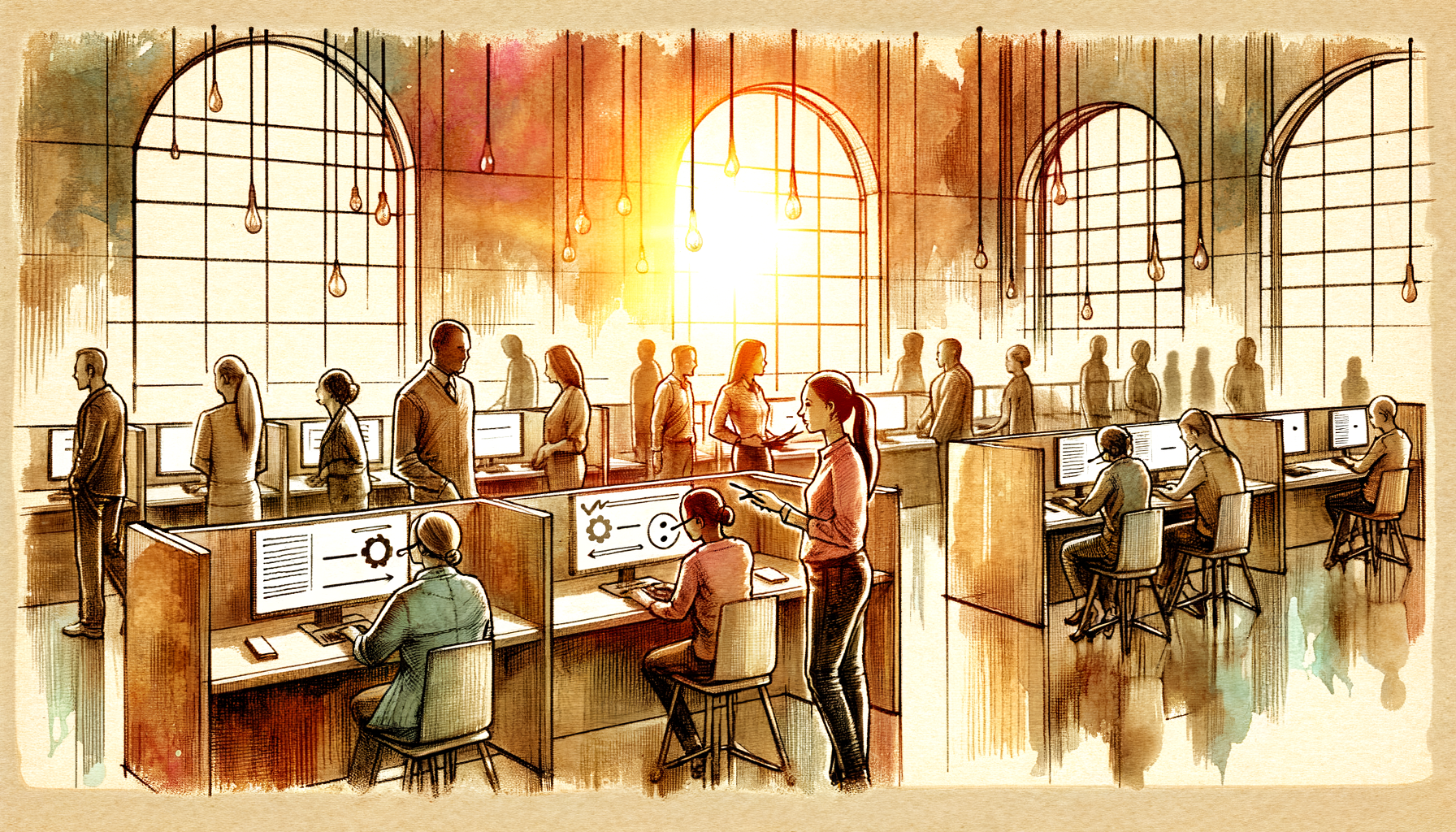 A scalable workflow: conversations to inbox and queue, then tickets with rules and reporting.
Common pitfalls and how to avoid them
- Pitfall: dumping messy docs into the bot and expecting accuracy. Fix: start with a small curated FAQ set, then expand. Audit chunks before scaling sources.
- Pitfall: bot-only with no human handoff. Fix: ensure conversations flow into queue and inbox, and convert to tickets when needed.
- Pitfall: no tagging or categorization. Fix: standardize tags (pricing, onboarding, bug, billing) so you can measure and route.
- Pitfall: no weekly review loop. Fix: schedule 30 minutes weekly to triage, improve answers, and close the loop with broadcasts or follow-ups.
Câu hỏi thường gặp
What is a customer help desk for a SaaS startup?
It is a system to capture customer conversations, respond quickly, and turn real issues into tickets with ownership. A modern setup also deflects repeat questions using a knowledge-based bot.
How fast can I get first value from CX Genie?
If you already have a few FAQs or docs, you can deploy a chat widget and answer repeat questions in under 10 minutes by creating a workspace, adding knowledge sources, and pasting the deployment snippet.
How do I keep the bot on brand and avoid risky answers?
Use bot configuration and prompt settings to control tone, answer length, and citation behavior. Keep the knowledge base curated and review weak answers using QA feedback.
When should I move from self-serve to a team plan?
Upgrade when you need multiple seats, permissions, routing rules, shared inboxes, and consistent reporting. A simple trigger is when more than one person handles support weekly or queues start building up.
Can a help desk also support lead capture and nurture?
Yes. You can capture contacts from conversations, tag intent, and use forms or broadcasting for follow-ups. This is especially useful for after-hours inbound that would otherwise be lost.
Next step: Start with CX Genie self-serve by launching your customer help desk on your website today. Once you see repeat ticket deflection and after-hours coverage, add seats, routing rules, and reporting to scale across the team.
Unknown Author
Stay in the loop
Get the latest insights on SaaS growth, product strategy, and more delivered to your inbox.