
 CX Genie
Best AI Chatbot for B2B SaaS: Fast Setup, Measurable CX
Find the best ai chatbot for B2B SaaS with setup under 10 minutes, measurable deflection and lead capture. Try CX Genie self serve, then scale to teams.
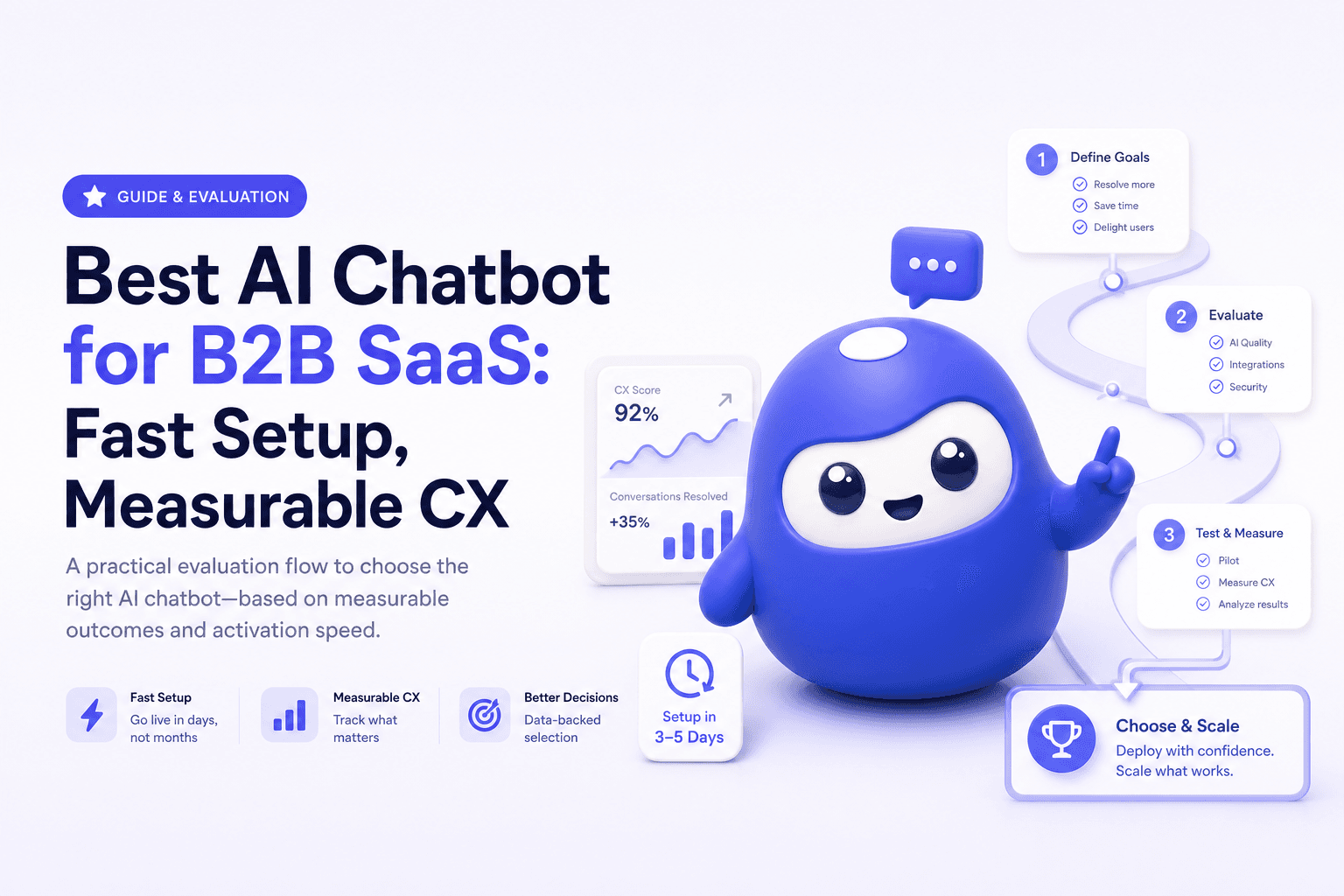
If you are searching for the best ai chatbot, you are likely trying to ship a chatbot that actually reduces tickets, captures leads, and improves response time without a long implementation. This guide is written for B2B SaaS teams that want time to first value in under 10 minutes and a clear path from self serve testing to team rollout.
- What “best AI chatbot” means for B2B SaaS (outputs first)
- Evaluation criteria: activation speed, outputs, and weekly triggers
- Top AI chatbot options (and when to choose each)
- How to get first value in under 10 minutes with CX Genie
- How to measure ROI: a simple scorecard
- When to upgrade to a team plan (clear signals)
- The best AI chatbot is the one that produces measurable outputs: deflection, lead capture, and faster resolution.
- Prioritize time to first value under 10 minutes and a weekly trigger (new tickets, new releases, new campaigns).
- Start self serve with one high volume use case, then expand to team features like roles, QA, and reporting.
- Use a scorecard to compare tools by cost per resolved conversation, not feature lists.
What “best AI chatbot” means for B2B SaaS (outputs first)
For B2B SaaS, “best” rarely means the most advanced model. It means the fastest path to a repeatable workflow that produces outputs your team can track weekly:
- Ticket deflection: fewer repetitive support tickets (measured as deflection rate).
- Faster first response: instant answers for common questions (measured as time to first response).
- Lead capture: qualified leads from pricing, integration, and security questions (measured as leads captured per week).
- Cleaner handoff to humans: when the bot cannot solve it, it collects context (measured as average handle time reduction).
CX Genie is designed around that full flow: marketing automation to engage, then after sale support to resolve and retain.
Evaluation criteria: activation speed, outputs, and weekly triggers
Use these criteria to evaluate any AI chatbot in a product led setup:
1) Activation speed (setup under 5 minutes)
- Can you connect a knowledge source quickly (docs URL, help center, or uploaded FAQs)?
- Can you publish to a website widget without engineering?
2) Time to first value (under 10 minutes)
- Can you run a real conversation and see a correct answer?
- Can you see a transcript and a confidence signal?
3) Measurable outputs (weekly reporting)
- Deflection rate, escalations, top intents, and unresolved questions.
- Lead events: email captured, demo requested, pricing clicked.
4) Cost per output (unit economics)
- Estimate cost per resolved conversation and compare it to support cost saved.
- Avoid tools that look cheap per seat but become expensive per conversation at scale.
5) Team expansion readiness
- Roles and permissions, shared inbox or routing, QA workflows, audit logs.
- Standardization: approved answers, versioned knowledge, and change history.
Top AI chatbot options (and when to choose each)
Below is a practical shortlist based on common B2B SaaS workflows. The goal is not “most features”, but fastest measurable outcomes.
| Criteria | CX Genie | Generic website chat widget | Enterprise support suite bot |
|---|---|---|---|
| Setup time | Minutes (self serve) | Fast, but limited AI quality | Weeks (implementation) |
| Time to first value | Under 10 minutes with one knowledge source | Fast, but often scripted | Slow due to configuration |
| Primary output | Deflection, lead capture, support handoff | Live chat conversations | Case management at scale |
| Weekly trigger | New tickets, new docs, new campaigns | Depends on agents online | Ops driven, less self serve |
| Team expansion | Collaboration, governance, reporting | Basic seats | Strong, but heavy process |
Choose CX Genie if you want a full customer engagement flow and you care about measurable outputs quickly, then expanding to a team workflow.
Choose a generic widget if you only need basic live chat and do not need deflection or knowledge based automation.
Choose an enterprise suite if you already run a large support org and can afford long setup and admin overhead.
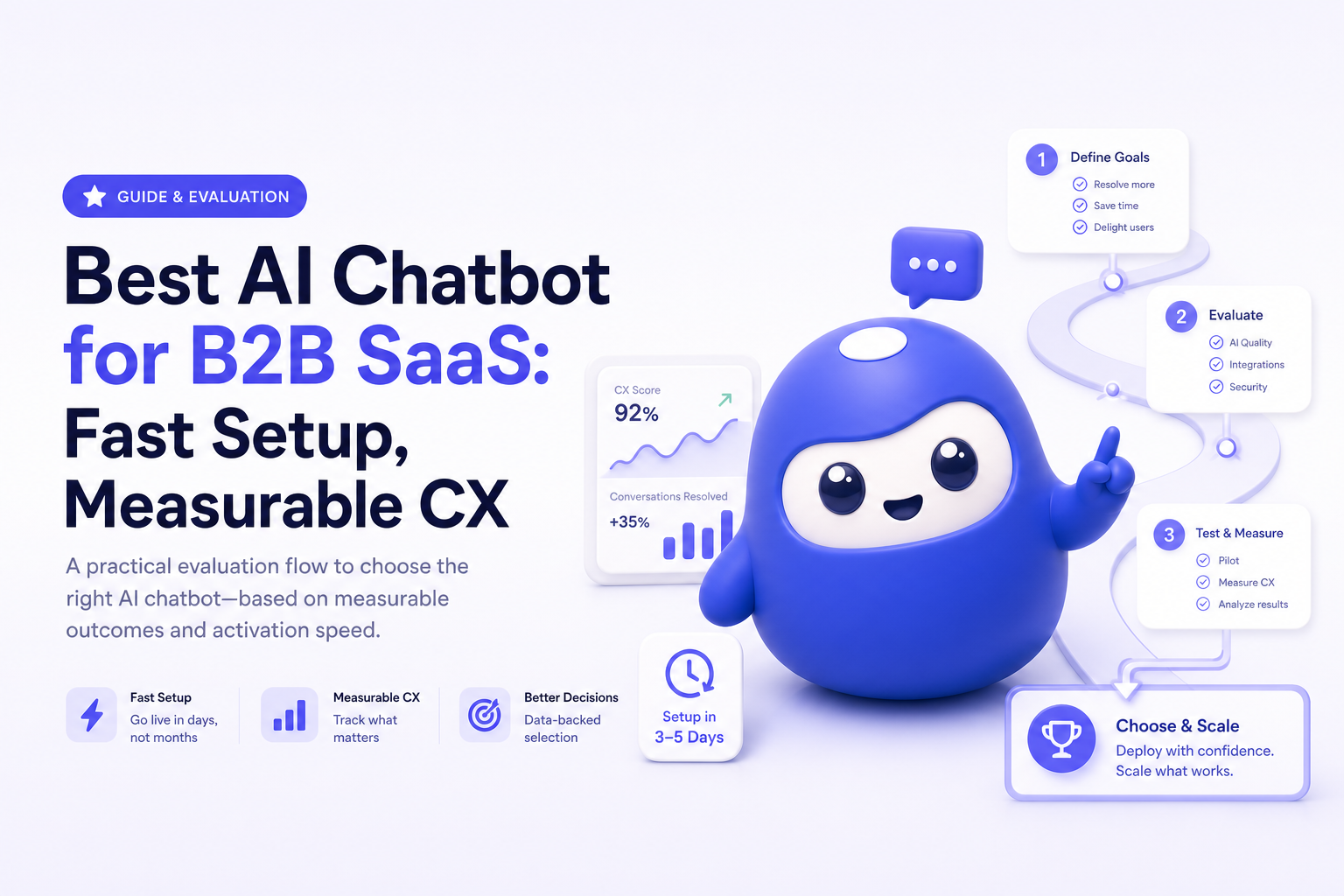
How to get first value in under 10 minutes with CX Genie
This is a self serve path designed for speed. If you want to see it before configuring anything, start with an AI chatbot demo to understand the expected output and conversation quality.
Step by step quickstart
- Pick one high volume use case: pricing questions, integration setup, password reset, or onboarding steps.
- Add one knowledge source: your public docs or help center page.
- Run 5 real questions from your last week of tickets and record outcomes: resolved, escalated, or wrong.
- Publish the widget to one page first (for example, docs or pricing).
- Set an escalation rule: when confidence is low, collect email, product plan, and issue summary for human follow up.
What “first value” looks like (measurable)
- Within 10 minutes: at least 1 correct answer from your real knowledge base, with a saved transcript.
- Within 1 week: a list of top questions and gaps in your docs, plus early deflection signals.
In most SMB B2B SaaS deployments, the biggest lever is not model choice. It is knowledge hygiene. A bot that surfaces “unanswered questions” weekly becomes a documentation engine, which compounds deflection and reduces onboarding friction over time.
How to measure ROI: a simple scorecard
Use a lightweight scorecard so you do not get stuck in feature comparisons:
- Deflection rate = resolved by bot / total bot conversations
- Escalation quality = percent of escalations with complete context (email, account, issue summary)
- Cost per resolved conversation = monthly tool cost / resolved conversations
- Lead capture rate = leads captured / pricing page conversations
If you want a benchmark, start by pulling your last 20 repetitive tickets and see how many can be answered from existing docs. That gives you an immediate ceiling for deflection without rewriting everything.
When to upgrade to a team plan (clear signals)
Start self serve with one owner. Upgrade when the workflow becomes shared and governance matters. Common signals:
- More than 2 people need to edit knowledge, review answers, or handle escalations.
- Weekly volume increases (for example, product launches create spikes) and you need consistent routing and QA.
- You need permissions: marketing updates lead flows, support manages escalation rules, ops owns reporting.
- You need standardization: approved answers, change history, and reporting by segment or channel.
- You need accountability: weekly dashboards for deflection, unresolved intents, and SLA impact.
This is where team expansion pays off: the bot becomes a shared system, not a personal experiment.
FAQ
What is the best ai chatbot for a small B2B SaaS team?
The best choice is the one that reaches first value fast and produces measurable outputs like deflection and lead capture. For many SMB teams, starting with one knowledge source and one page rollout is the fastest path.
How fast can I see results from an AI chatbot?
You can validate first value in under 10 minutes by testing real questions against your docs. Meaningful ROI typically needs one week of traffic to measure deflection, escalations, and top unanswered questions.
How do I prevent the chatbot from giving wrong answers?
Use confidence thresholds, restrict sources to approved docs, and set escalation rules that collect context for human follow up. Review transcripts weekly and update knowledge based on unresolved intents.
When should I move from self serve to a team rollout?
Upgrade when multiple people need to manage content and escalations, when you need roles and permissions, and when reporting becomes a weekly operating rhythm for support and marketing.
Next step: start self serve with CX Genie on one high volume use case, validate first value in under 10 minutes, then expand to a team plan once you need governance, QA, and shared reporting.
Read Next
View all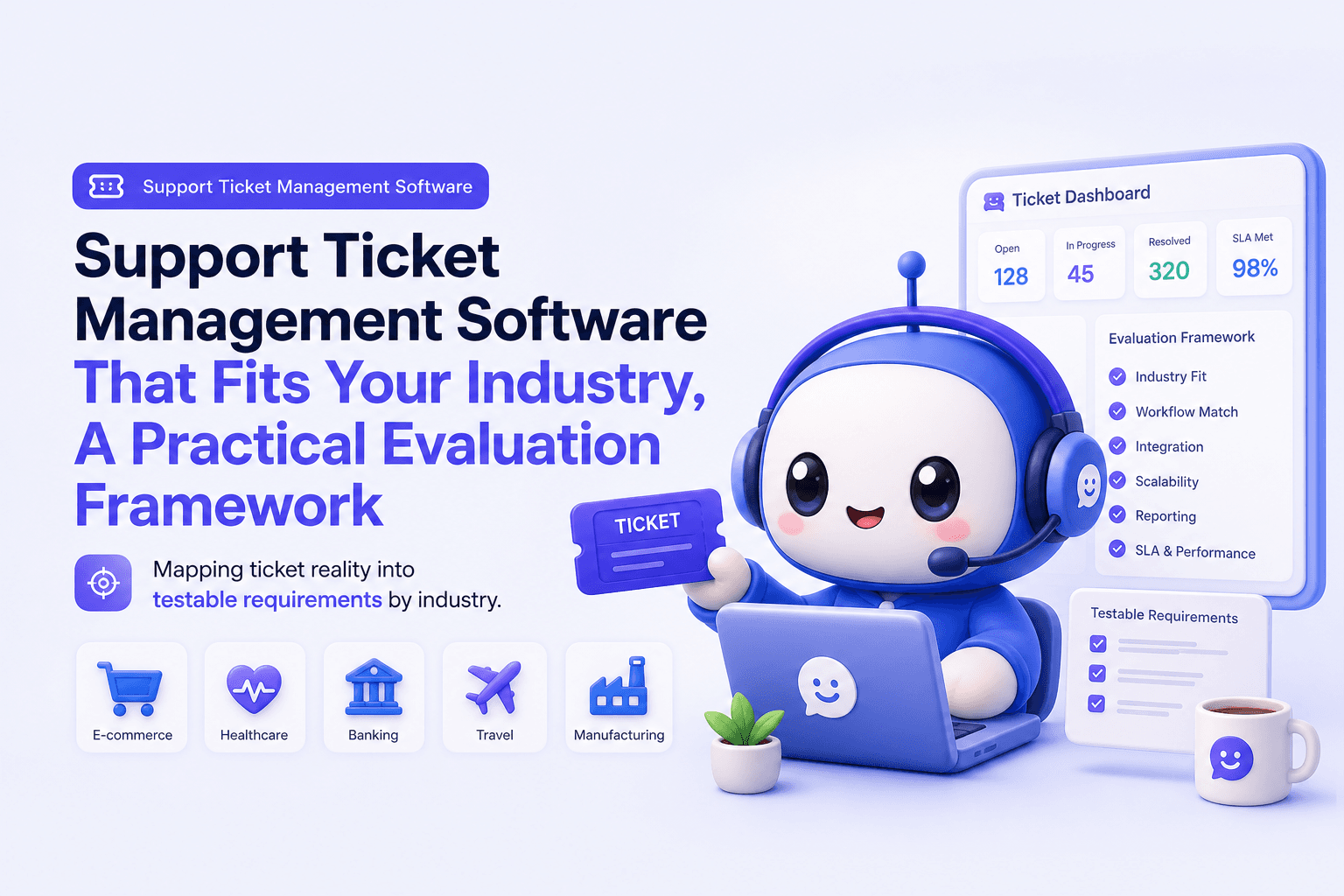
Support Ticket Management Software That Fits Your Industry, A Practical Evaluation Framework
Choose support ticket management software by industry with a 30-day scorecard, SLA and routing checklist, and KPIs to prove impact.

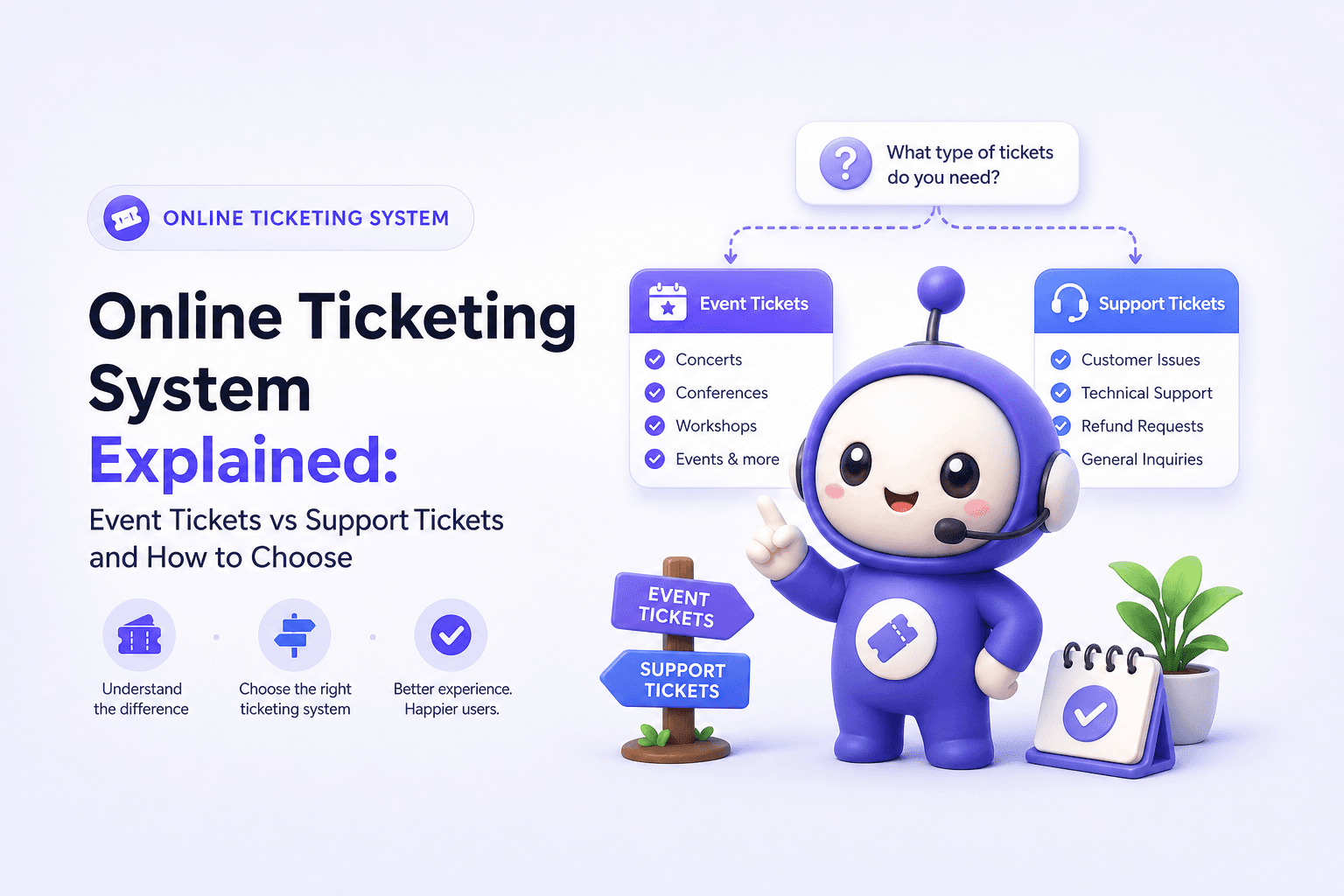
Online Ticketing System Explained: Event Tickets vs Support Tickets and How to Choose
Learn what an online ticketing system means (events vs help desk), how it works, key features, and how to choose the right one.
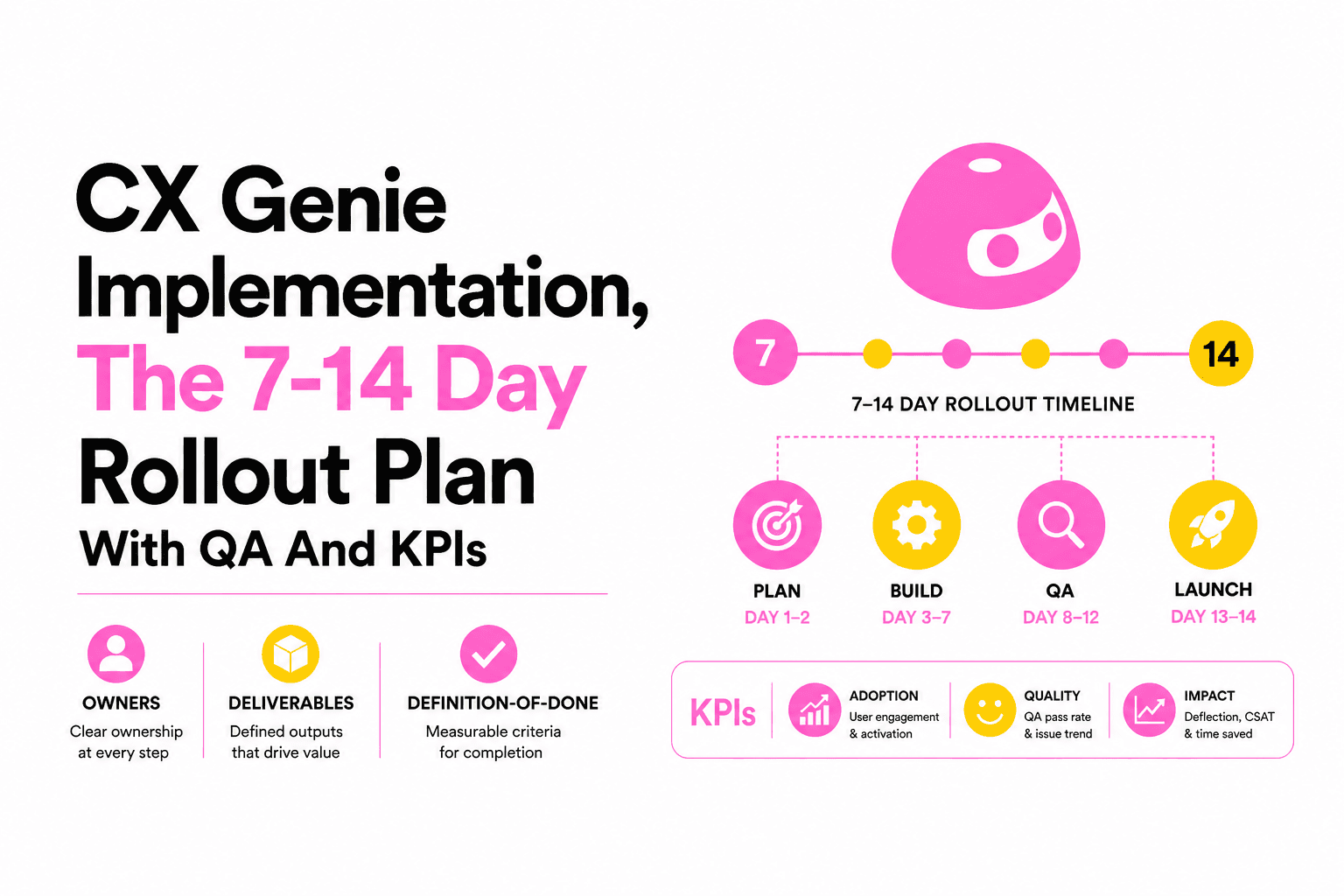
CX Genie Implementation, The 7-14 Day Rollout Plan With QA And KPIs
A practical cx genie implementation playbook: owners, knowledge onboarding, workflows, channel QA, and KPI gates to launch in 7-14 days.